Loading video…
All breakouts

Locked — included with Pro.Open on TikTokPro
Pro links straight through to the original post.
5.1Talking HeadHow-To hook
Hook
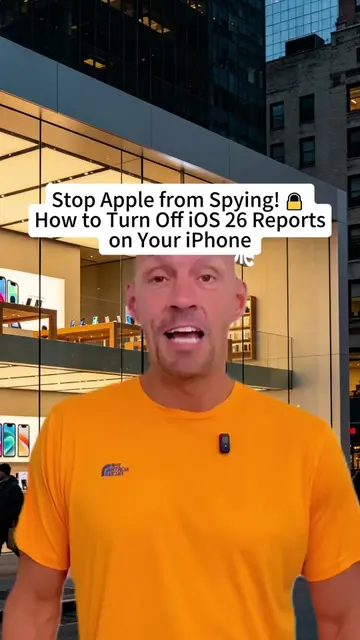
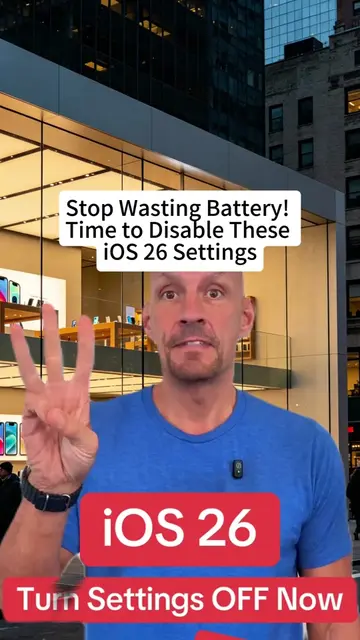
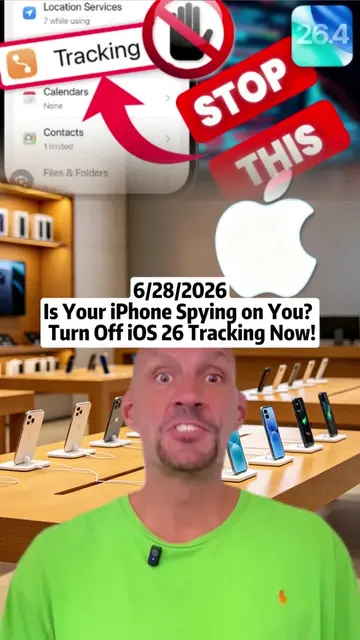
Protect Your Privacy: How to Disable iOS 26 Tracking!
@nohaakter699
10.0K followers · usually 594 views a post
Views
3.0K
Likes
28
Comments
0
Shares
20
Why it worked
The video addresses a common user concern about privacy and provides a clear, step-by-step tutorial on how to disable a specific tracking feature on iOS, making it highly relevant and shareable.
Summary
This video demonstrates how to disable tracking features on iOS 26 to protect user privacy. It guides viewers through the iPhone settings to turn off 'Significant Locations & Routes' within 'System Services'.
ProLocked — included with Pro
Transcript, structure and on-screen text
6 beats, a 160-word transcript and 1 lines of on-screen text — the parts you need to write your own version.
The hook, the summary, why it worked and what it sells stay open on every video, signed in or not.
Original caption
Protect Your Privacy: How to Disable iOS 26 Tracking! 📱🔒 #iPhonePrivacy #TechTips #DataProtection #scottpolderman #iphone #iphonetips #iphonetricks #ios26
More from @nohaakter699
Their other posts in the index, biggest breakout first.