Loading video…
Sound

original sound - a2zmobilehouse7
A2Z Mobile House · Original audio
0:00–:––
Playing this video’s own audio, so you’ll hear the creator over the sound.
Hook
Posted Aug 16, 2026Video · 0:42by @a2zmobilehouse7
The video provides a practical and easily replicable solution to a common user problem (taking screenshots) by leveraging a hidden feature on Samsung phones, making it highly shareable and useful.
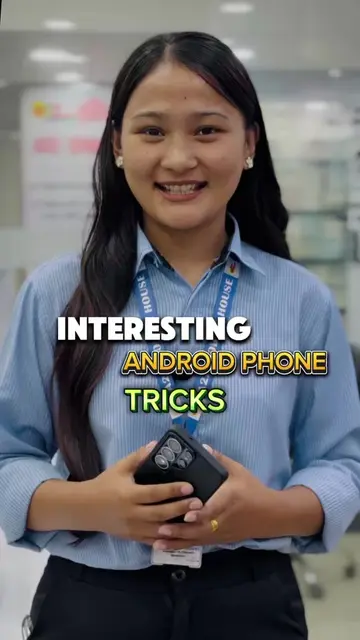
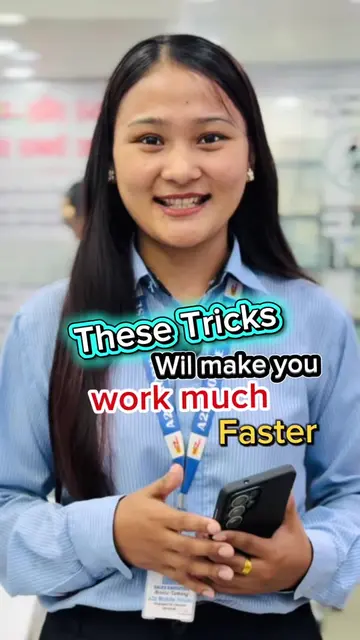
This video demonstrates how to enable the back-tap screenshot feature on Samsung phones using the Good Lock and RegiStar apps. It shows the steps to install and configure the apps to allow taking screenshots by double-tapping the back of the phone.
information video #a2zmobilehouse #informativevideo #beoriginalgetoriginal #foryoupage #a2zloyaltyapp
के तपाईं Samsung मा अझै पनि यसरी नै स्क्रिनसट लिनुहुन्छ?
Introduction to the problem of traditional screenshots
Demonstration of the back-tap screenshot feature
Instructions to install Good Lock and RegiStar apps
Configuration of the back-tap action for screenshots
Conclusion and call to follow for more tips
Samsung acts - the phone is used to demonstrate features. Samsung is the subject. A2Z Mobile House acts - it is the business where the video is filmed and the presenter works. It is the subject. Good Lock acts - it is an app that is installed and used to enable a feature on the Samsung phone. It is the subject. RegiStar acts - it is an app within Good Lock that is installed and used to enable the back-tap feature. It is the subject.
Follow our TikTok account to not miss out on such effective tricks.
Playing this video’s own audio, so you’ll hear the creator over the sound.
Promotes 6 products. Create free account to see more.
Outliers and viral hits: their videos on Overshot, all time.
Samsung phone customization app for configuring settings and shortcuts
All time.