Loading video…
Sound

original sound - madetoplan
MADEtoPLAN ★ digital planning · Original audio
0:00–:––
Playing this video’s own audio, so you’ll hear the creator over the sound.
The video uses a popular 'POV' hook and satisfying, high-quality screen recording of a common productivity workflow, making the app's features look effortless and desirable.
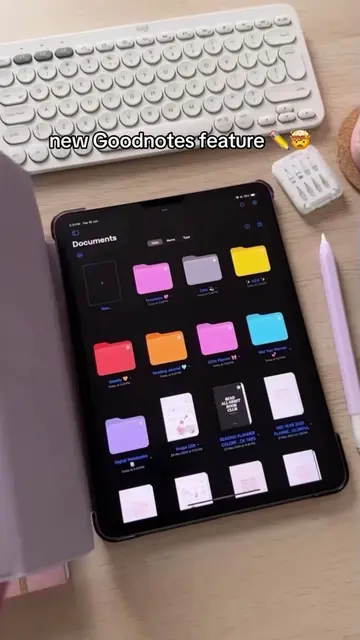
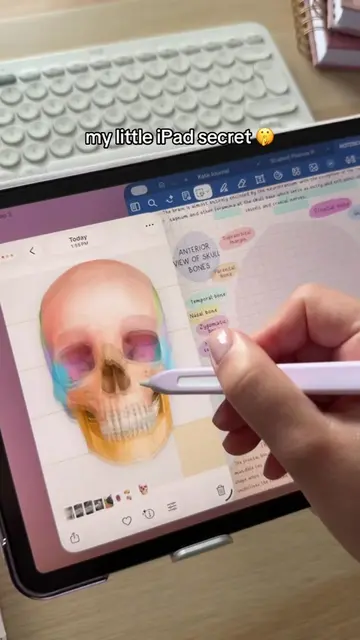
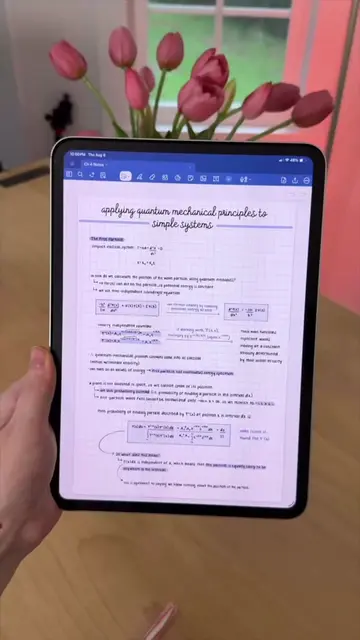
A creator demonstrates how to use the Goodnotes app on an iPad to organize anatomy notes using digital templates. The video showcases features like the rectangle crop tool, font selection, and sticky note placement.
Take notes with me on my iPad templates 💕 the notebook is linked in my bio ✏️📄👩🏻💻📎 #studynotes #studytok #studywithme #anatomyclass #biology @Goodnotes
pov: you switched to iPad note-taking ✍🏻
Opening the digital planner
Cropping an image of a brain
Formatting text with custom fonts
Adding sticky notes and adjusting stroke settings
Finalizing the anatomy study page
Goodnotes (a digital note-taking app) ACTS; it is the interface being operated to crop, format, and organize notes. Removing it would change the entire video as the content is a demonstration of its features. The creator's own digital planners (MADEtoPLAN) APPEAR; they are the templates being used in the app. Removing them would change the specific aesthetic but not the core functionality demonstrated.
the notebook is linked in my bio
Playing this video’s own audio, so you’ll hear the creator over the sound.
Promotes 1 product. Create free account to see more.
Outliers and viral hits: their videos on Overshot, all time.
Digital note-taking app for students organizing and annotating class notes
All time.