Loading video…
Sound

original sound - moessmart_official
moes · Original audio
0:00–:––
Playing this video’s own audio, so you’ll hear the creator over the sound.
Hook
Posted Nov 16, 2026Video · 0:46by @moessmart_official
The video addresses a specific pain point—the desire for physical tactile buttons alongside modern touchscreen controls—and demonstrates the installation process clearly without unnecessary fluff.
A creator demonstrates the installation and operation of a MOES Smart Control Panel Mini, showing how it replaces a traditional light switch. The video highlights the device's combination of a touchscreen interface and physical buttons for smart home control.
a touchscreen AND 3 real buttons? finally, someone understands what we actually want. 😂 #moes #smarthome #smartpanel #smartlighting #homeautomation
a touchscreen AND 3 real buttons? finally, someone understands what we actually want. 😂
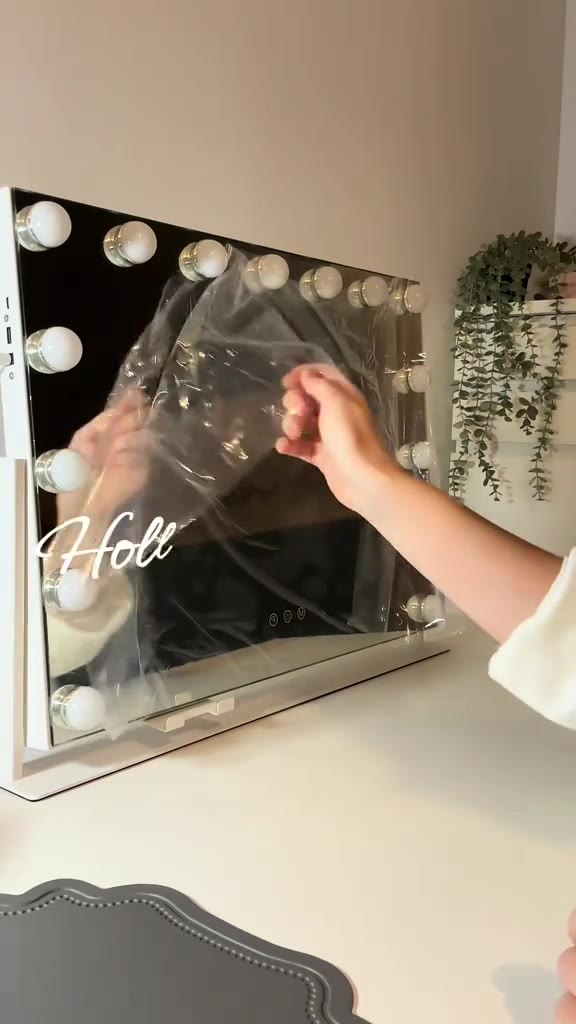
Unboxing the smart control panel
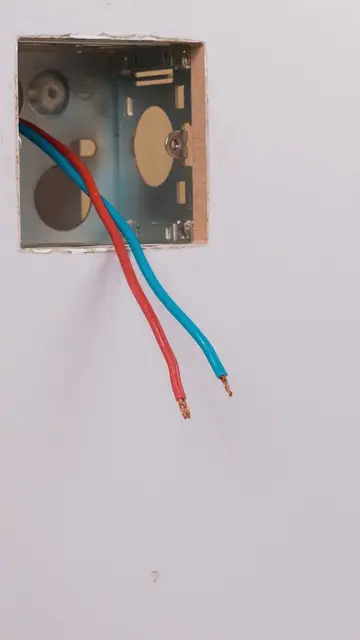
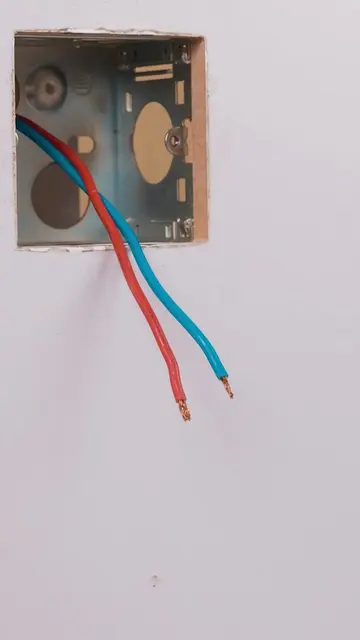
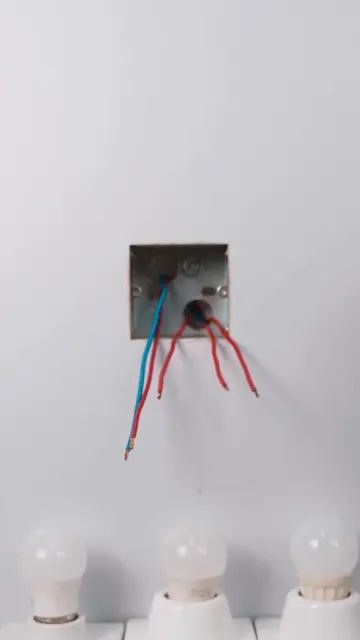
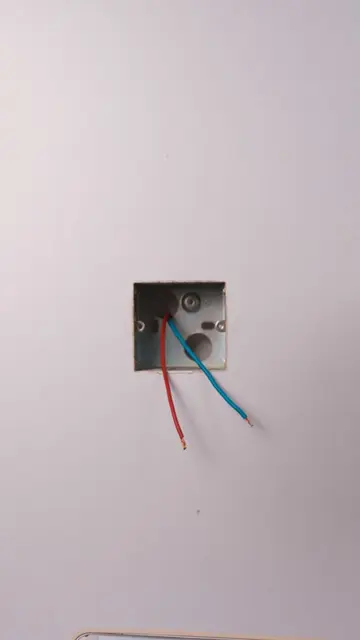
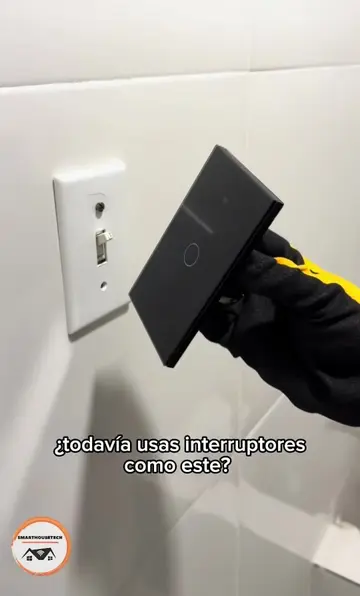
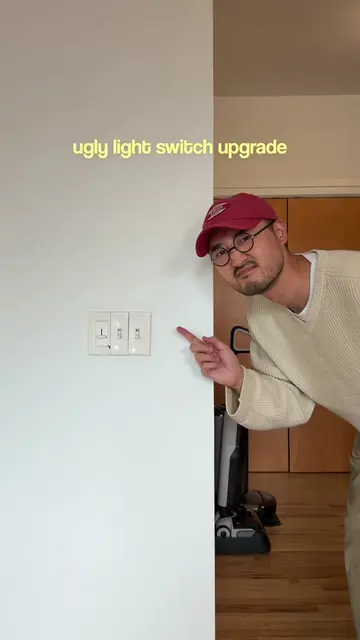
Removing the old wall switch
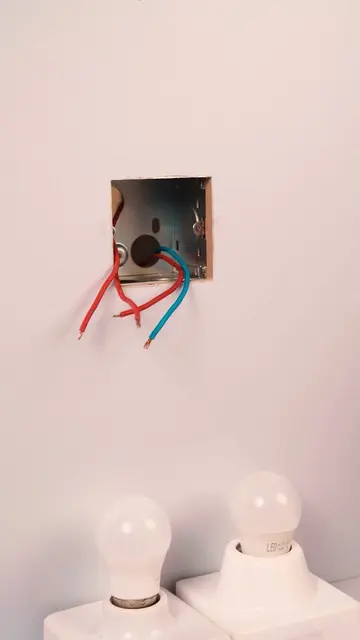
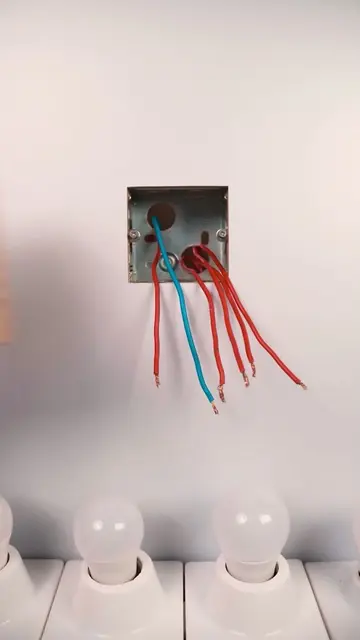
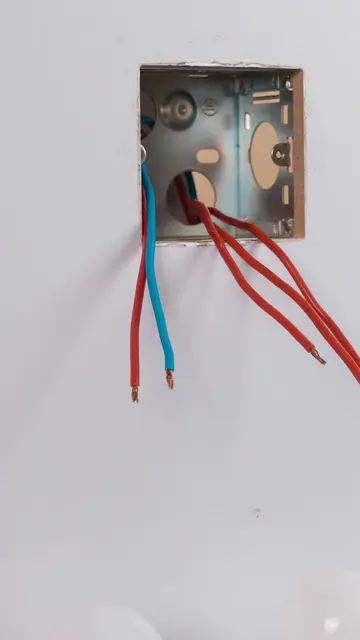
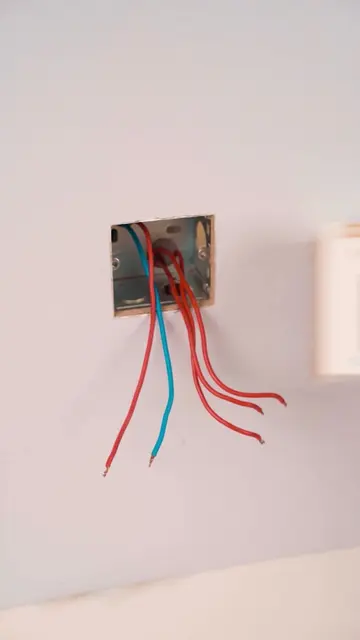
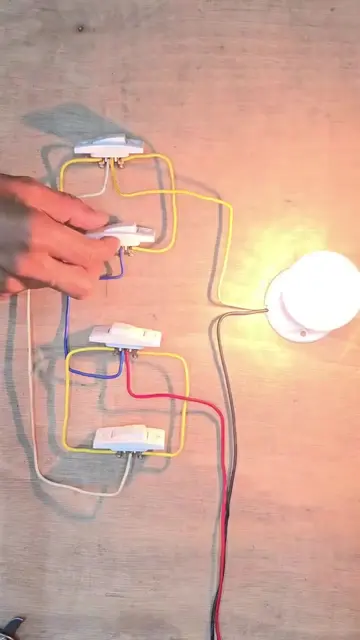
Wiring the new smart panel
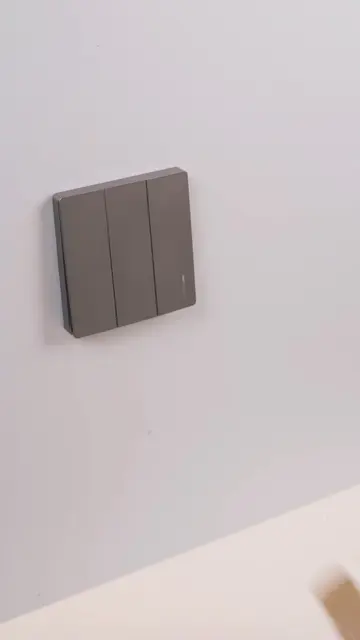
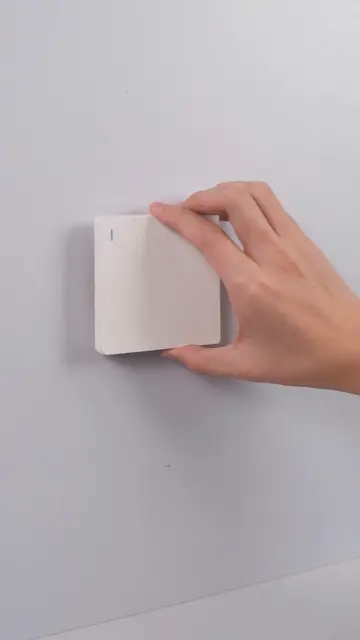
Securing the panel to the wall
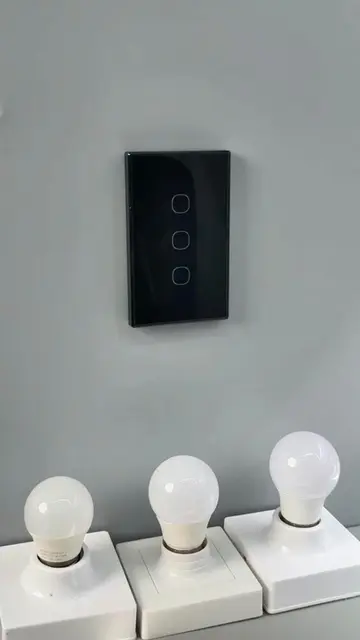
Testing the smart light control
MOES Smart Control Panel Mini: (a) ACTS — the creator unboxes, installs, wires, and operates the device to control smart lighting. Removing it would change the entire video. MOES: (b) APPEARS — the brand name is on the packaging and the creator handle. Removing it would not change the video's functionality.
Playing this video’s own audio, so you’ll hear the creator over the sound.
Description: MOES 5-Inch Smart Control Screen with Built-in Alexa Voice Assistant transforms your home into a smart haven with advanced voice control capabilities. Acting as a versatile gateway, it seamlessly connects with over 80 Tuya Zigbee devices, enabling you to manage your smart home ecosystem effortlessly. With
All time.
Promotes 1 product. Create free account to see more.
Outliers and viral hits: their videos on Overshot, all time.