Loading video…
Sound

original sound - dantdmoraes
DM · Original audio
0:00–:––
- Videos using it
- 8
- Creators
- 8
- Views on those videos
- 284.1K
Hook
Posted Nov 16, 2026Video · 0:46by @templif.design
The video solves a relatable pain point (manual expense tracking) with a high-utility, low-friction automation, positioning the creator's template as the immediate solution.
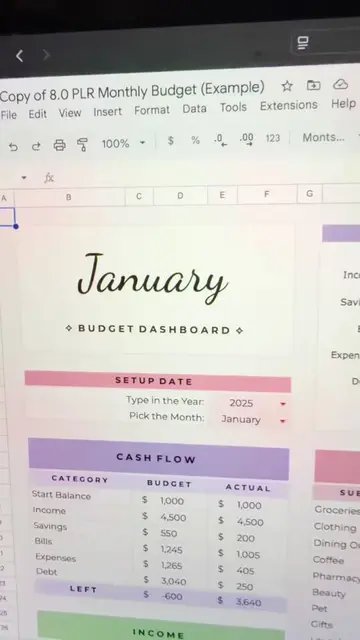
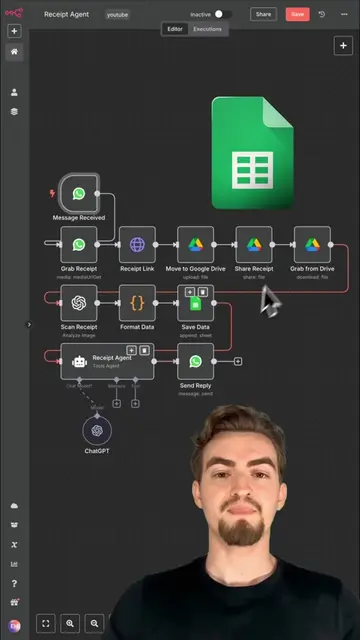
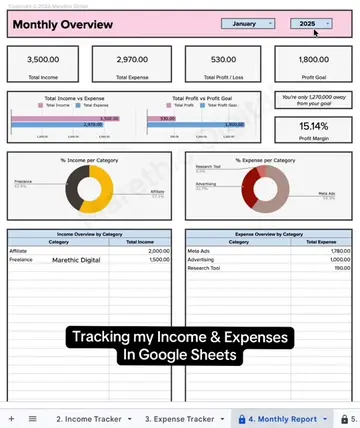
The creator demonstrates a personal finance tracking system using Google Sheets and Apple Shortcuts. They promote their own pre-built template, 'Money Tracking V1', which automates expense logging for users.
simple dan senang
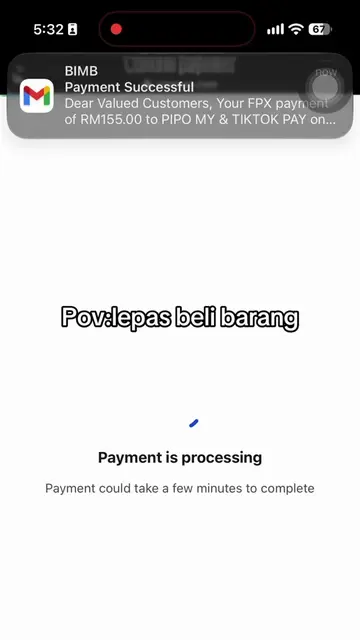
SIAPA DEKAT SINI NAK TAHU BERAPA BANYAK KORANG BELANJA SETIAP BULAN?
Identify the problem of tracking monthly expenses
Introduce Google Sheets as the tracking tool
Explain the automation with Apple Shortcuts
Demonstrate the workflow using the Action Button
Show the final result in the dashboard
Direct viewers to the link in bio for the template
(a) Google Sheets: ACTS — the creator uses it to track expenses and display a dashboard. (b) Apple Shortcuts: ACTS — the creator uses it to automate data entry into Google Sheets. (c) Money Tracking V1: ACTS — this is the specific template product being sold by the creator, which integrates the sheets and shortcuts. Removing these would change the video entirely as it is a demonstration of this specific product.
LINK IN BIO
Promotes 1 product. Create free account to see more.
Outliers and viral hits: their videos on Overshot, all time.
All time.