Loading video…
Sound

original sound - wps_office
WPS Office · Original audio
0:00–:––
Playing this video’s own audio, so you’ll hear the creator over the sound.
The video addresses a highly relatable student stressor—having too much reading to do in too little time—and provides an immediate, tangible solution using the product's features.
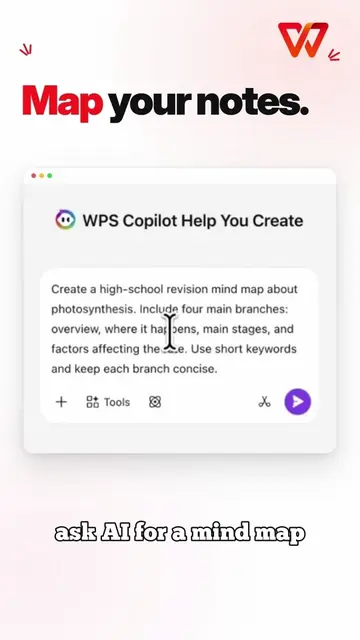
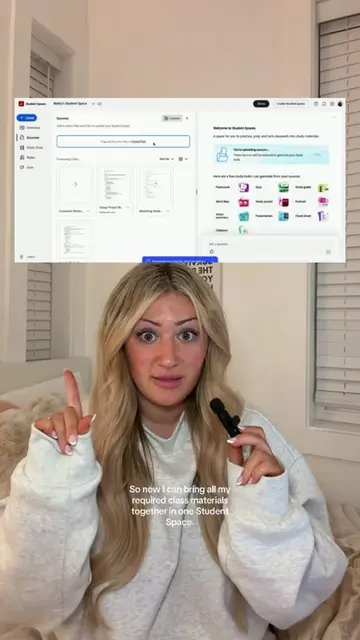
The video demonstrates how to use the WPS Office AI tool, specifically the Chat Doc feature, to quickly summarize and prepare for class discussions. It highlights the efficiency of the tool for students facing heavy reading loads.
40 pages. Class tomorrow. 📚 Prep with WPS. Happy International Students’ Day! #WPSOffice #AI #Studentlife #wpseasyoffice #InternationalStudentsDay
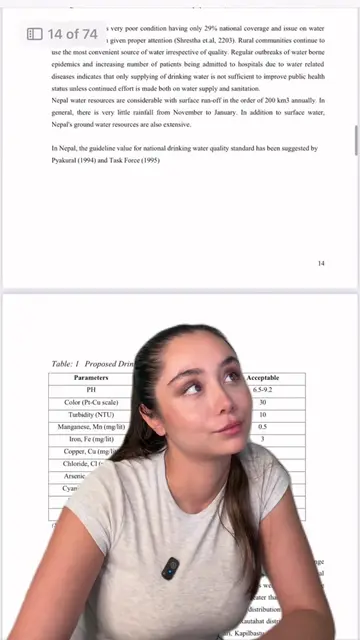
Discussion tomorrow. 40 pages unread
Identify the student pain point of unread pages
Introduce WPS Office as the solution
Demonstrate using Chat Doc to summarize text
Show AI-generated discussion questions
Call to action to try the product
WPS Office (a) ACTS: the interface is operated to summarize a document, generate a mind map, and create discussion questions. Removing it would change the video entirely as it is the subject of the demonstration. WPS Copilot (a) ACTS: it is the specific AI tool within the WPS interface that generates the content. Chat Doc (a) ACTS: it is the specific feature being operated to process the document.
Try WPS today.
Playing this video’s own audio, so you’ll hear the creator over the sound.
Promotes 1 product. Create free account to see more.
Outliers and viral hits: their videos on Overshot, all time.
Office software for writing, spreadsheets, presentations, and PDF tasks
All time.