Loading video…
Sound

original sound - wps_office
WPS Office · Original audio
0:00–:––
Playing this video’s own audio, so you’ll hear the creator over the sound.
The video addresses a common, relatable pain point—comparing lists—and provides a clear, high-speed visual demonstration of a tool that solves it instantly.
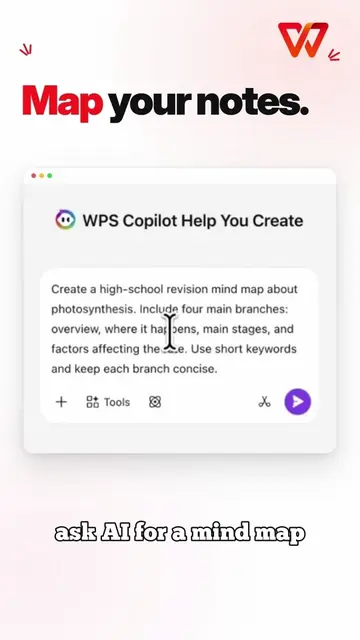
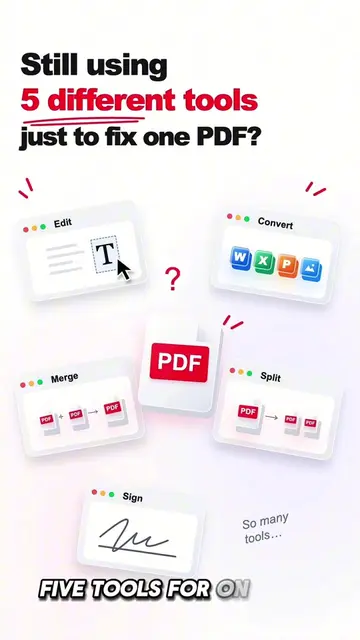
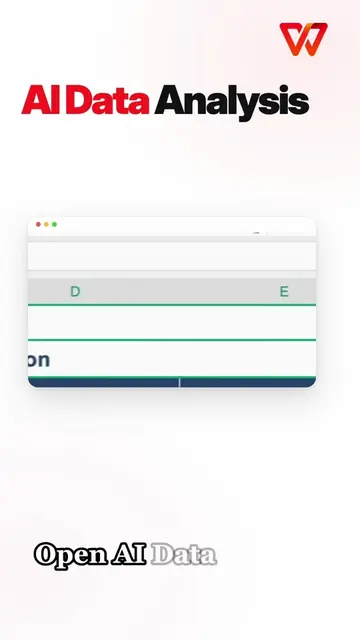
The video demonstrates how to use the WPS Office spreadsheet software to quickly compare two lists and identify new entries. It highlights the specific 'Highlight Duplicates' feature to streamline roster updates.
Two lists, less guesswork. 👀📋 Highlight matching names and export your duplicate list with WPS. ✨ 📌 Save this for your next roster update! #WPSOffice #Spreadsheet #ExcelTips #Productivity #wpseasyoffice
So many names. Who's new?
Identify the problem of comparing lists
Introduce WPS Office as the solution
Demonstrate the Highlight Duplicates feature
Show the result of matching names
Call to action to try the software
WPS Office: (a) ACTS — the video demonstrates its interface, specifically the 'Highlight Duplicates' and 'Compare Lists' features, to identify new names between two lists. Removing it would change the entire video as it is the tool being demonstrated. WPS Office: (b) APPEARS — the logo appears in the top right corner and at the end of the video. Removing this would not change the video's core content.
Try WPS today.
Playing this video’s own audio, so you’ll hear the creator over the sound.
Promotes 1 product. Create free account to see more.
Outliers and viral hits: their videos on Overshot, all time.
Office software for writing, spreadsheets, presentations, and PDF tasks
All time.