Loading video…
Sound

original sound - astraltech
Astral · Original audio
0:00–:––
Hook
Posted Nov 20, 2026Video · 0:26by @astraltech
The video addresses a common, frustrating pain point for players of a highly anticipated game, providing an immediate, actionable solution that improves the user experience.
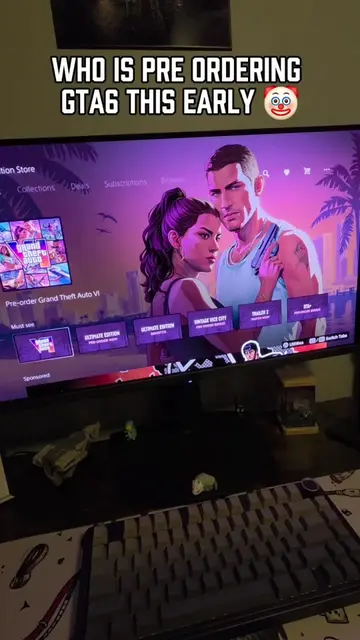
The creator provides a tutorial on how to adjust controller settings in GTA 6 to improve character movement and driving precision. The video demonstrates navigating the PlayStation 5 settings menu to optimize the gameplay experience.
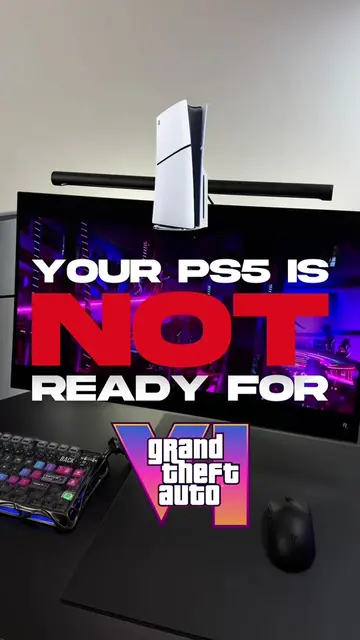
GTA 6 settings that fix the JUMPING and bad driving 😳 #gta6 #ps5 #gta6settings #gta6tips #playstation
If you press X to sprint in GTA 6, your character jumps.
Identify the problem with default controls
Show how to change control scheme to classic
Adjust deadzone settings for better steering
Switch targeting to lock-on mode
Call to action to follow for more tips
PlayStation 5 (a) ACTS: The video demonstrates operating its controller and navigating its system settings menu to change game controls. Removing it would change the video as it is the platform being operated. Rockstar Games (a) ACTS: The video demonstrates changing settings within their game, GTA 6. Removing it would change the video as it is the subject of the tutorial.
Do this right now and follow for more tips
Everything you need to know about the PlayStation®5 console and PlayStation®5 Digital Edition with a new slim PS5 design. The best PS5 games, PS5 accessories, and the DualSense wireless controller.
All time.
Promotes 2 products. Create free account to see more.
Outliers and viral hits: their videos on Overshot, all time.