Loading video…
All breakouts
28.3App DemoHow-To hookGames
Hook
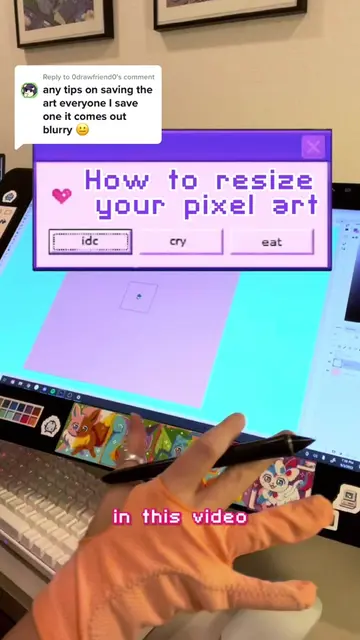
how to export pixel art files from procreate
@pixebo
95.9K followers · usually 4.0K views a post
Views
113.5K
Likes
6.3K
Comments
73
Shares
69
Why it worked
The video solves a common, specific technical frustration for digital artists, providing a clear, actionable 'how-to' that adds immediate value to the viewer.
Summary
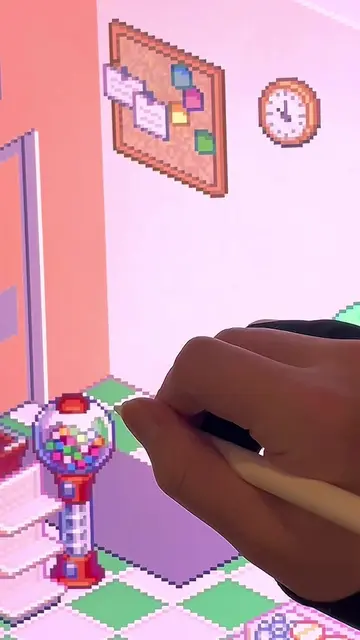
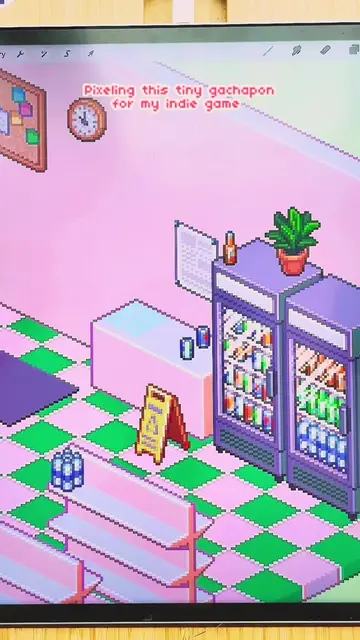
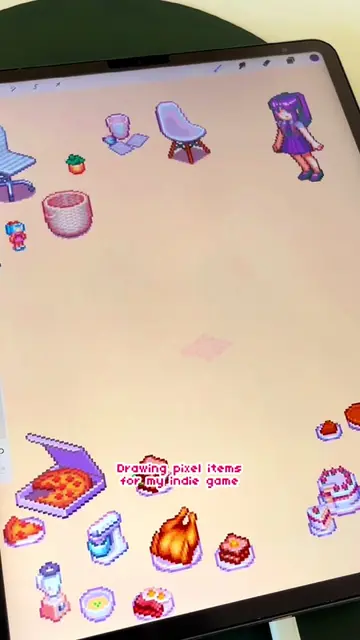
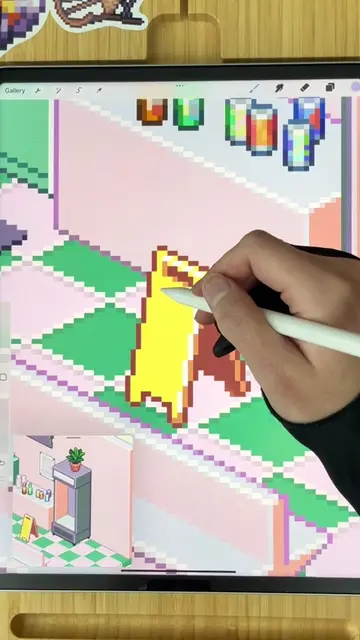
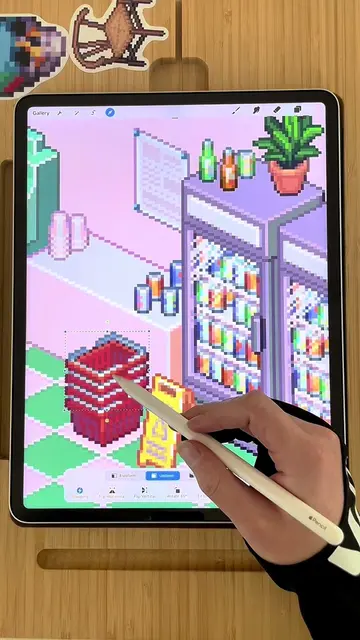
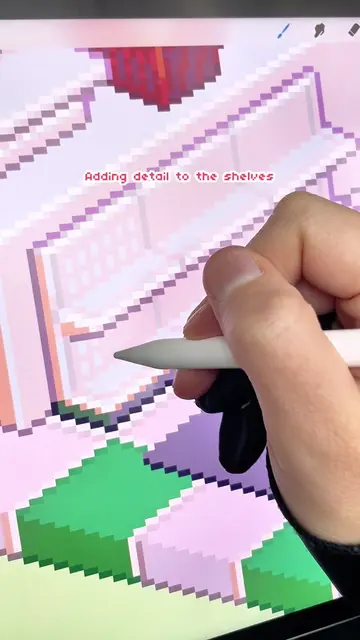
The creator demonstrates a specific workflow in Procreate to export high-resolution pixel art without losing quality. By copying the canvas and resizing it using the 'nearest neighbor' interpolation setting, the user can scale their artwork effectively.
Structure
- 1Identify the problem of blurry pixel art exports
- 2Explain the solution of copying the canvas to a larger size
- 3Demonstrate the crop and resize settings
- 4Highlight the importance of nearest neighbor interpolation
Original caption
Replying to @viziotelevisionset Hope this helps! If anyone knows a better way let me know in the comments #pixelart #procreatetutorial #procreate #learnwithtiktok #indiegameart
More from @pixebo
More breakout videos from this creator.