Loading video…
All breakouts
6.1App DemoOther hookGames
Hook
Drawing pixel items for my indie game
@pixebo
95.9K followers · usually 4.0K views a post
Views
24.1K
Likes
1.2K
Comments
9
Shares
20
SoundTikTok sound · RINGS
Promoted product
Pixelplacebopixelplacebo.com ↗
Why it worked
The video showcases the creative process of game asset creation, which appeals to a niche audience interested in game development and pixel art. The use of a relatable item like a trash can and the demonstration of its in-game application makes the content engaging and visually interesting.
Summary
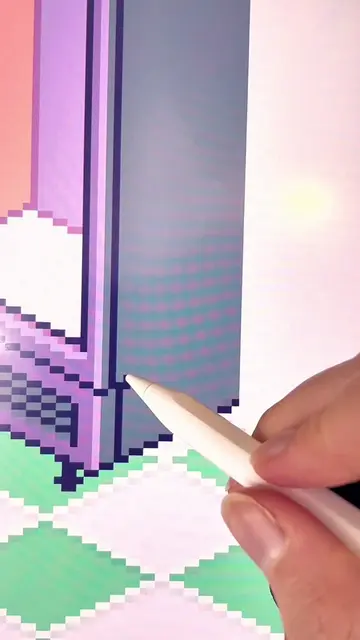
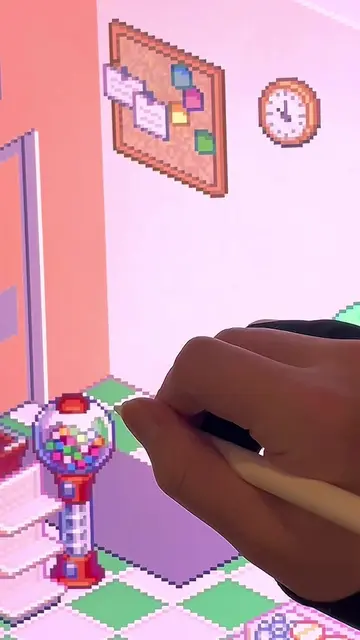
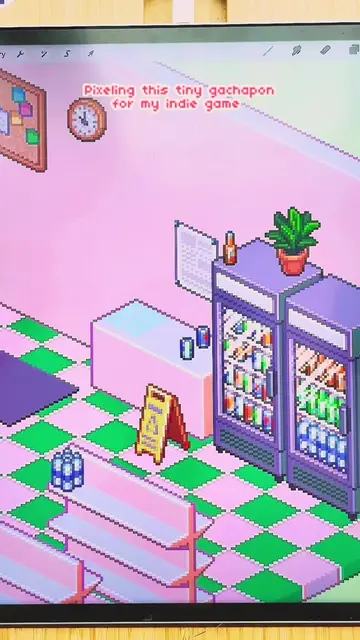
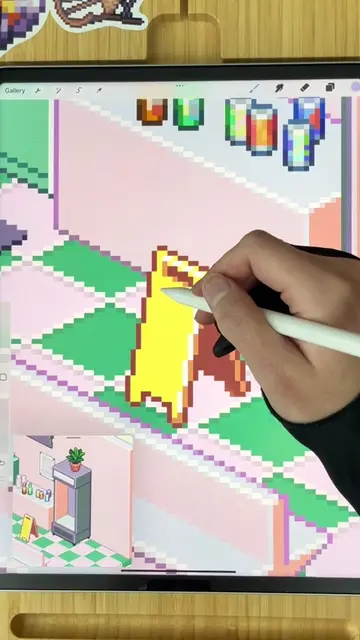
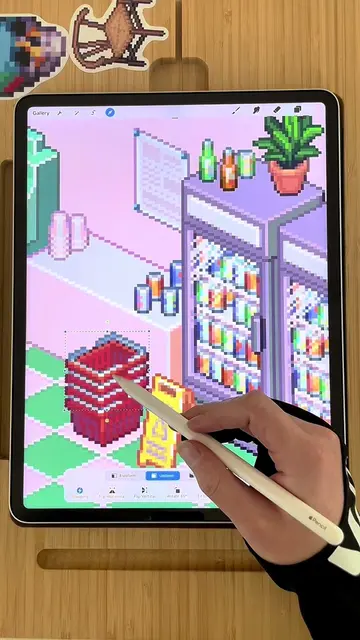
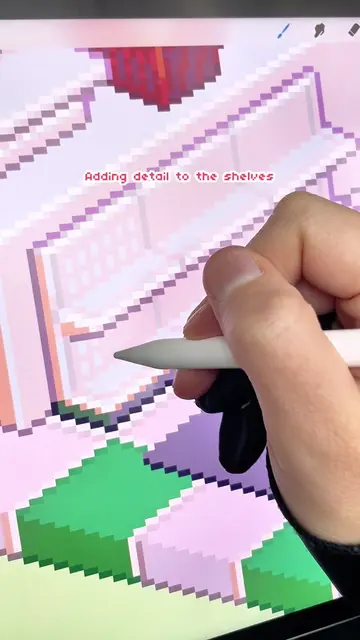
The video shows a creator drawing pixel art assets for their indie game, specifically a trash can. They then demonstrate how these assets are used within the game environment, placing multiple trash cans on a table and then showing the game's inventory screen.
Structure
- 1Drawing pixel art for an indie game
- 2Placing the trash can asset in the game
- 3Stacking multiple trash can assets
- 4Showing the game's inventory screen
Product placement
The video shows the creation and placement of pixel art assets within an indie game. The creator is using Procreate to draw the assets, and mentions their pixel brushes are available for free on Ko-fi. The game itself, 'Pixelplacebo', is also promoted.
On-screen text
Drawing pixel items
for my indie game
Play
Original caption
Throwback Thursday! How many of y’all remember when I first drew this trash can back in August 2023? 👀 Pretty cool to see it in the game! Time flies! Editing these drawing videos is a huge time suck which is why I haven’t been sharing as many on here lately, (so much work to do 🏃♀️) but I hope you enjoy this throwback in the meantime! ✍️ I am drawing in Procreate! You can get my pixel brushes for FREE on my ko-fi. My pinned videos has all the info. 👾 The game that we are making is called Pixome! It is still a work in progress. You can learn all about it at pixome.io #tbt #tbthursday #throwbackthursday #pixelart #isometric #pixels #indiegame #procreate #pixome #nostalgia #satisfyingvideos #lofi #cozygame
More from @pixebo
More breakout videos from this creator.