Loading video…
All breakouts
3.1App DemoHow-To hookGames
Hook
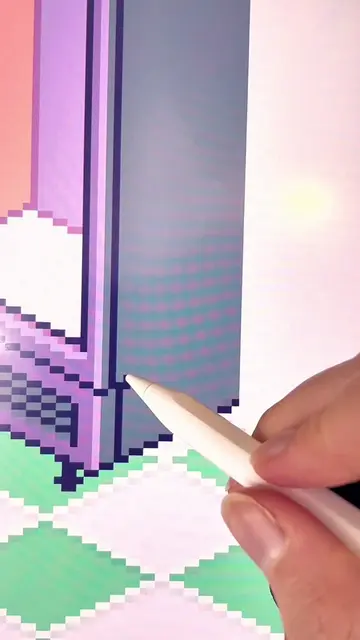
Adding detail to the shelves
@pixebo
95.9K followers · usually 4.0K views a post
Views
12.5K
Likes
902
Comments
26
Shares
12
Why it worked
The video leverages the satisfying nature of pixel art creation and organization, combined with a relatable convenience store theme, to create a visually engaging and calming experience that encourages viewer interaction by asking for suggestions.
Summary
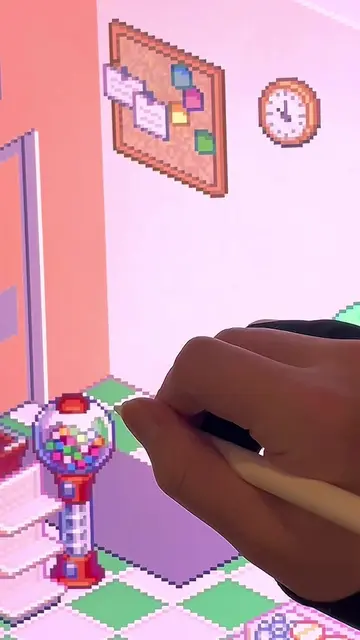
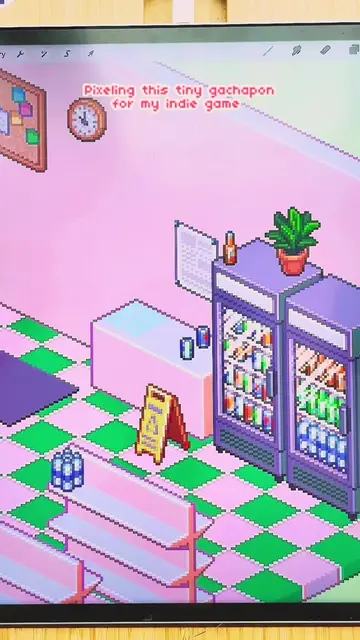
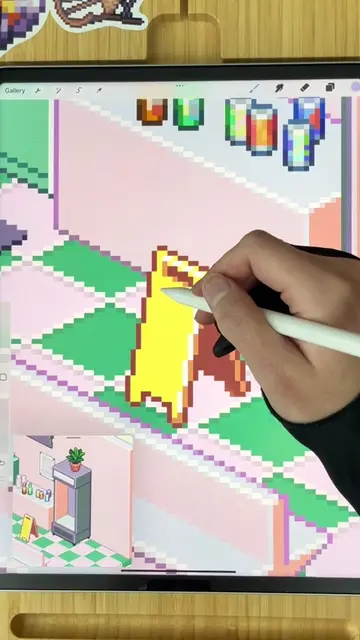
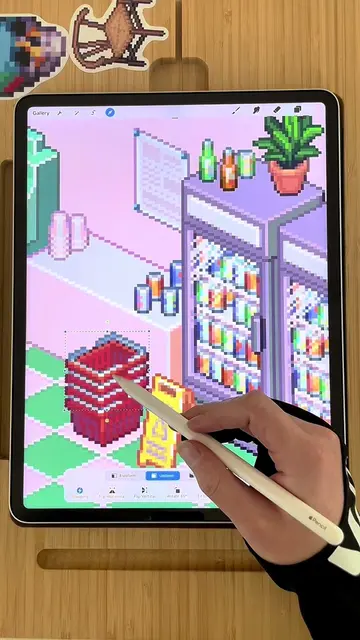
The video shows a pixel art creation process, focusing on adding details to shelves in a convenience store scene. The creator is using a stylus on a tablet, likely with the Procreate app, to meticulously build the digital environment.
Structure
- 1Drawing pixel art on a tablet
- 2Adding details to shelves
- 3Placing items on shelves
- 4Completing the convenience store scene
Original caption
Adding these little details makes such a big difference ✨ Dealing with some irl stuff this week so I will probably be slower to respond than normal 😅🫶 👾 App used: Procreate (Check out the pinned videos on my page to learn about my free pixel brushes!) #pixelart #isometric #satisfyingvideo #pixels #konbini #conveniencestore #soda #procreate #procreateart #satisfying #organization #restockasmr #satisfyingvideo
More from @pixebo
More breakout videos from this creator.