Loading video…
All breakouts
3.1App DemoOther hookGames
Hook
Gallery
@pixebo
95.9K followers · usually 4.0K views a post
Views
12.6K
Likes
726
Comments
13
Shares
14
SoundTikTok sound · Her
Promoted product
Pixelplacebo.com/linksPixelplacebo.com/links ↗
Why it worked
The video showcases a satisfying process of digital art creation with a clear, visually appealing outcome. The use of pixel art and the inclusion of a quirky element like a venus flytrap likely contributed to its shareability and appeal.
Summary
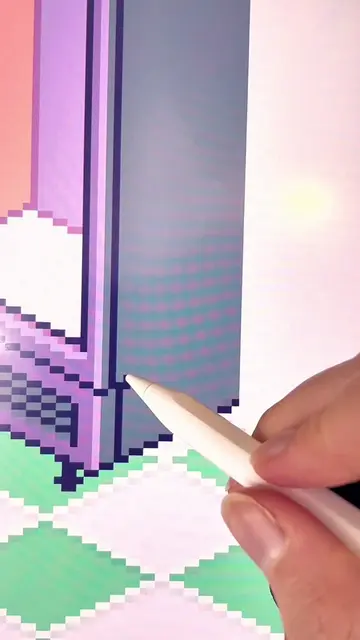
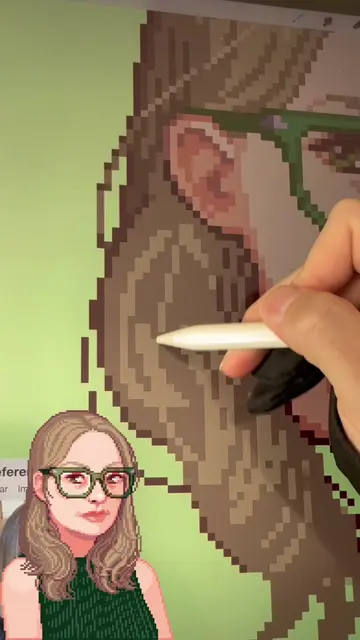
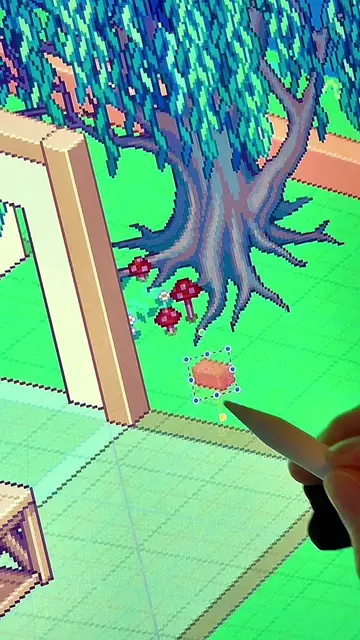
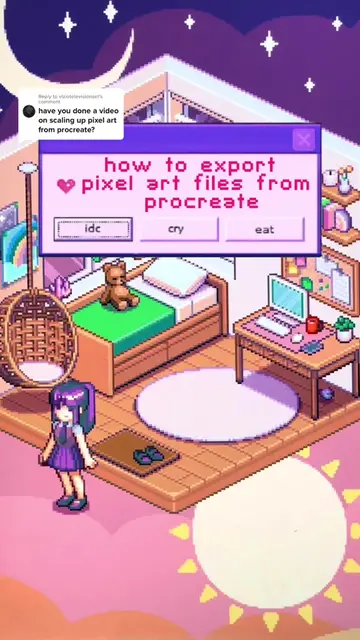
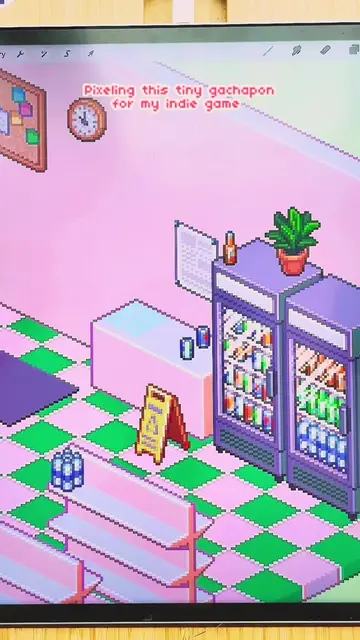
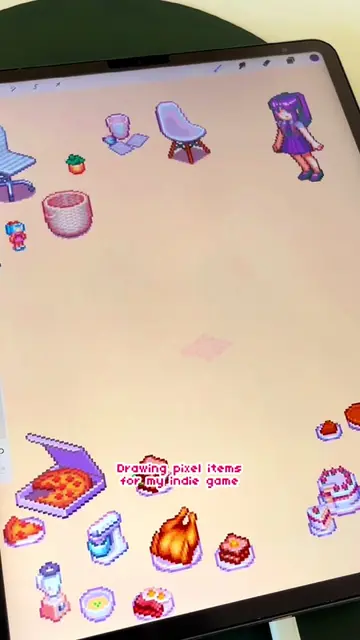
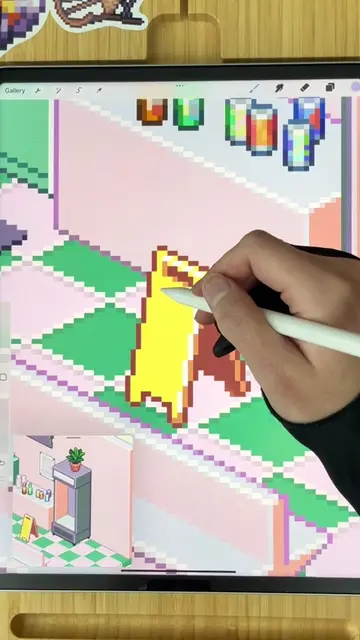
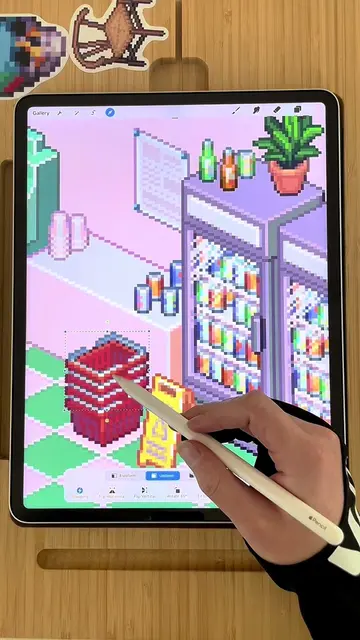
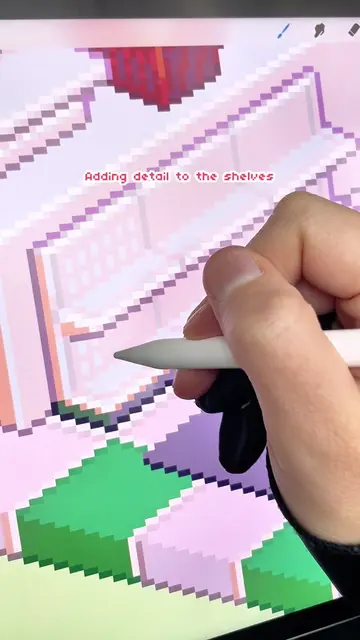
The video shows a time-lapse of pixel art being created in Procreate, featuring a greenhouse scene with a bench and plants. The creator is using an Apple Pencil to draw and place elements within the scene, including pots and a venus flytrap.
Structure
- 1Drawing the base structure of a bench
- 2Adding legs and shelves to the bench
- 3Adding a greenhouse frame
- 4Placing plants and pots
- 5Adding a venus flytrap
- 6Finalizing the scene
Product placement
Procreate: ACTS - it is the drawing application used to create the pixel art. Removing it would mean the art could not be made in this way.
Apple Pencil: ACTS - it is the stylus used to draw in Procreate. Removing it would mean the art could not be made in this way.
Pixelplacebo.com/links: ACTS - it is a link to the creator's website where they offer free pixel brushes and other information. Removing it would prevent viewers from accessing these resources.
Pixelplacebo studio: APPEARS - it is the name of the creator's studio, likely a watermark or branding on their website. Removing it would not change what happens in the video.
Original caption
Throwback Thursday! This potting bench sprite process video is one of my first ever reels to get over 100k views 🙀 it’s crazy how much has changed since I posted this back in March 2023! Huge thanks to everyone who has followed along since then (and thanks to all of you who are new here as well) Should I bring back throwback Thursdays? Let me know! 👾 In this video I am drawing in procreate. I have FREE pixel brushes for procreate available on my ko-fi! My pinned video has all the info ✨ #pixelart #pixels #pixel #isometric #indiegame #mobilegame #pixelgame #miniature #miniatures #cozygame #satisfyingvideo #procreate #procreateart #satisfying #organization #tbt #throwbackthursday #throwback
More from @pixebo
More breakout videos from this creator.