Loading video…
All breakouts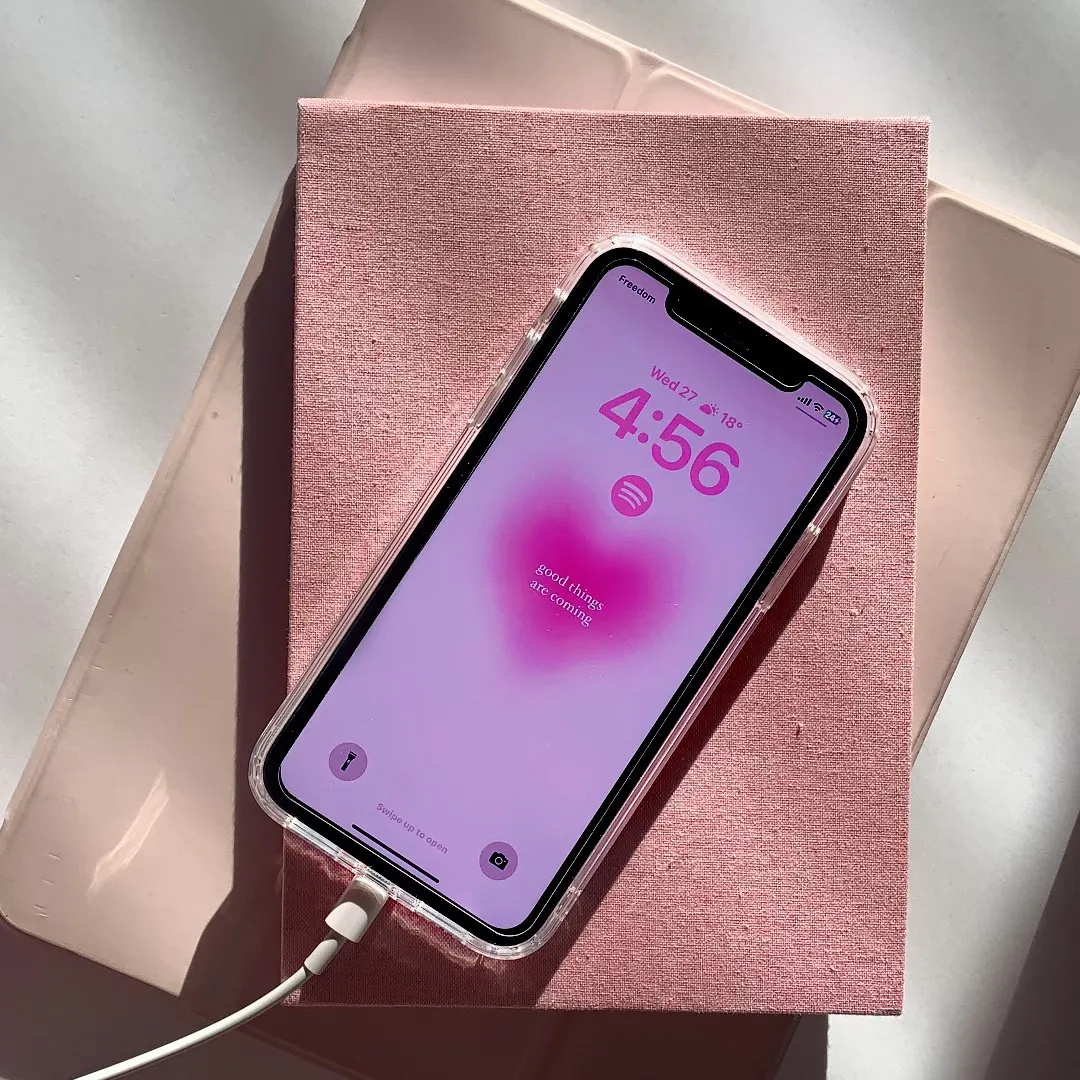
301Silent UGCBefore / After hookConsumer Apps
Hook
redoing my entire phone 🤭
@rawslife
118.9K followers · usually 22.3K views a post
Views
6.1M
Likes
506.0K
Comments
959
Shares
3.4K
Why it worked
The video taps into the popular 'aesthetic' trend, providing a satisfying, visual 'before and after' transformation that viewers find highly relatable and actionable.
Summary
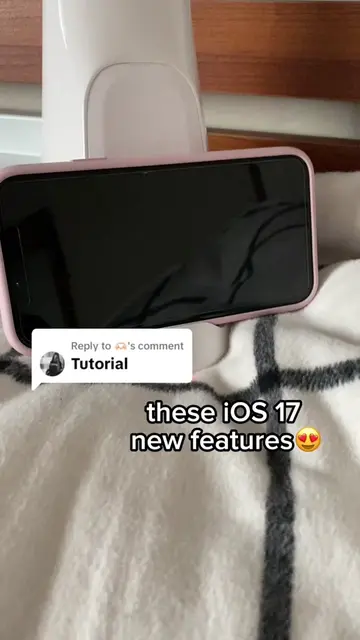
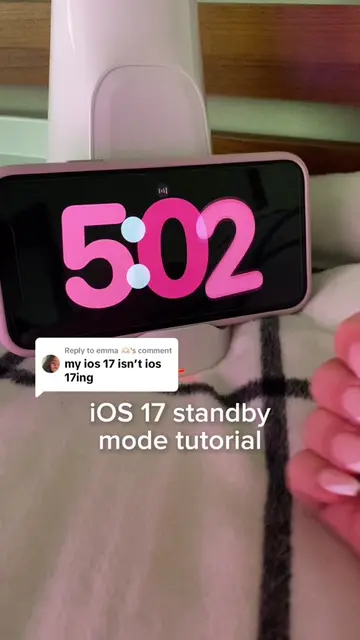
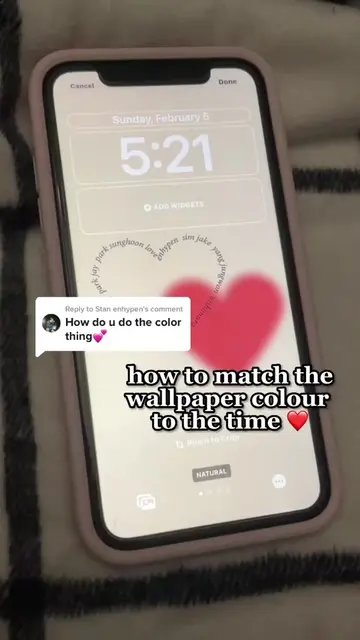
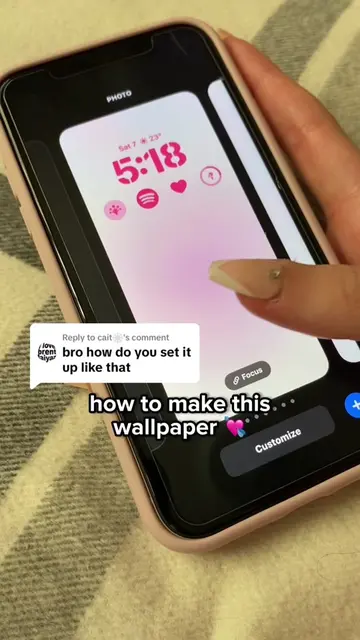
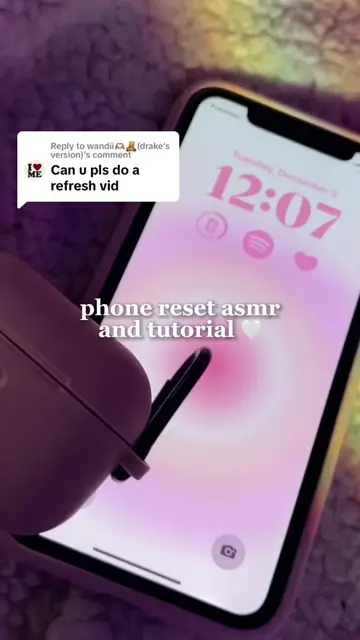
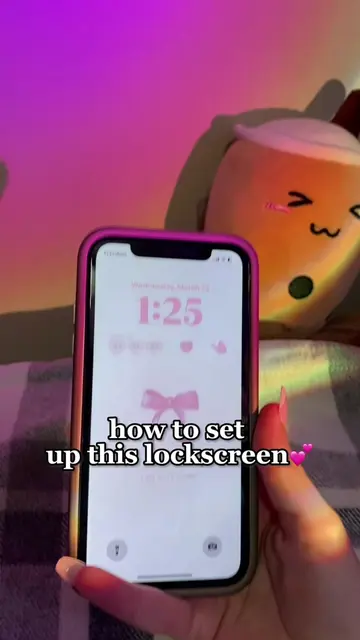
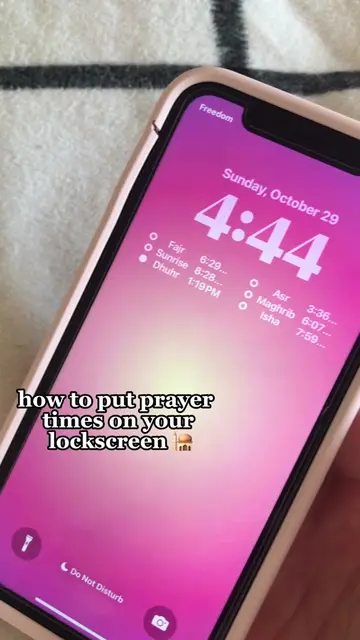
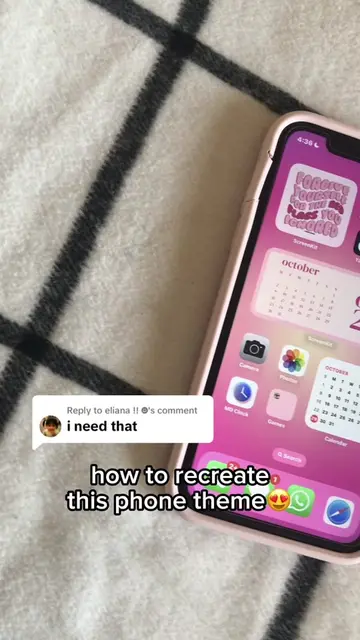
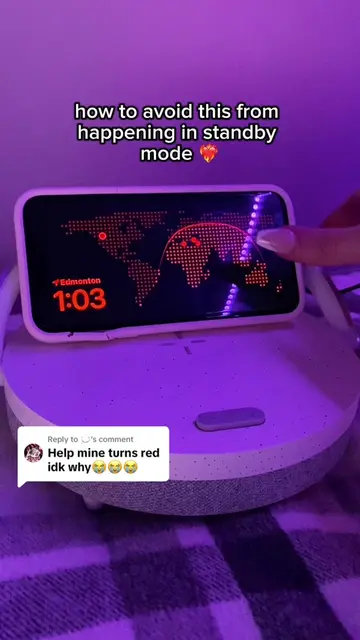
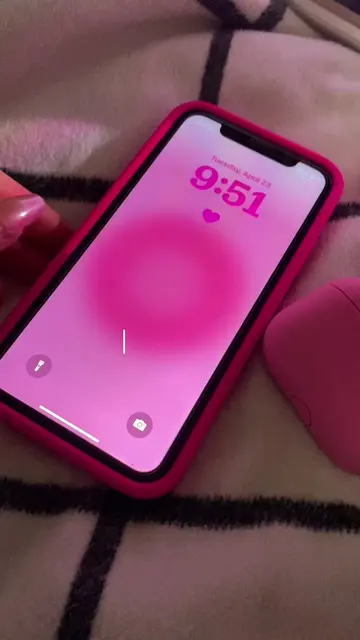
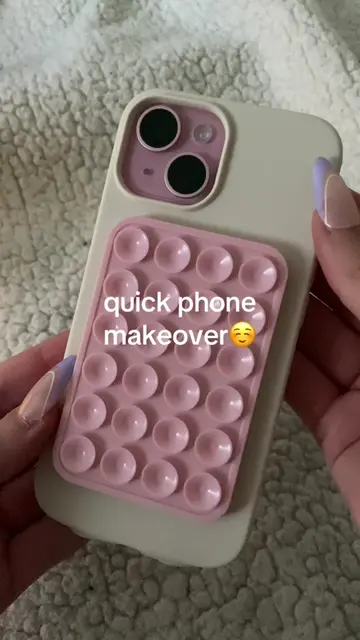
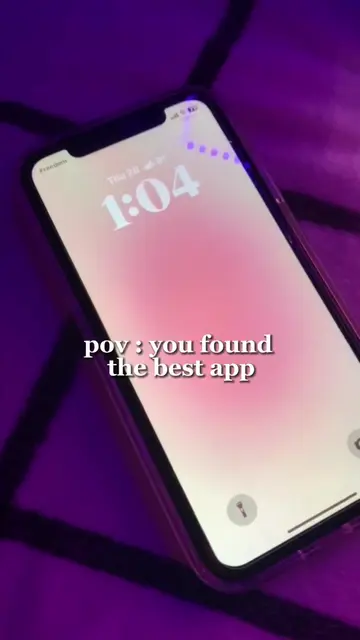
The creator demonstrates how to customize an iPhone lock screen and home screen using aesthetic wallpapers and widgets. They specifically showcase the iScreen app to add custom widgets to their home screen layout.
Structure
- 1Initial state of the phone
- 2Finding a wallpaper on Pinterest
- 3Customizing the lock screen
- 4Using iScreen to add widgets
- 5
Original caption
so cutee 😆 #fyp#foryou#iphone#ios17#foryoupage#aesthetic#iphone#vibes#viral#ios16#standbymode#widget#iscreen#iphonehack#iphonetutorial#homescreen#lockscreen#christmashaul
More from @rawslife
More breakout videos from this creator.