Loading video…
All breakouts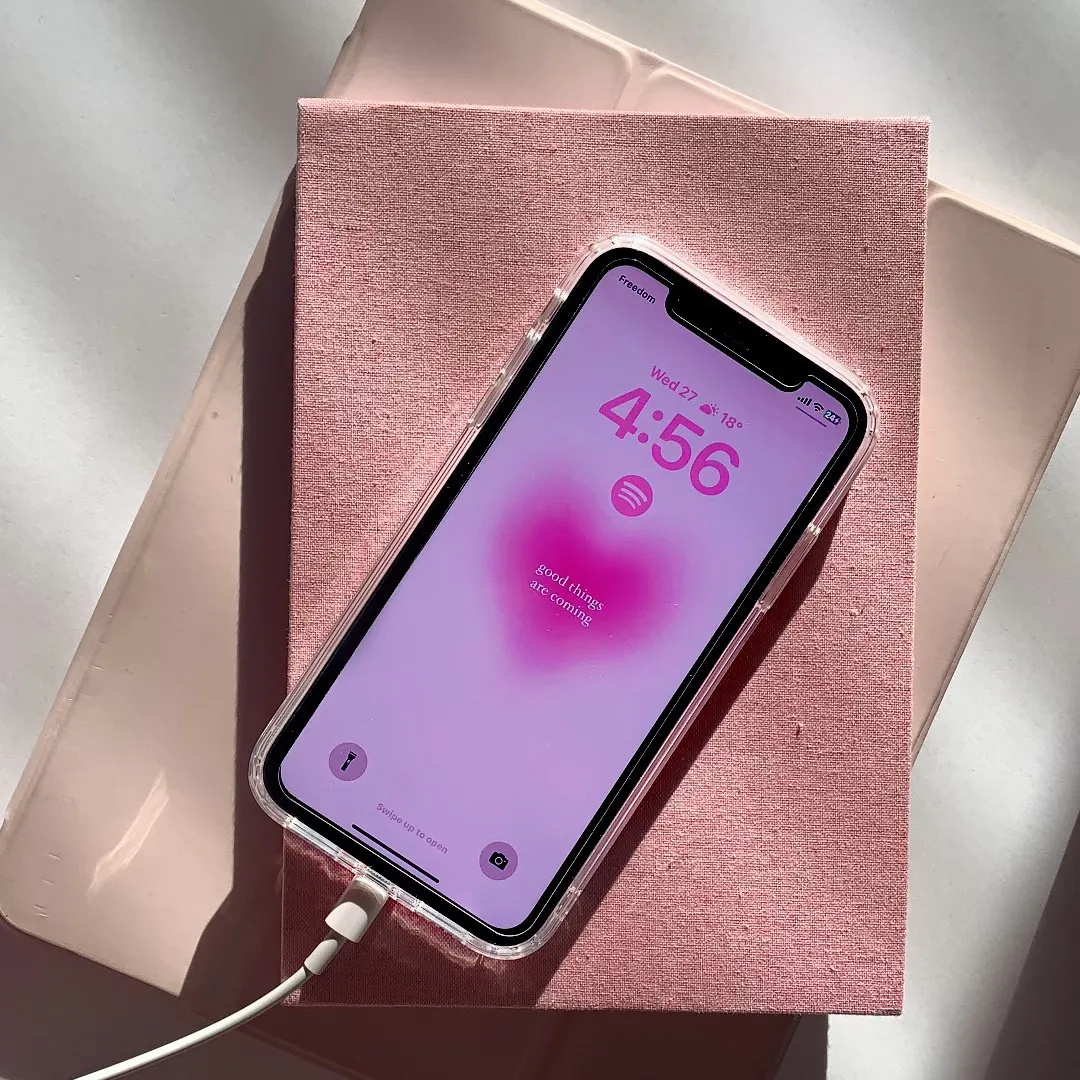
439Silent UGCHow-To hookConsumer Apps
Hook
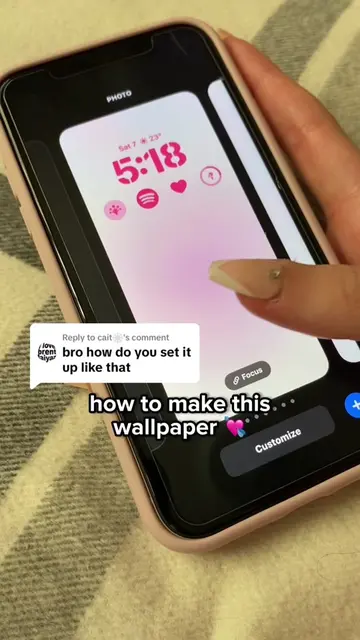
how to match the wallpaper colour to the time
@rawslife
118.9K followers · usually 22.3K views a post
Views
9.2M
Likes
783.5K
Comments
2.1K
Shares
13.5K
Why it worked
The video solves a specific, high-intent aesthetic problem for iPhone users, making the product placement feel like a helpful, native part of the tutorial rather than an ad.
Summary
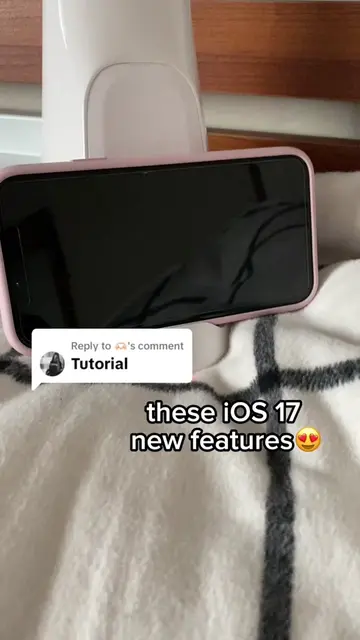
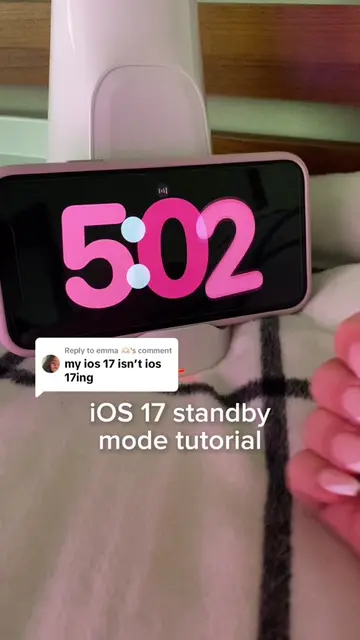
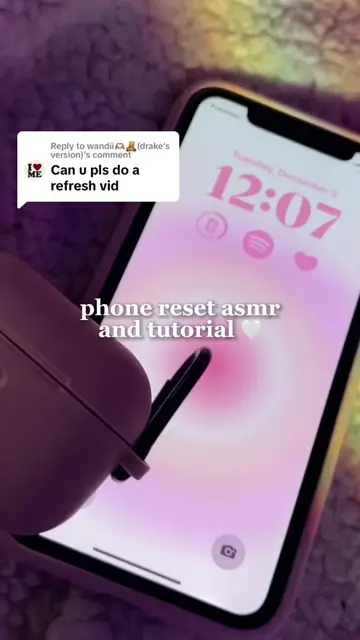
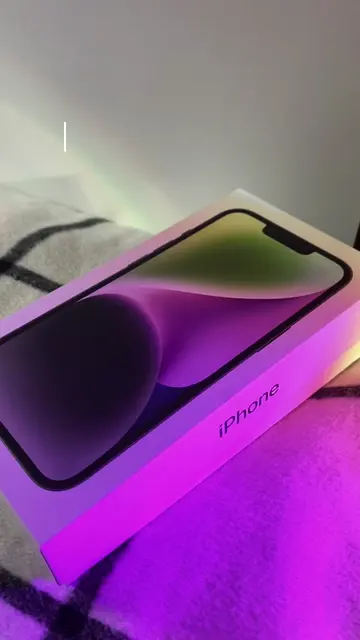
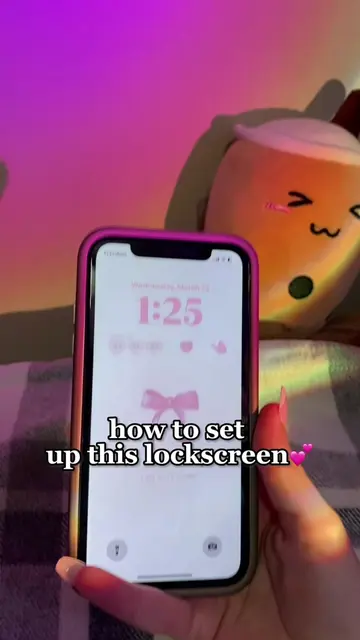
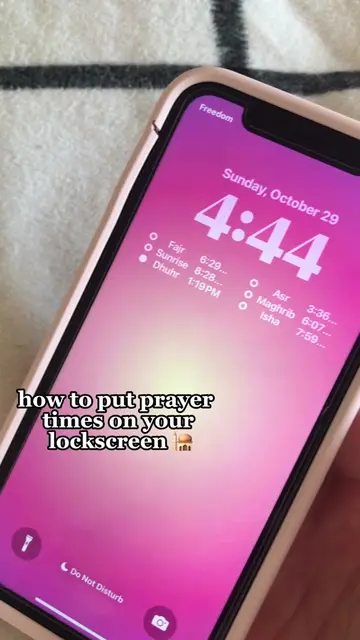
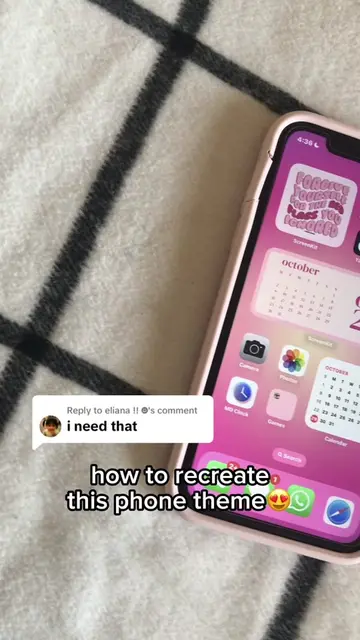
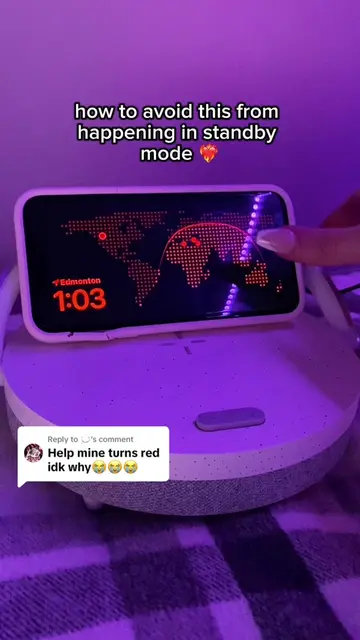
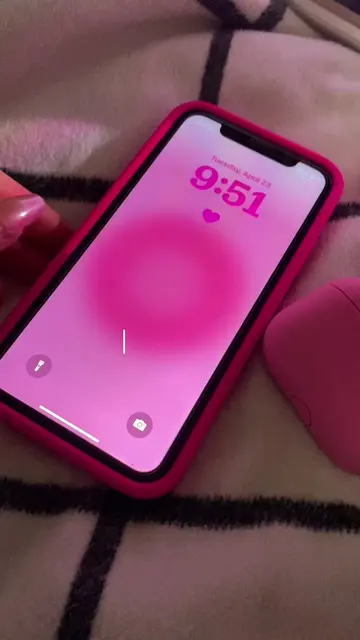
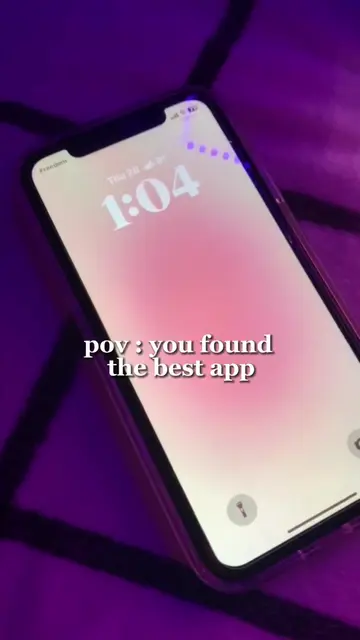
A screen recording tutorial demonstrates how to customize iPhone lock screen clock colors and add matching widgets using the Top Widgets app. The video shows the user selecting colors from a spectrum and configuring a widget to coordinate with their wallpaper.
Structure
- 1User opens lock screen customization
- 2User selects clock color from spectrum
- 3User opens widget menu
- 4User selects Top Widgets app
Original caption
Replying to @Stan enhypen how to match the colours repost because so many asked for it 🤍🤭 #fyp#tutorial#iphone#lockscreen#ehyphen#tutorials#matchin#pink#aestheitc#ios16#ios#wallpaper#lockscreen#viral#trending
More from @rawslife
More breakout videos from this creator.