Loading video…
All breakouts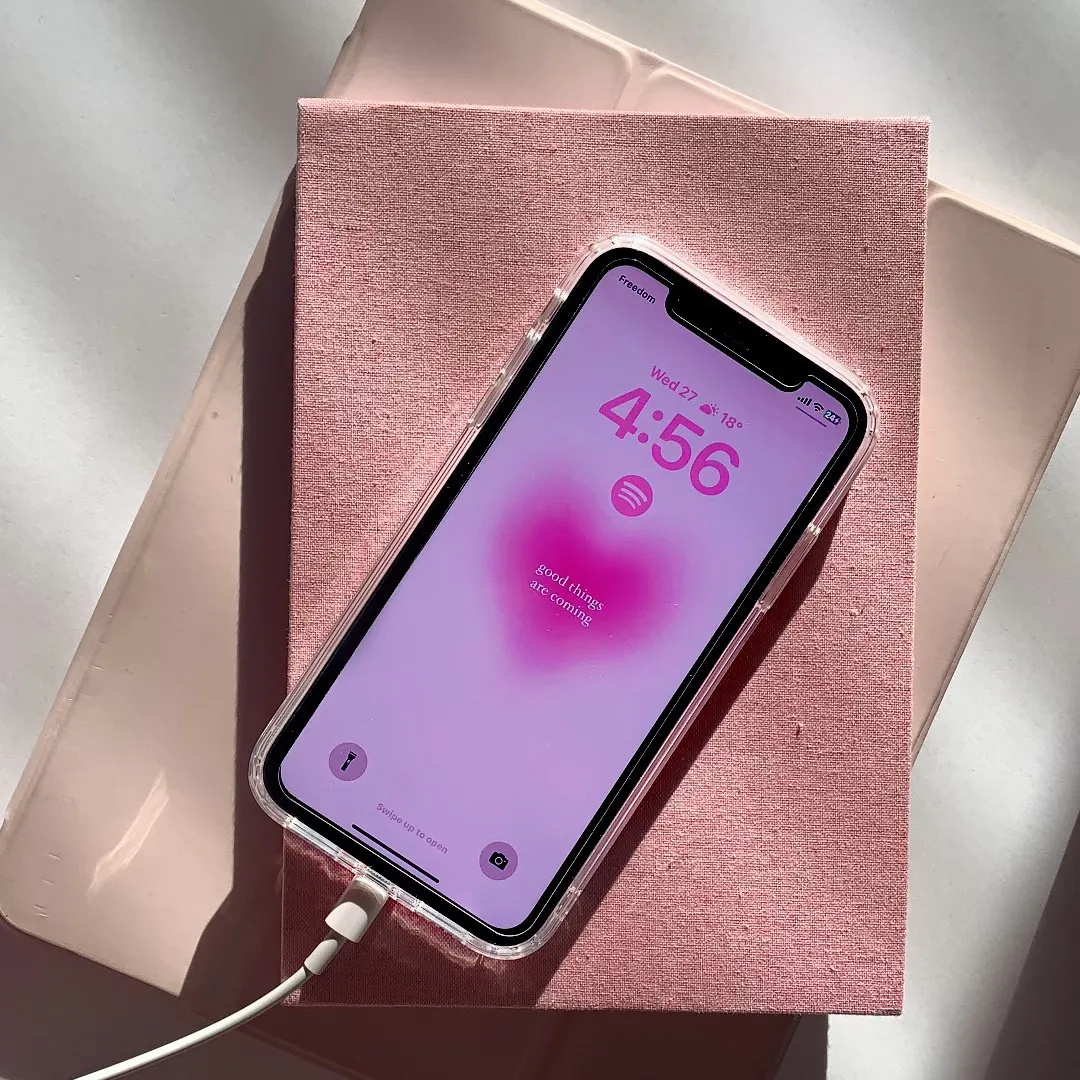
48.4App DemoHow-To hookConsumer Apps
Hook
how to get a beating heart widget
@rawslife
118.9K followers · usually 22.3K views a post
Views
982.4K
Likes
40.3K
Comments
67
Shares
1.4K
Why it worked
The video provides a direct, step-by-step solution to a specific aesthetic trend, making it highly shareable and useful for users looking to customize their phone interface.
Summary
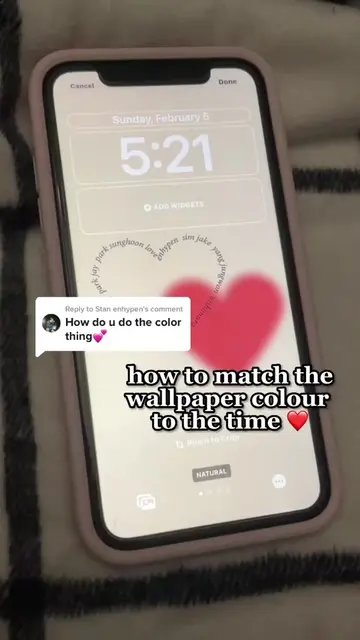
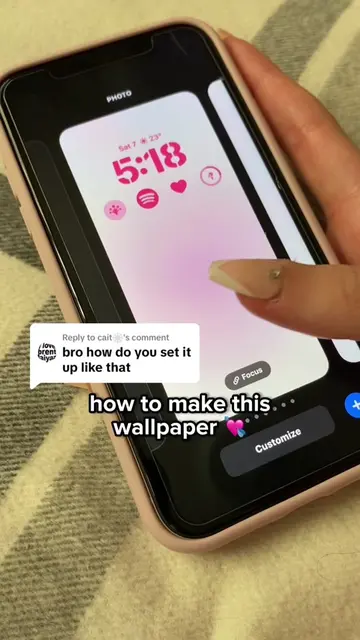
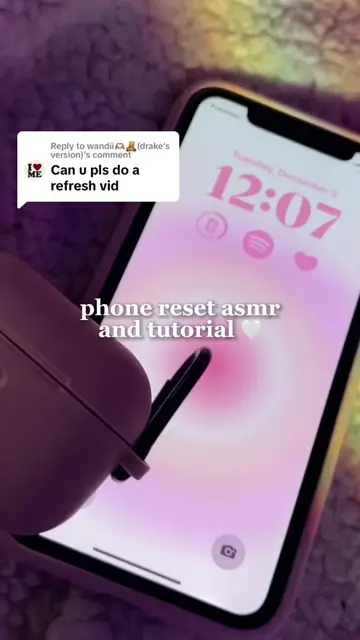
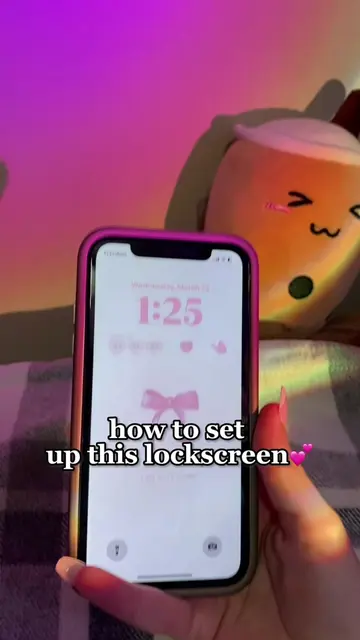
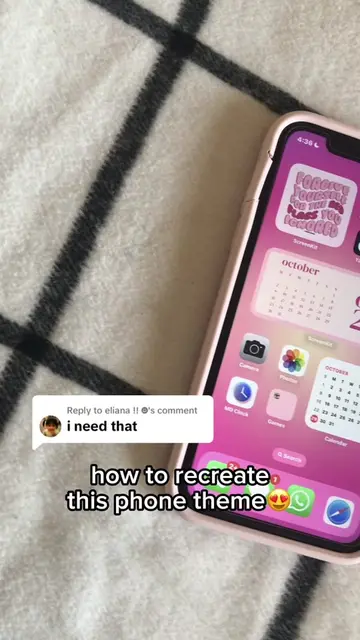
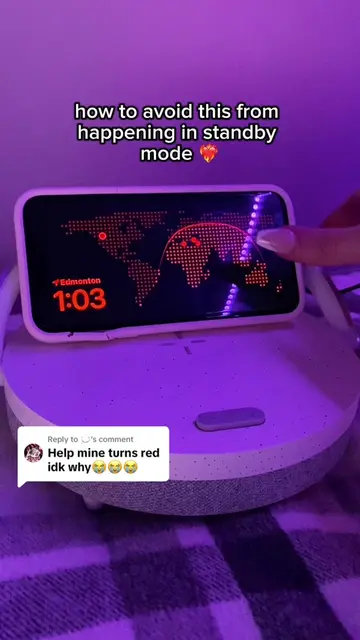
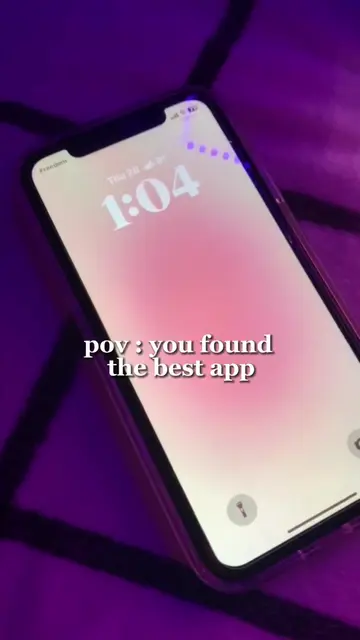
A tutorial showing how to download and set up a beating heart widget on an iPhone using the iScreen app. The video walks through the App Store search, app installation, and the widget customization process on the lock screen.
Structure
- 1Search for iScreen in the App Store
- 2Install and open the app
- 3Select the heart animation widget
- 4Add the widget to the lock screen
Original caption
Its a gif 💕💕 #fyp#foryou#iscrn#appreciationpost#lovely#iphone#aesthetic#ios16#tutorial#hotpink
More from @rawslife
More breakout videos from this creator.