Loading video…
All breakouts
72.1App DemoHow-To hookConsumer Apps
Hook
how to put prayer times on your lockscreen
@rawslife
118.9K followers · usually 22.3K views a post
Views
1.5M
Likes
30.2K
Comments
293
Shares
3.0K
Why it worked
It solves a specific, high-intent problem for a niche audience with a clear, step-by-step visual tutorial that requires no complex explanation.
Summary
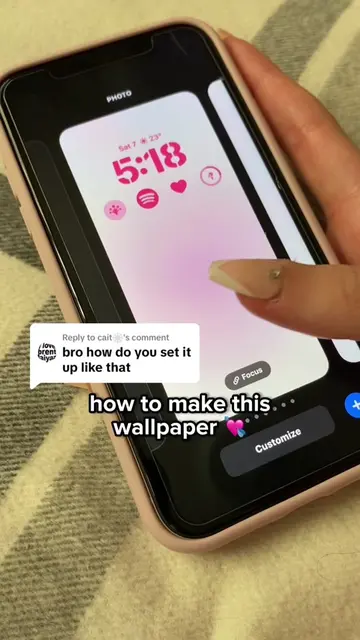
The creator demonstrates how to add prayer time widgets to an iPhone lock screen using the Azkar app. The video shows the process of searching for the app in the App Store and selecting the widgets in the iOS lock screen customization menu.
Structure
- 1State the problem/goal
- 2Show the app name in the App Store
- 3Demonstrate the lock screen widget setup process
- 4Highlight the ease of use and notification feature
Product placement
The Azkar app is the central focus of the tutorial, shown being searched for and used to configure lock screen widgets.
Original caption
The app is called “Azkar” 🩷🕌 #fyp#foryou#islam#muslim#iphone#appreccomendations#azkar#athkar#allah#foryoupage#muslimcontent#islamicreminder#iphonehack#Ramadan#palestine#gaza#hamas#iphones#prayer#muslimtips#islamictips#prayertime#eid#eidprayer#sunni#shia
More from @rawslife
More breakout videos from this creator.