Loading video…
All breakouts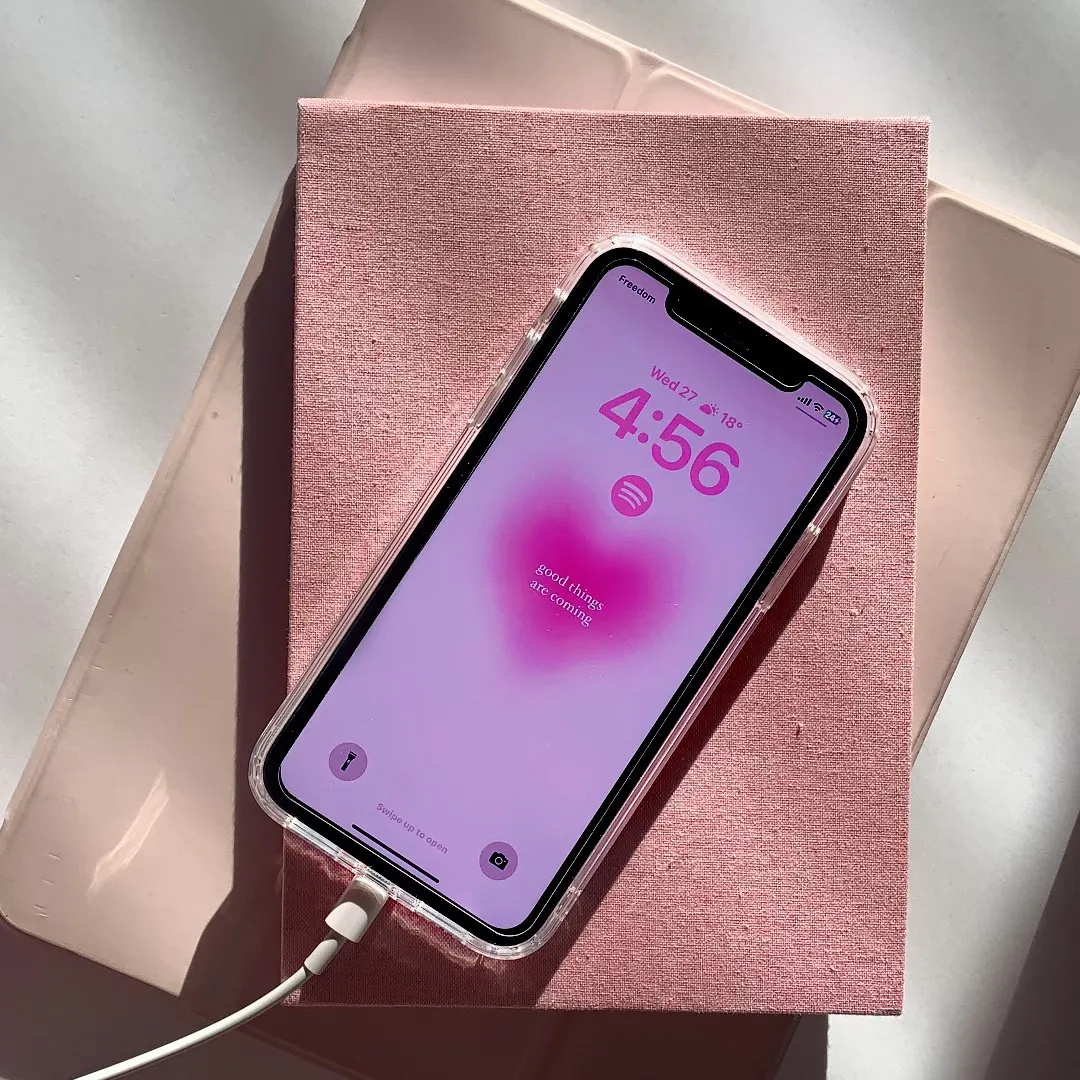
424App DemoHow-To hookConsumer Apps
Hook
how to make this wallpaper
@rawslife
118.9K followers · usually 22.3K views a post
Views
8.9M
Likes
210.4K
Comments
583
Shares
2.6K
Why it worked
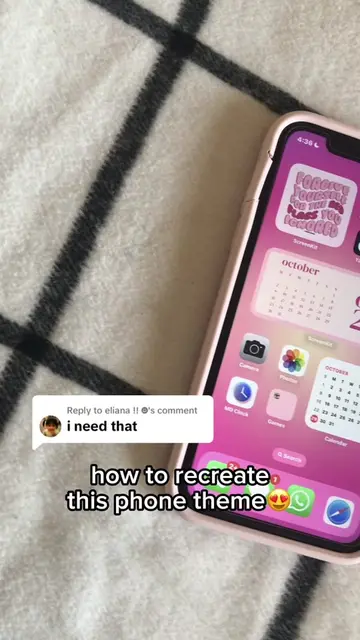
The video provides a direct, step-by-step solution to a specific aesthetic trend that users were actively asking about in the comments, making the content highly relevant and shareable.
Summary
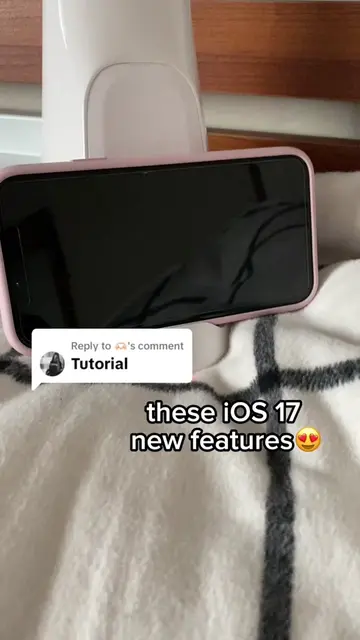
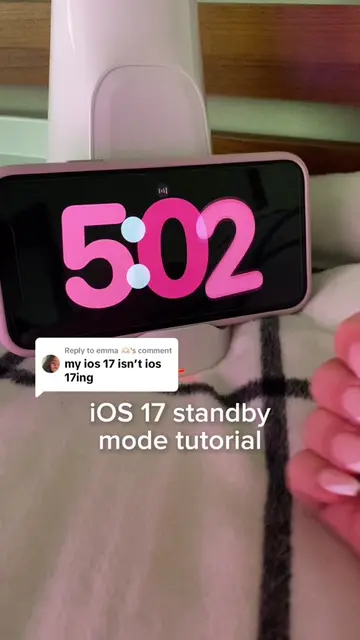
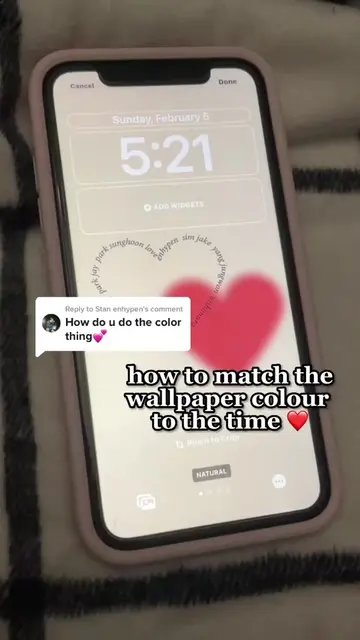
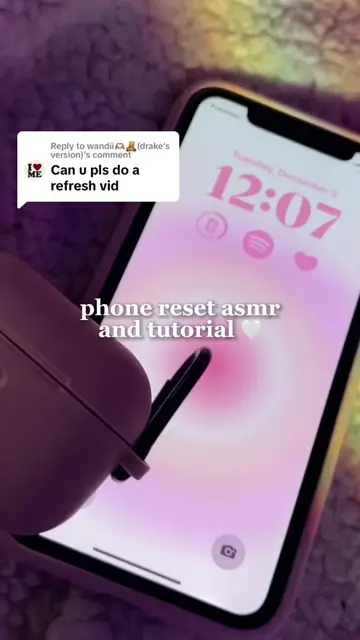
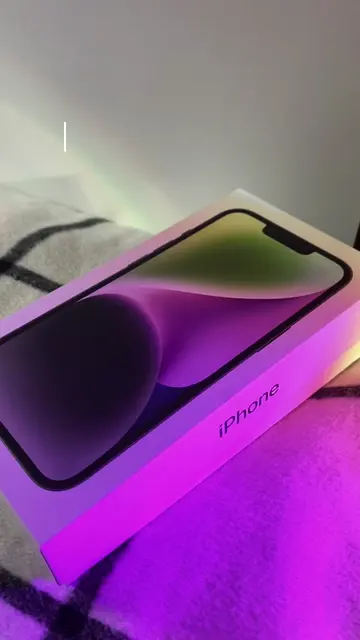
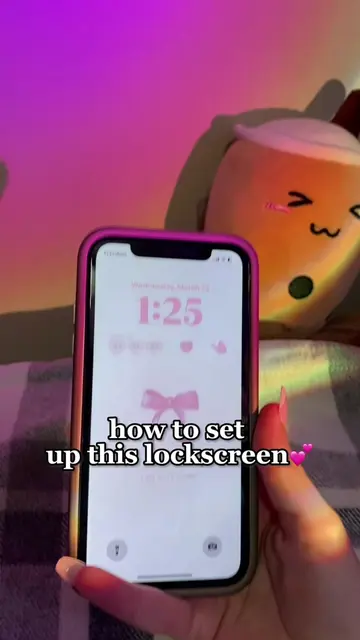
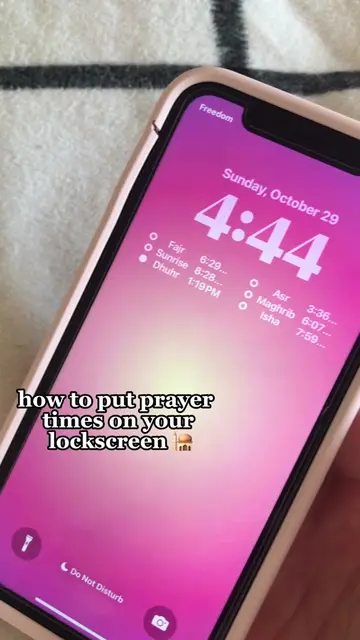
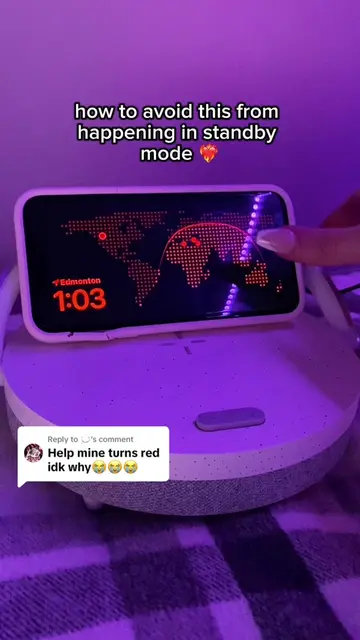
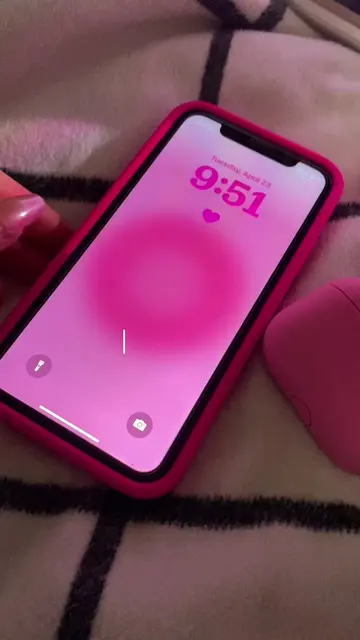
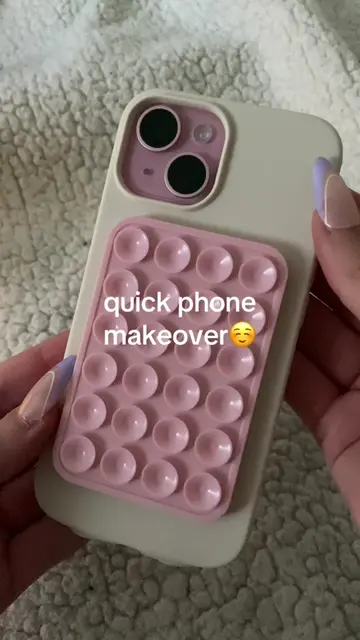
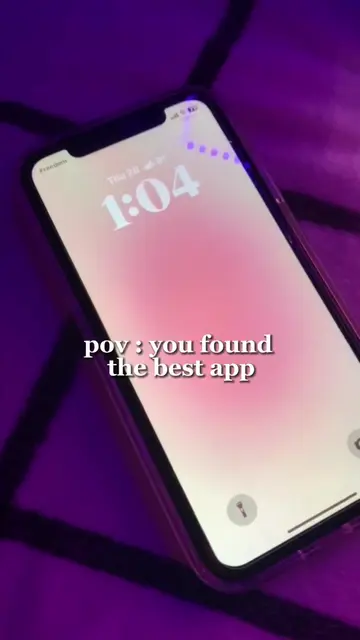
The creator demonstrates how to customize an iPhone lock screen with specific widgets and a pink gradient wallpaper. The video highlights the use of the iScreen app to achieve the aesthetic look.
Structure
- 1User shows the finished aesthetic lock screen
- 2User shows the process of saving a background image
- 3User enters the iPhone lock screen customization menu
- 4User adjusts font color and adds widgets
Original caption
Replying to @cait🕸️ APP TO GET THE HEART WIDGET IS CALLED I SCREEN 🩷🩷 for time and widgets the hottest pink is my preferance but u can choose any shade of pink or any colour!!#fyp#foryou#iscreen#iphone#tutorial#aestheticiphone#ios17
More from @rawslife
More breakout videos from this creator.