Loading video…
All breakouts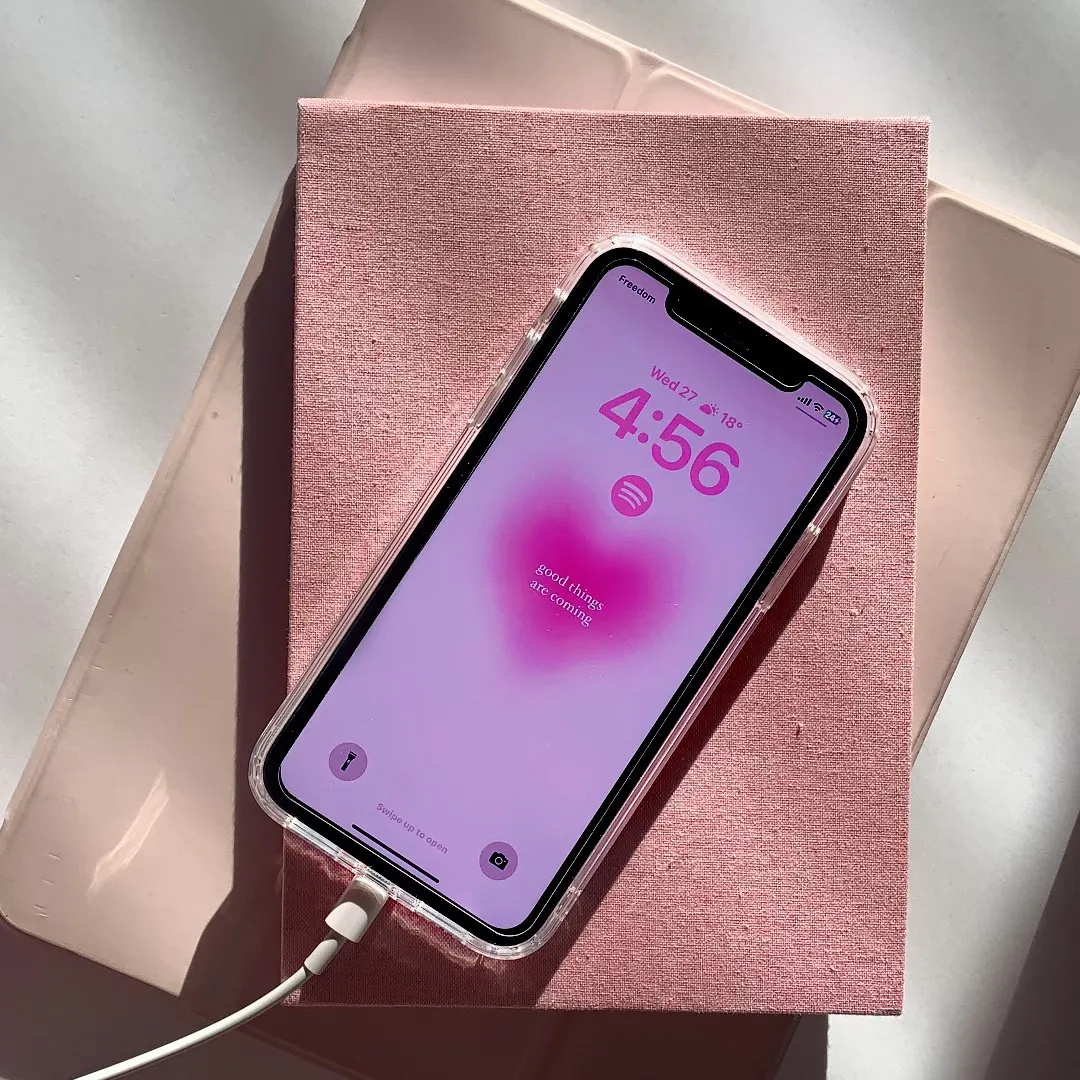
40.2App DemoPOV / Skit hookConsumer Apps
Hook
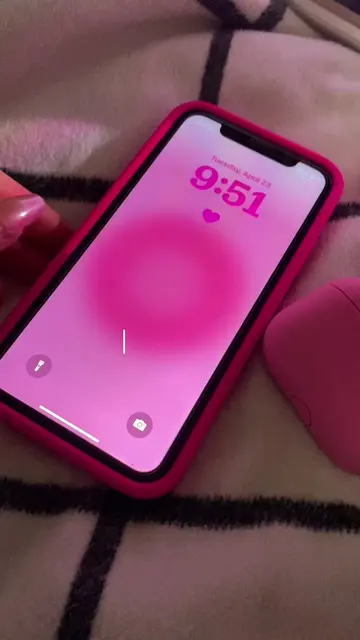
pov : you found the best app
@rawslife
118.9K followers · usually 22.3K views a post
Views
839.9K
Likes
19.9K
Comments
109
Shares
665
Why it worked
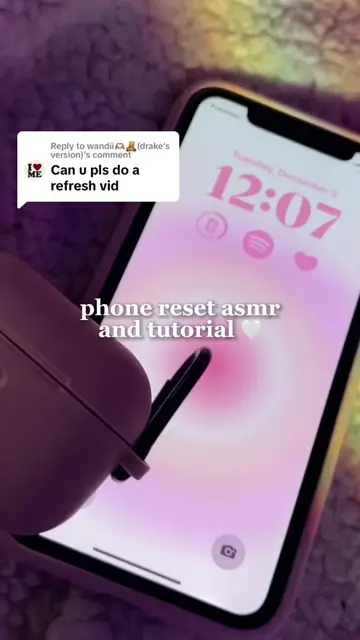
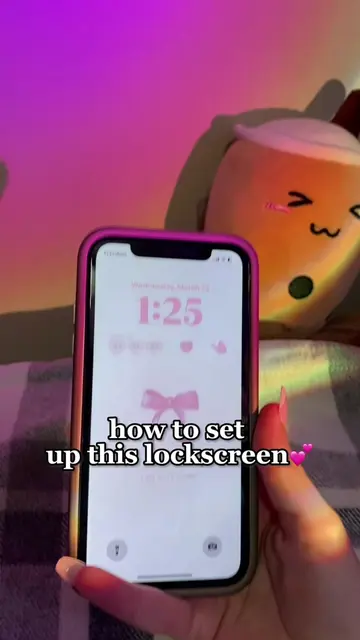
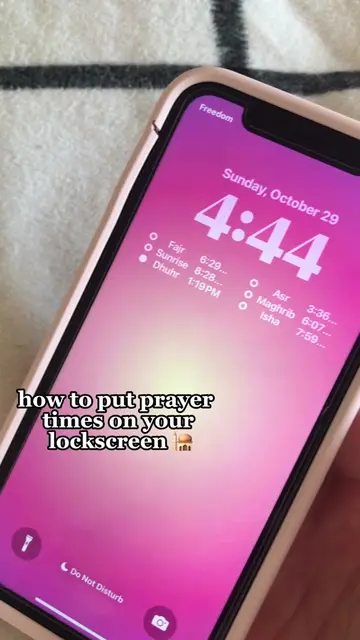
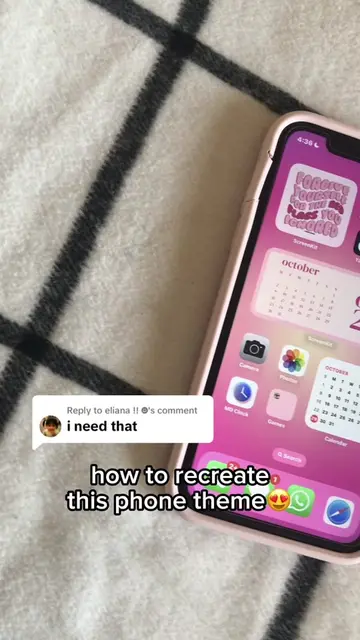
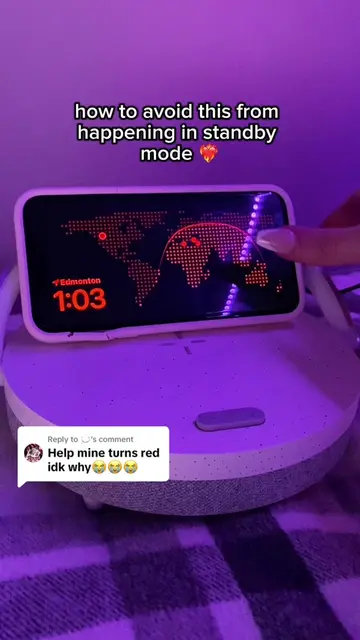
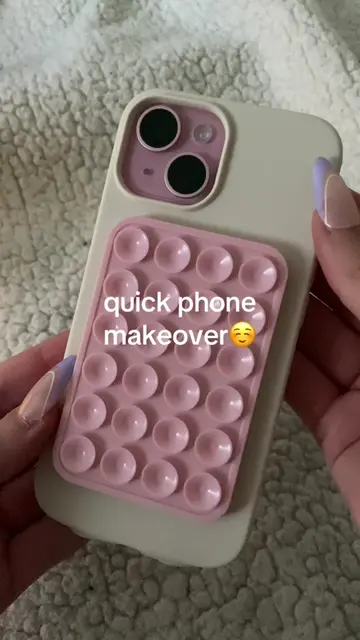
It taps into the popular 'aesthetic' customization trend for iPhone users, providing a quick, satisfying tutorial that solves a specific desire for a cute lock screen.
Summary
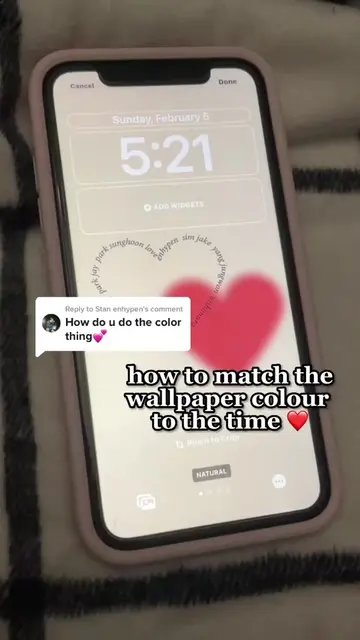
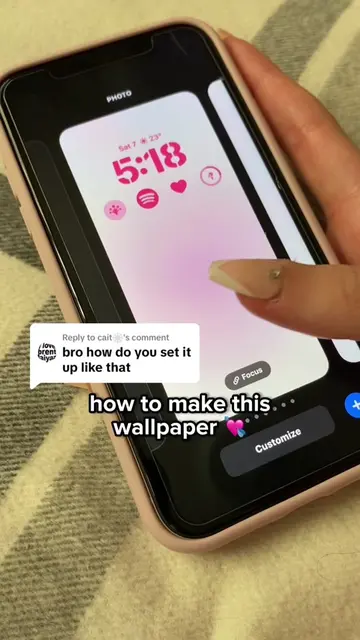
The video demonstrates how to use the iScreen app to customize iPhone lock screen widgets with cute icons and themes. It shows the process of selecting a widget, customizing the icon and background, and adding it to the lock screen.
Structure
- 1Hook with phone lock screen
- 2Showcasing the app in the App Store
- 3Demonstrating widget customization
- 4Adding the widget to the lock screen
Product placement
Original caption
App name: iScreen thats how you can have those cute little hearts! #fyp#foryou#iScreen#iscreenapp#foryoupage#ios17#ios16#widget#iphomeaesthetic#tutorial#appreccomendations
More from @rawslife
More breakout videos from this creator.