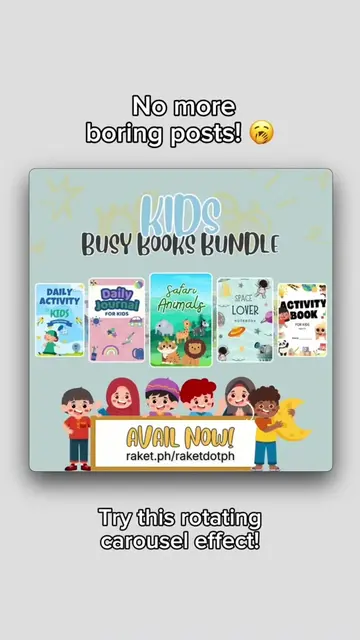
Loading video…
All breakouts
49.1App DemoHow-To hookCreator Economy
Hook
How to list your digital products on Raket.PH 👩🏻💻💸
@raket.ph
159.3K followers · usually 6.9K views a post
Views
337.1K
Likes
19.2K
Comments
520
Shares
1.9K
Promoted product
Raket.PHhttps://www.raket.ph ↗
Why it worked
The video provides high-utility, step-by-step educational content that solves a specific problem for the creator's target audience, making it highly shareable and valuable.
Summary
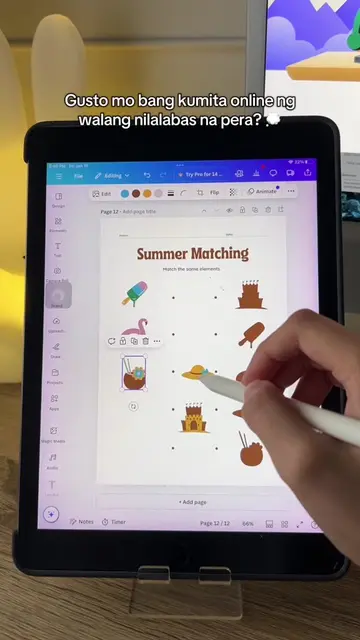
This video provides a step-by-step tutorial on how to list digital products on the Raket.PH platform. It covers everything from account creation and profile setup to adding product listings, setting prices, and promoting the final product.
Structure
- 1Introduction to the tutorial
- 2Account creation and profile setup
- 3Navigating to the products section
- 4Adding a new product listing
- 5Uploading files or redirecting to a URL
- 6Setting a price and publishing
- 7Tips for promoting the listing
Product placement
Original caption
How to list your digital products on Raket.PH 👩🏻💻💸 #raketph #fyp #digitalproducts #passiveincome #ecommerce #onlineshop #sidehustle #portfoliowebsite #etsyalternative
More from @raket.ph
More breakout videos from this creator.
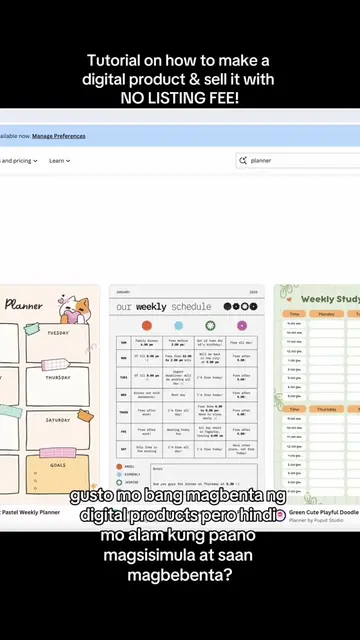
![💡 [Tutorial] - Here's a trick on how to add a perspective effect to your images](https://tiktokspy.sfo3.digitaloceanspaces.com/covers/7424411375801224455.jpg)
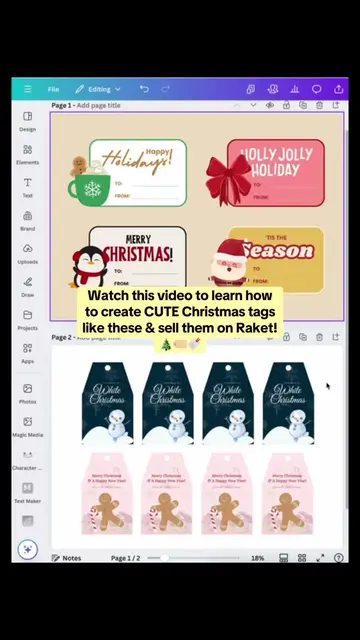



![[Tutorial] Here’s how to create a digital scrapbook on Canva! #raketph #fyp #pa](https://tiktokspy.sfo3.digitaloceanspaces.com/covers/7463408608244501778.jpg)