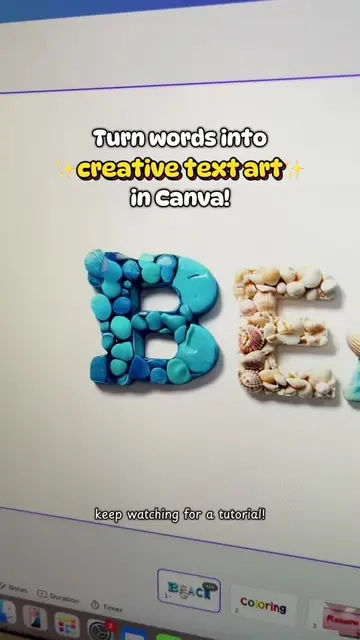
Loading video…
All breakouts
 229 videos128 creators
3.4App DemoProblem Callout hookCreator Economy
Hook
No more boring posts! 🥺
@raket.ph
159.3K followers · usually 6.9K views a post
Views
23.5K
Likes
1.3K
Comments
16
Shares
150
Promoted product
Canvacanva.com
Why it worked
The video provides a clear, step-by-step tutorial on a visually appealing design technique (rotating carousel effect) that is directly applicable to creators selling digital products, making it highly valuable and shareable content.
Summary
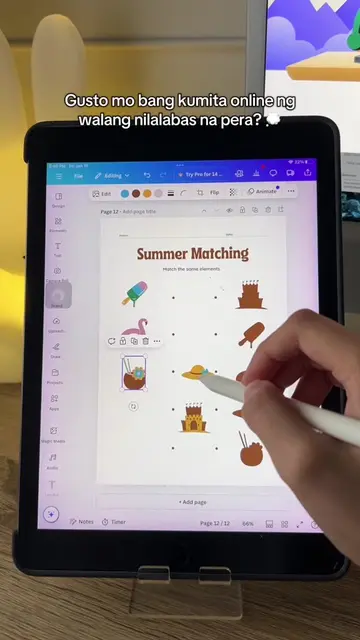
This video demonstrates how to create an animated carousel post using Canva to showcase digital products. It guides viewers through adding frames, duplicating them, arranging images in reverse order, applying transitions, and finally downloading the video as an MP4.
Structure
- 1Introduce the concept of creating engaging posts.
- 2Demonstrate creating a carousel effect with frames.
- 3Show how to populate the frames with product images.
- 4
Original caption
Try this rotating carousel effect for your next post! 💡 #canvatutorial #RakeTips #digitalproducts #canvatips #raketph
More from @raket.ph
More breakout videos from this creator.
![💡 [Tutorial] - Here's a trick on how to add a perspective effect to your images](https://tiktokspy.sfo3.digitaloceanspaces.com/covers/7424411375801224455.jpg)




![[Tutorial] Here’s how to create a digital scrapbook on Canva! #raketph #fyp #pa](https://tiktokspy.sfo3.digitaloceanspaces.com/covers/7463408608244501778.jpg)