Loading video…
All breakouts

213App DemoHow-To hook
Hook
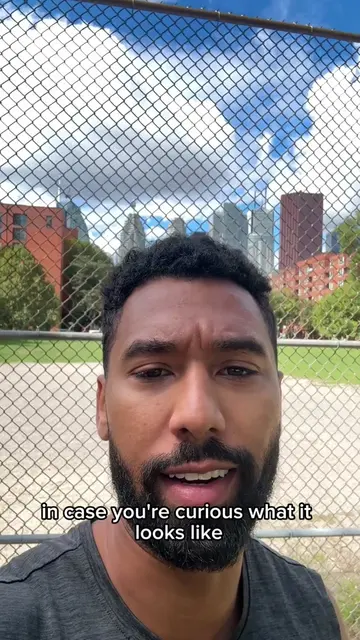
Attention, if you have ever wondered how people get these cool Strava filters on Instagram and TikTok, and me 40 seconds of your time, I'm going to show you how it's done.
@ryankmcd
1.0K followers · usually 654 views a post
Views
137.8K
Likes
2.2K
Comments
112
Shares
771
Why it worked
The video provides a high-utility, step-by-step tutorial for a popular trend, making it highly shareable and saveable for viewers interested in fitness content creation.
Summary
The creator demonstrates how to overlay Strava workout statistics onto a video using the CapCut mobile app. He walks through the process of capturing the data from Strava and applying it to a video clip using CapCut's editing tools.
Structure
- 1Identify the problem of adding Strava stats to videos
- 2Open CapCut and import background video
- 3Screenshot and crop Strava activity data
- 4Overlay the screenshot onto the video in CapCut
- 5Use the splice and lighten tool to blend the overlay
- 6Finalize and export the video
Product placement
Original caption
How to create strava stats overlay on videos for tiktok or ig! #runningmotivation #strava #howto #hybridathlete #run
More from @ryankmcd
Their other posts in the index, biggest breakout first.