Loading video…
All breakouts
502Talking HeadCuriosity Gap hookCreator Economy
Hook
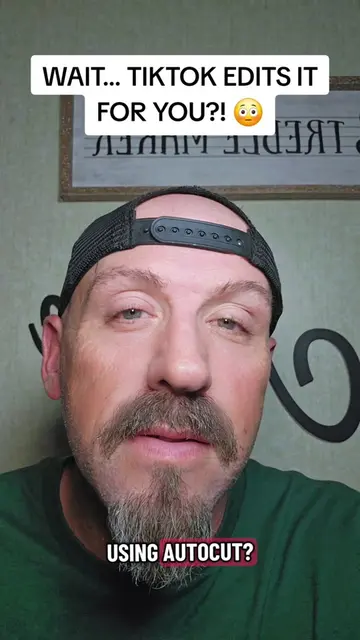
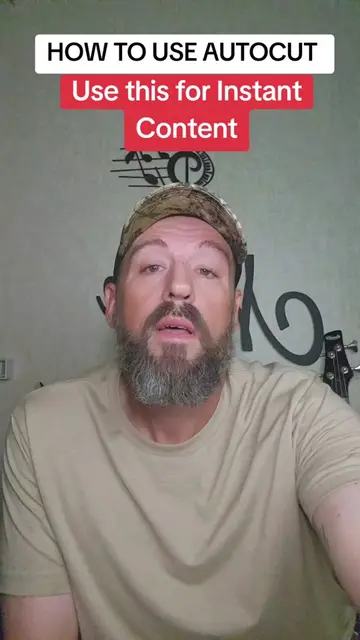
What if I told you you could make an edited TikTok video without actually editing anything yourself?
@pames.jawl
214.5K followers · usually 2.0K views a post
Views
999.4K
Likes
14.9K
Comments
300
Shares
444
Why it worked
The video addresses a common pain point—the perceived difficulty of video editing—by demonstrating a native, 'hidden' feature that simplifies the process, providing immediate value to the creator's target audience.
Summary
The creator explains how to use the built-in 'AutoCut' feature within the TikTok app to automatically generate edited videos from existing camera roll content. He guides the viewer through the interface steps to access the tool and customize the results.
Structure
- 1Hook: Can you edit without editing?
- 2Navigate to the Create tab
- 3Select the AutoCut feature
- 4Choose photos and videos
- 5Review and customize the template
- 6Share the final video
Product placement
TikTok: (a) ACTS — the creator demonstrates the 'AutoCut' feature within the TikTok app to automatically edit video clips and photos. Removing this would change the entire premise of the video.
Call to action
Save this video so you can find AutoCut when you need it, and follow me for more TikTok tips.
On-screen text
TikTok can edit your videos FOR YOU?! 😳
Original caption
Learn how to use TikTok AutoCut to make edited TikTok videos automatically without editing anything yourself! #TikTokAutoCut #TikTokTutorial #TikTokTips #TikTokGrowth #autocut
More from @pames.jawl
More breakout videos from this creator.