Loading video…
Sound

original sound - torialynaee
Toria Lynaee · Original audio
0:00–:––
Playing this video’s own audio, so you’ll hear the creator over the sound.
Hook
Posted Jun 27, 2025Video · 1:52by @torialynaee
The video provides high-value, actionable information by breaking down a professional workflow, which builds trust and makes the product recommendations feel like helpful advice rather than a forced advertisement.
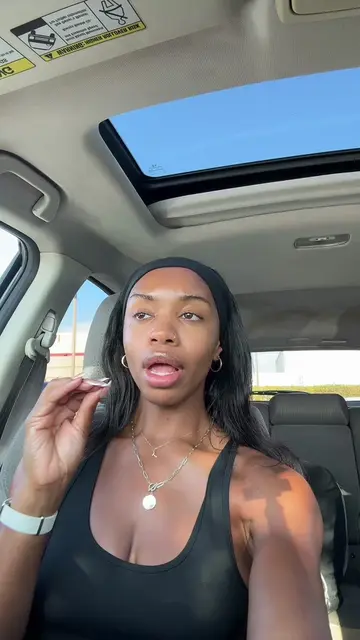
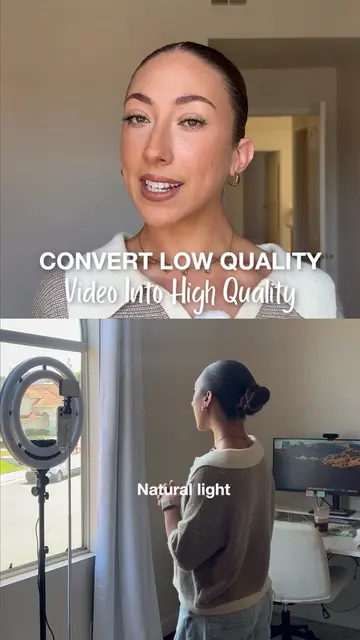
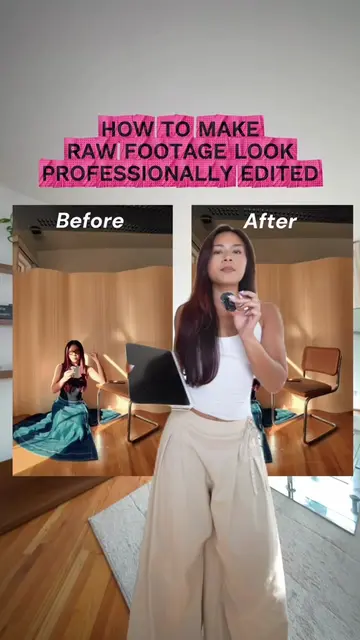
The creator explains her filming and editing workflow, detailing the equipment she uses and her process for color correcting footage. She highlights CapCut as her primary editing tool, demonstrating how she uses its features to achieve a professional look.
Replying to @Gerlyne LJ | NJ REALTOR®️ Want to level up your content and make it look professional? Here’s how I film and edit all my high-quality videos 👇 🎥 Camera Setup: I shoot on the Sony ZV-E10 with the kit lens—this compact mirrorless camera is perfect for content creators who want DSLR-quality footage without the bulky setup. Paired with RØDE lavalier mics, my audio is crisp and clear, which is just as important as video quality. 💡 Lighting: Lighting makes all the difference! I use 2 LED panel lights from Amazon to get even, bright lighting that flatters skin tones and keeps the footage clean and professional. 📐 Tripod Gear: Stability is key. My camera and lights are mounted on adjustable tripods from Amazon—nothing fancy, just functional and reliable. ✂️ Editing: I do all my edits in CapCut—it’s super intuitive, powerful, and perfect for editing on the go. I’ll also walk you through how I color grade my footage to get that cinematic, polished look that makes my videos stand out. Whether you're a beginner or ready to take your content to the next level, this setup proves you don’t need expensive gear to create high-quality videos—just the right tools and a creative workflow. Follow for more behind-the-scenes content tips, gear breakdowns, and editing tutorials! #ContentCreatorTips
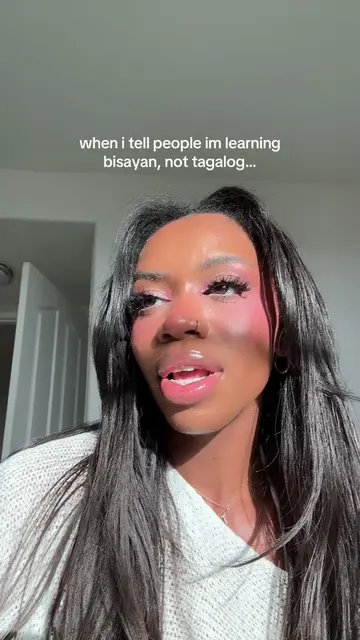
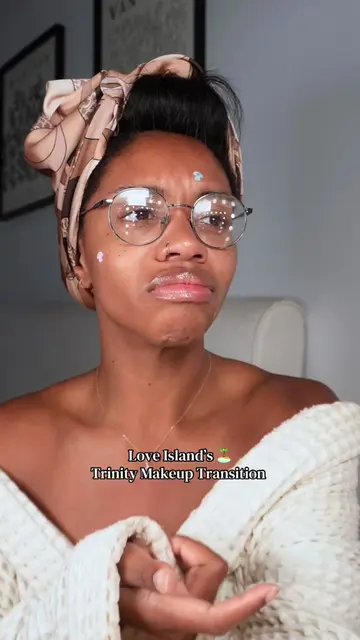
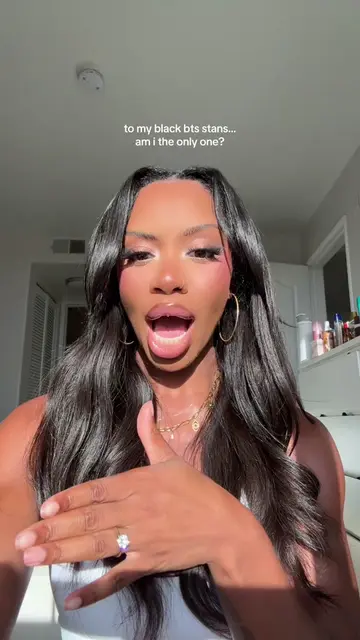
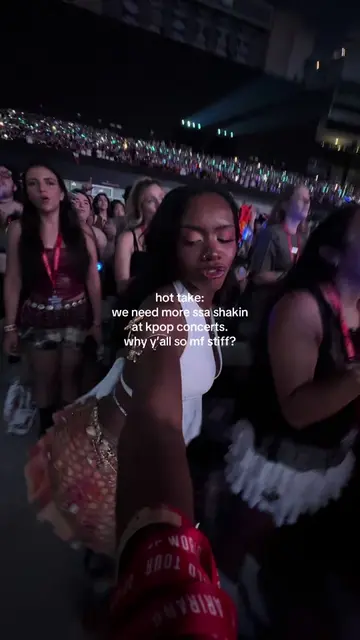
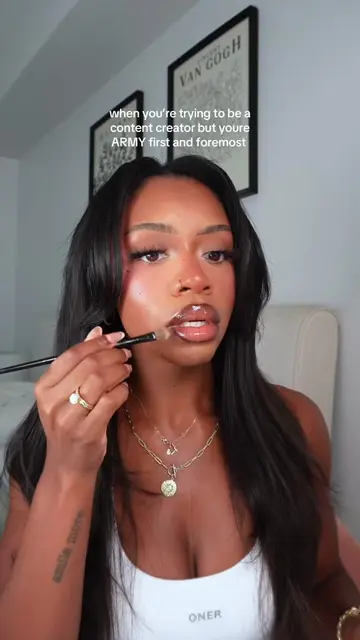
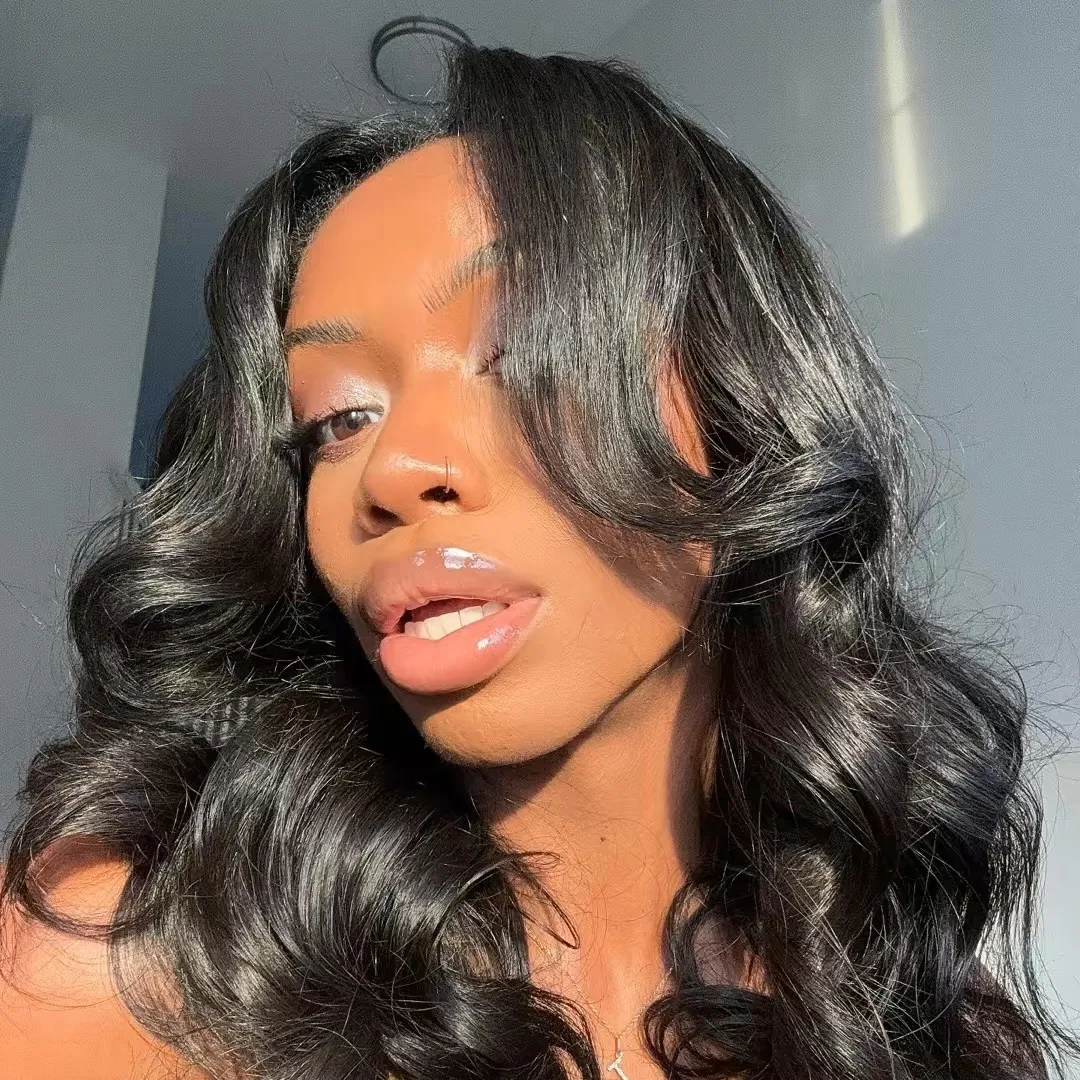
Here's how I get high quality content to go from this to this
Introduction to high-quality content transformation
Overview of camera and lighting equipment
Explanation of color temperature adjustments
Demonstration of editing process in CapCut
Final color correction and filter application
Closing remarks and encouragement
Sony ZV-E10, Rode Wireless Go II, and CapCut are mentioned and shown as part of the creator's workflow.
Playing this video’s own audio, so you’ll hear the creator over the sound.
Video editing app for creators making social media videos
Views and creators: posted in the last 30 days (English videos). Videos: all time.
Promotes 9 products. Create free account to see more.
Outliers and viral hits: their videos on Overshot, all time.