Loading video…
Sound

original sound - elrolitas99
ElRolitas · Original audio
0:00–:––
- Videos using it
- 325
- Creators
- 273
- Views on those videos
- 81.4M
The video provides immediate, actionable value by teaching a specific, visually impressive design technique, which builds authority and trust before pitching the creator's upcoming course.
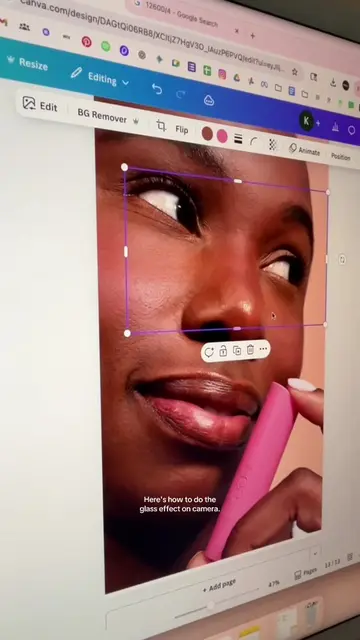
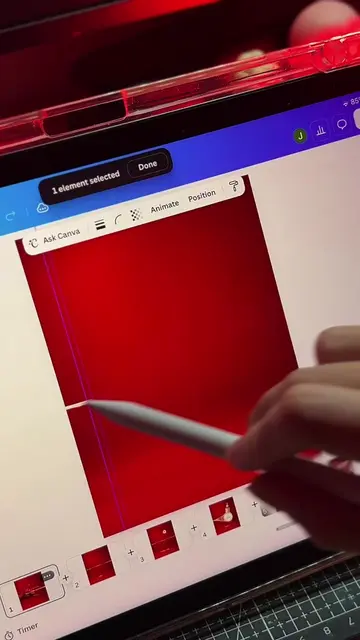
The creator demonstrates a design trick in Canva using the 'Match & Move' transition to animate donut-themed graphics. The video concludes with a call to action to save the tutorial and wait for the creator's upcoming Canva course.
Stop scrolling! 🚨 Try this Canva effect NOW If you want your designs to stand out, this is the trick you’ve been waiting for! It’s incredibly simple, but the difference it makes is HUGE. ✨
Stop scrolling! 🚨 Try this Canva effect NOW
Introduction to the Canva design trick
Step-by-step demonstration of the Match & Move animation
Showcasing the final animated design results
Call to action to save the video and wait for the upcoming course
(a) Canva ACTS: the creator demonstrates a specific design effect (Match & Move) within the Canva interface, showing how to manipulate elements to create an animation. Removing this would change the entire video as it is a tutorial on using this specific tool. (b) The Donut Club appears as the fictional brand name on the design templates being created; it does not act.
Save this for later and send it to someone who uses Canva every day. And if you want to learn Canva the smart way... stay tuned. My Canva course is coming soon.
Design app for people creating presentations, worksheets, and other visual content
Views and creators: posted in the last 30 days (English videos). Videos: all time.
Promotes 1 product. Create free account to see more.
Outliers and viral hits: their videos on Overshot, all time.