Loading video…
Sound

original sound - codekubkubcode
CodeKub · Original audio
0:00–:––
Playing this video’s own audio, so you’ll hear the creator over the sound.
The video provides a quick and easy tutorial for a visually appealing customization of a popular developer tool (VS Code), appealing to a niche audience interested in aesthetics and productivity.
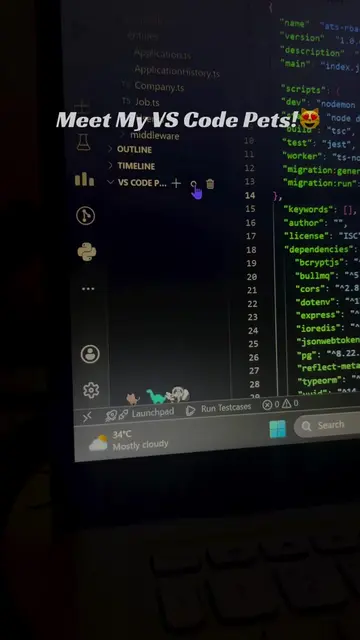
This video demonstrates how to make the VS Code background transparent using the GlassIt-VSC extension. It shows the steps to search for and install the extension, and then how to apply it to achieve a transparent background.
วิธีมีพั้นรักแมวบน vscode #พั้นรักแมว #coding #comsci
วิธีมีพั้นรักแมว
Introduce the goal: transparent VS Code background
Search for and install the GlassIt-VSC extension
Apply the extension to make the background transparent
The video shows how to install and use the GlassIt-VSC extension for VS Code to make the background transparent.
Playing this video’s own audio, so you’ll hear the creator over the sound.
VS Code extension that makes the editor background transparent
All time.
Promotes 5 products. Create free account to see more.
Outliers and viral hits: their videos on Overshot, all time.