Loading video…
All breakouts
5.8App DemoDirect Question hookEducation
Hook
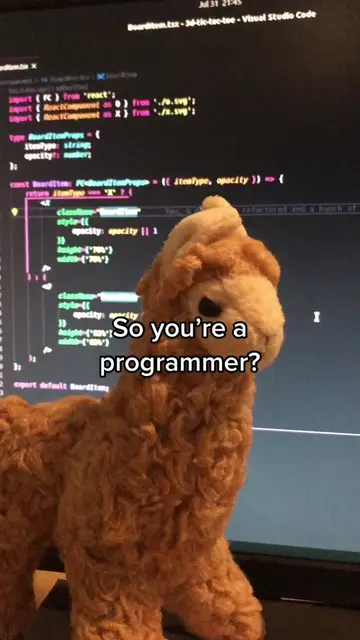
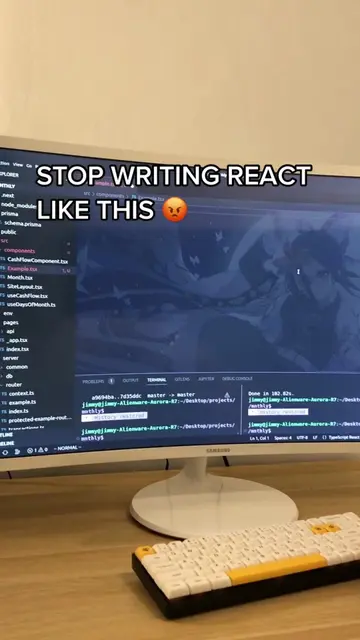
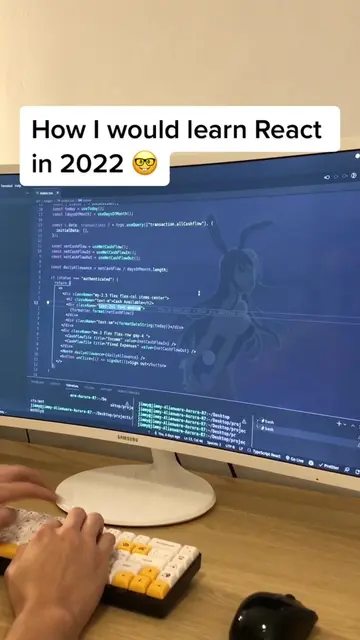
What's the point of coding in VS Code if you can't have your favorite anime waifu as a background?
@mrllama25
47.0K followers · usually 9.1K views a post
Views
53.1K
Likes
3.5K
Comments
49
Shares
188
Promoted product
Summary
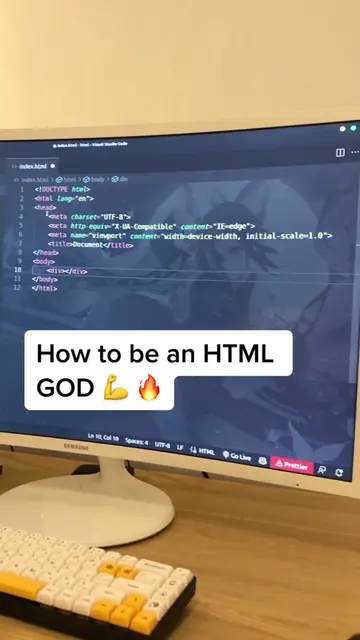
This video demonstrates how to set custom background images, including GIFs, in Visual Studio Code using the 'Customize UI' extension. The creator shows the process of installing the extension, editing the settings.json file with a custom CSS rule, and replacing a placeholder URL with a desired image URL.
Transcript
What's the point of coding in VS Code if you can't have your favorite anime waifu as a background? Holy shit. So I just figured out how to set custom background images in VS Code and this code is a game changer. You can have any background images that you want, even gifs. What? Here's how I did it. Get this extension here. It allows you to add custom CSS properties to your VS Code editor. Once that is done, you can go to your settings.json and open up your VS Code settings. Then just add this stuff here. And replace the URL with your image URL. Then refresh and there you have it. Enjoy.
Original caption
This vscode trick is a game changer 😳🔥 set any background images that you want, even gifs. #vscode #vscodetheme #programmingsetup #programming #progamer #frontenddeveloper #frontend #htmlcss #reactjs #reactjsdeveloper #devtok #coding #code #cs #compsci #webdeveloper #fyp #javascript #techtok #angularjs #vuejs #codinghumor
More from @mrllama25
More breakout videos from this creator.