Loading video…
All breakouts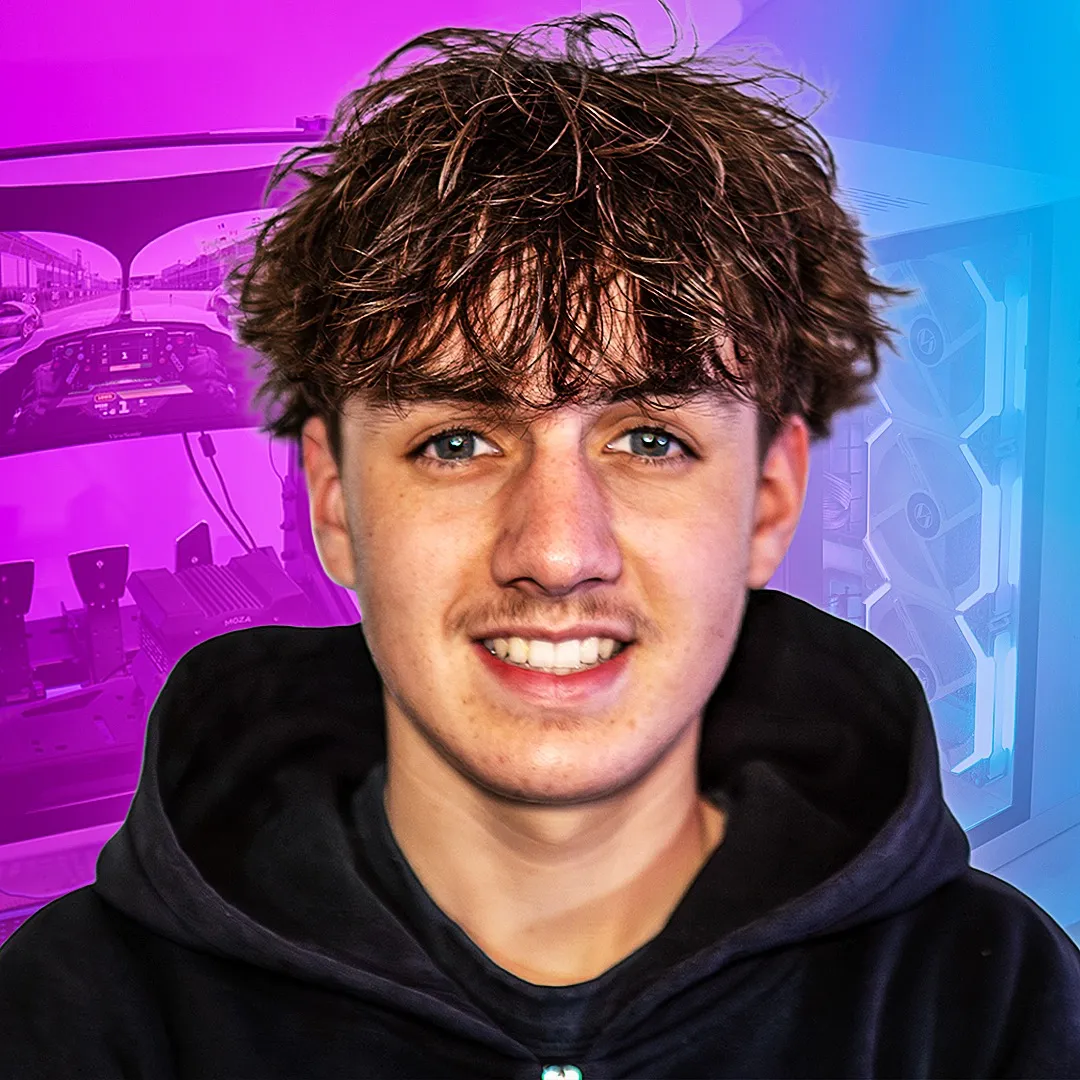
5.1Talking HeadProblem Callout hookGames
Hook
If you just got your first gaming PC for Christmas
@infinitetech_
271.0K followers · usually 73.2K views a post
Views
339.1K
Likes
17.7K
Comments
432
Shares
896
Why it worked
The video provides practical, actionable tips for new PC owners, addressing common setup mistakes and offering clear instructions. The content is highly relevant to the target audience of new gamers, and the tips directly contribute to improving their gaming experience.
Summary
This video provides five essential tips for new PC gamers to optimize their setup. It covers correctly connecting the monitor to the graphics card, setting the highest refresh rate, updating graphics drivers, and enabling XMP profiles in the BIOS for better performance.
Structure
- 1Connect monitor to graphics card
- 2Set highest refresh rate
- 3Update graphics drivers
- 4Enable XMP profile in BIOS
- 5Enjoy your new PC
Product placement
The video mentions and shows the NVIDIA app and AMD software for updating graphics drivers, and the BIOS for enabling XMP profiles. The PC itself is also prominently featured.
Call to action
Save this video for later so you don't forget. You may as well drop a follow for more.
On-screen text
GOT
FIRST
GAMING PC
HERE
5
ESSENTIALS
SETTINGS
CHANGE
PC
FULLEST
THE
TO DO
DON'T
HDMI
DISPLAY
MOTHERBOARD
INSTEAD
DIRECTLY
GRAPHICS
INSTEAD
ACTUALLY
GRAPHICS
CPU'S
INTEGRATED
AFTER
YOUR
AT THE
HIGHEST
REFRESH RATE
AUTOMATICALLY
BE
WINDOWS + I
DISPLAY
ADVANCED
MONITORS
TO THE
AVAILABLE
GPU
LONG
DOWNLOAD
GRAPHICS
LATEST DRIVERS
NVIDIA GPU
THE
NVIDIA APP
AN AMD
YOU CAN USE
AND
FREQUENTLY
SURE
UTILIZING
SPEED
THIS
PC
THE
BIOS
THEN
PROFILE
SURE
ACTIVATED
SET TO
AND
NEW PC
THIS
YOU DON'T
MAY
MORE
Original caption
Here are 5 Beginner PC Tips for new pc users #techtok #pc #gamingpc #pcbuild #pctips
More from @infinitetech_
More breakout videos from this creator.