Loading video…
All breakouts
12.3App DemoHow-To hookCreator Economy
Hook
How to link PayPal with your TikTok account
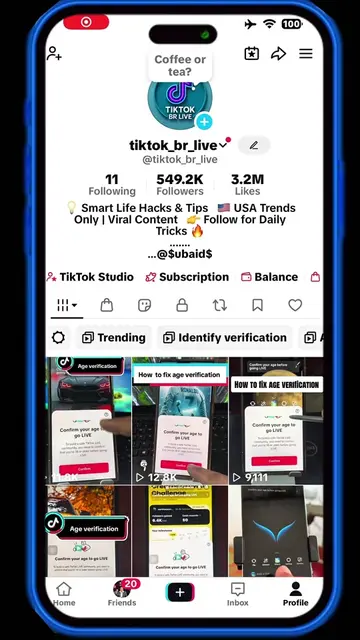
@tiktok_br_live
551.1K followers · usually 2.3K views a post
Views
799.1K
Likes
15.6K
Comments
439
Shares
3.2K
Why it worked
The video provides clear, high-utility instructional content for creators looking to monetize their accounts, solving a specific technical friction point.
Summary
This video provides a step-by-step tutorial on how to link a PayPal account to TikTok for receiving payments. It guides the user through the settings menu to the payout method configuration.
Structure
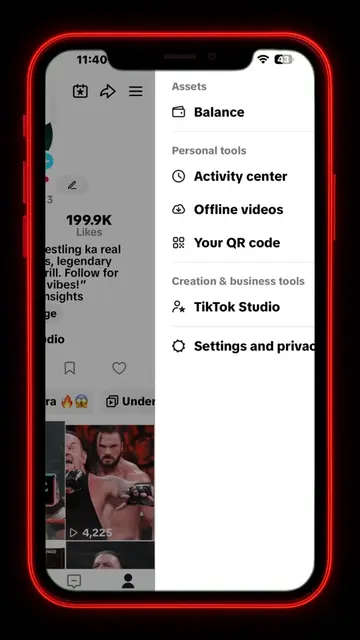
- 1Navigate to TikTok profile settings
- 2Access the Balance and Payment method menu
- 3Select PayPal as the payout method
- 4Verify identity via email code
- 5Log in to PayPal to finalize the connection
On-screen text
Assets
Balance
Personal tools
Activity center
Offline videos
Your QR code
Creation & business tools
TikTok Studio
Settings and privacy
WWE's balance
Estimated balance
USD 0.39
Transactions
Services
LIVE rewards
Monetization
Campaigns
Settings
Payment method
Identity verification
Tax information
Help & feedback
Add payout method
Country or region United States of America
Choose payout method
PayPal
Funds should arrive in 1 business day
Minimum withdrawal amount: 1.00 USD
Maximum withdrawal amount: no limit
Enter verification code
We've sent a verification code to
Resend code
Add a new PayPal account
Add your PayPal account as your payment method
Add PayPal account
Set as primary account
The payment may be processed by Hyperwallet
a PayPal service, or by PayPal directly
Hyperwallet Privacy Policy and Terms of Service
Log in with PayPal
Email or mobile number
Password
Log In
Forgot password?
Sign Up
Cancel and return to TikTok
You're now leaving PayPal
We're sending you to TikTok
PayPal won't ask for any info after this page
Continuing to:
Processing
Your account is being validated, please wait for a few seconds.
Manage
PayPal
Primary
Add a new withdrawal method
Original caption
How to link PayPal with your TikTok account #paymenttips #paypalsetup #moneyhacks #financialtips #creatorsearchinsights
More from @tiktok_br_live
More breakout videos from this creator.