Loading video…
Sound

original sound - dataanalytics.07
Ali Data Analytics · Original audio
0:00–:––
Playing this video’s own audio, so you’ll hear the creator over the sound.
The video effectively contrasts a tedious manual process with a quick, efficient shortcut, highlighting the value of learning advanced software features. This 'problem/solution' format, especially for a widely used tool like MS Word, appeals to a broad audience seeking productivity hacks.
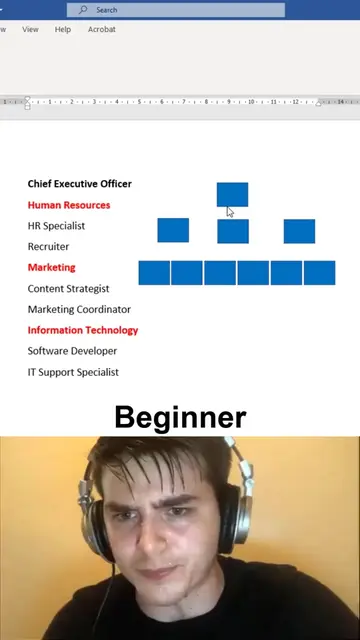
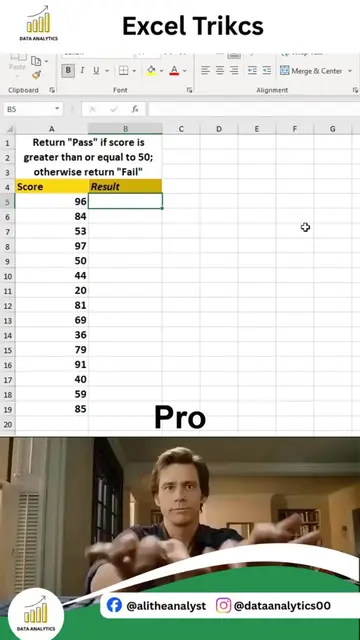
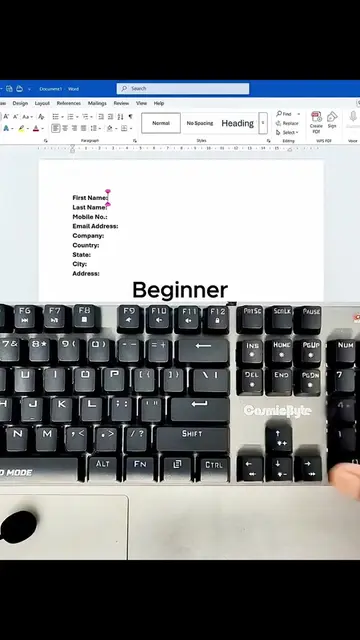
The video demonstrates two methods for creating a table in MS Word: a beginner method involving manual entry and a pro method using the 'Convert Text to Table' feature. The pro method is shown to be significantly faster and more efficient for organizing text into a structured table.
MS Word Text to Table Trick | Microsoft Word Tips Working with unorganized text in Microsoft Word? You don't have to create tables manually. The Text to Table feature lets you instantly convert plain text into a clean, professional table with just a few clicks, saving time and making your documents easier to read and present. In this Microsoft Word tip, you'll learn how to: Convert text into a table instantly Organize lists, records, and data professionally Format tables automatically Save time by avoiding manual table creation Improve document readability and presentation Create cleaner reports, invoices, and business documents Whether you're a student, office professional, data analyst, teacher, or business owner, this simple trick can make your daily work faster and more efficient. Small productivity tips like this can save you hours over time and help you work smarter with Microsoft Office. If you want to master Excel, Word, Power BI, SQL, Python, Statistics, and complete Data Analytics through practical, real-world projects, you're in the right place. Comment "INTERESTED" if you want to learn Complete Data Analytics, and I'll share all the details. Follow Ali Data Analytics for more Microsoft Office tips, Excel tricks, Power BI dashboards, SQL tutorials, Python projects, cheat sheets, portfolio ideas, and practical Data Analytics content.
MS Word
Show beginner method of creating a table in MS Word
Demonstrate manual entry of days and tasks
Introduce the 'Pro' method using 'Convert Text to Table'
Show keyboard shortcuts for the feature
Explain the 'Convert Text to Table' dialog box
Convert text to a table instantly
MS Word: ACTS - it is the software used to create the table. Removing it would change what happens in the video. Data Analytics (logo): APPEARS - a logo in the top left and bottom left corners. Removing it would not change what happens in the video.
Playing this video’s own audio, so you’ll hear the creator over the sound.
Promotes 5 products. Create free account to see more.
Outliers and viral hits: their videos on Overshot, all time.
MS Word is a software application used to create documents, including tables and various types of lines.
All time.