Hook
More breakout videos from this creator.
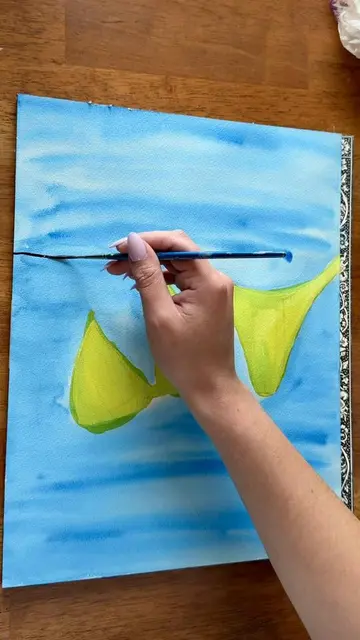
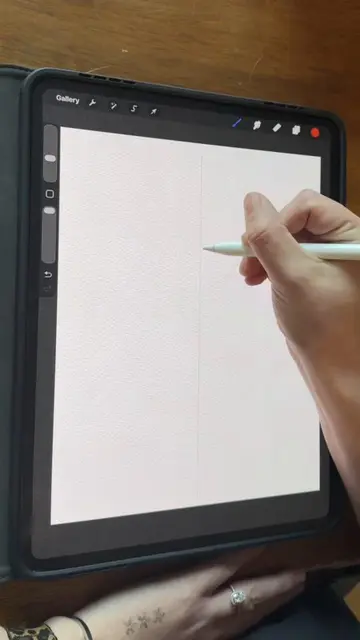
Here's a tutorial on how to paint these heart suckers in Procreate using my watercolor brushes. Fast forward 40s if you know how to set up your canvas I didn't want to do multiple parts. First of all I'm just going to add a new canvas. I use 16 by 20 but you can use 8 by 10 for good quality. These brushes are located on my profile. Now I'm just going to add in one of my paper textures that comes with the set and I just insert a photo because it's in my photos. If they're stored in your files then just import from your files. Then I'm going to resize it so it fits the canvas perfectly. Now I'm just going to go to my layers panel and I add a new layer and put it underneath my paper texture and then I set my paper texture to linear burn. After that I will go to the wrench tool and to canvas and I'm going to turn on my drawing guide so that I can turn my symmetry on. So you just hit that and then you hit symmetry and then it's all done. Then you just hit the little blue check in the corner. Now I just go to my colors and I'm going to just select a bright red color. And then for my brushes I'm going to be using the inky hard edge liner. Now you just draw a heart 35 times until you like it. Now I'm going to select the watercolor fuzzy wash and then I just fill the whole thing in. If you don't like your symmetry tool for this you can turn it off but I just keep it. Now I'm using the inky hard edge liner again and I'm just getting a darker red and putting in some darker areas. Once that's all done I'll select the smudge tool and use my watercolor soft blender and just kind of blend out the edges on the inside. And now I'm just going to do the same thing with my white highlights. Now I'm going to do the stick of the sucker so I just put the layer underneath and set it to assisted so that my symmetry is still on and I just draw a stick. Then I just take a darker red and I outline where it is inside of the sucker. For the bottom half of the stick I just add a white highlight in there and then I'll just blend it out. And then I just did a little highlight on the top of it too. Now I'm going to combine all of my layers and I will duplicate it. Now I'm going to tap the bottom layer and I'm going to hit alpha lock and then I just finish super dark red and then I'm going to fill the layer. So you just click on that layer again and then you hit fill layer it'll all be dark. Then I'm just going to take my selection tool and I offset it a little bit so it looks like a shadow. Now you go up to your magic wand tool and I'm going to hit Gaussian blur and I just blur it out a little bit. And you don't have to do this but I just erased a little bit where that shadow was just so the light kind of shines through a little bit and it looks more like watercolor. I just turned my background color to a pink and I turned off my drawing guide. Then I grabbed my selection tool and I'm just going to move it around. Then I just duplicated my sucker and I'm just going to move it over top. Then I add a layer underneath the suckers and I'm just taking my texture splatter and I'm going to put it underneath all of the sucker just to have a fun background. And then it's all done. Thanks for watching okay bye.