Loading video…
Sound

original sound - toolsproducts
toolsforprocreate · Original audio
0:00–:––
Playing this video’s own audio, so you’ll hear the creator over the sound.
Hook
Posted Aug 3, 2026Video · 0:23by @toolsproducts
This video promotes it, but we haven’t matched it to a product page yet, so there are no product figures.
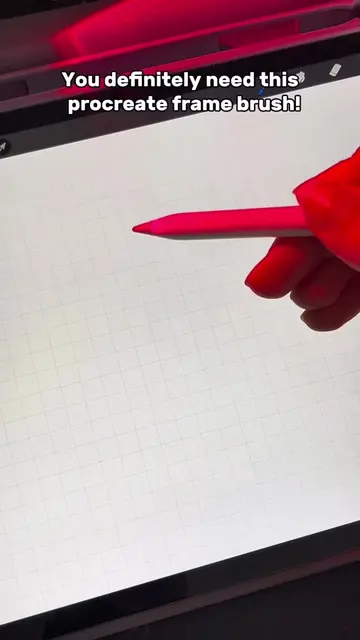
The video provides a concise and visually engaging demonstration of specific Procreate brushes, directly addressing a common pain point for digital artists (managing too many brushes) and offering a clear solution with a direct call to action to find the brushes via the bio link.
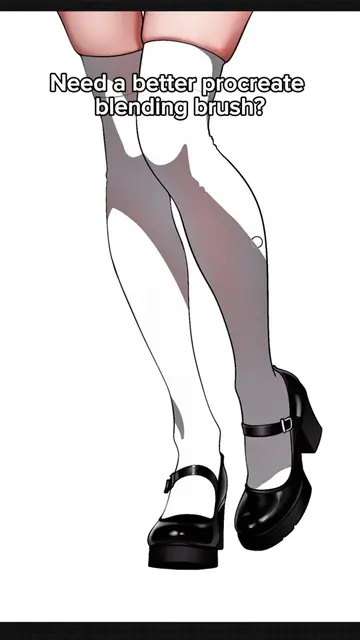
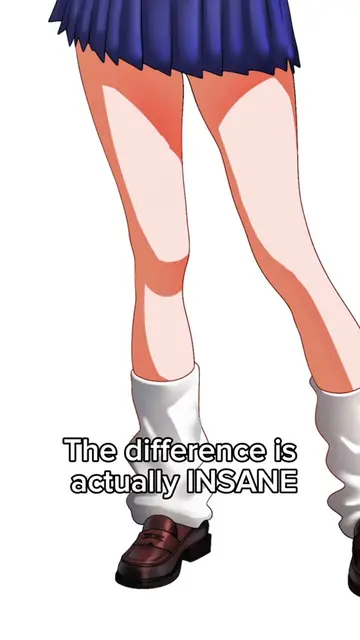
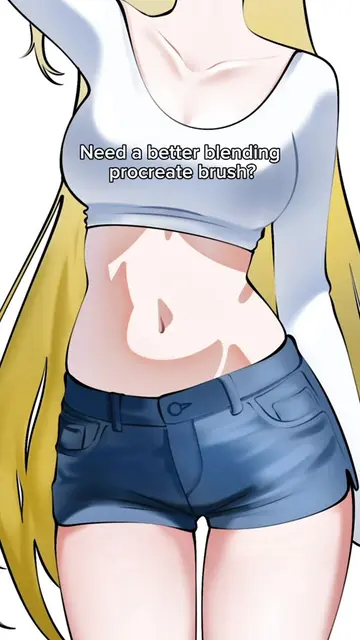
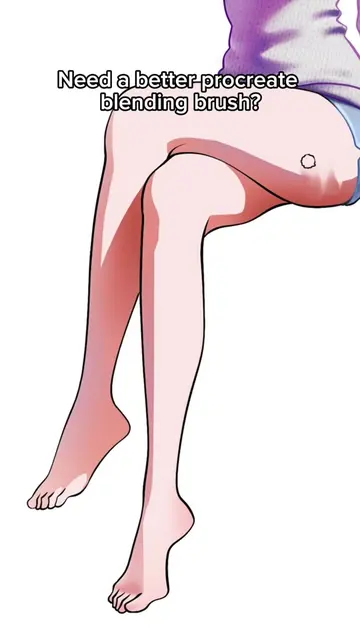
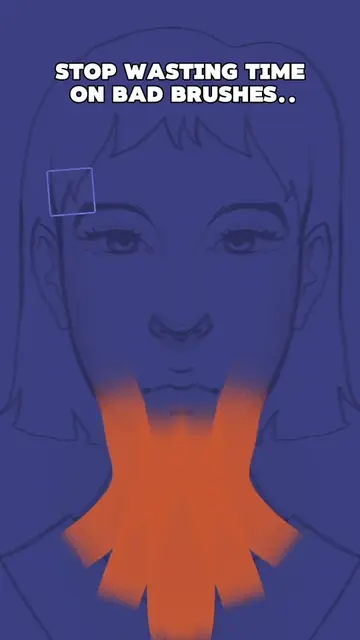
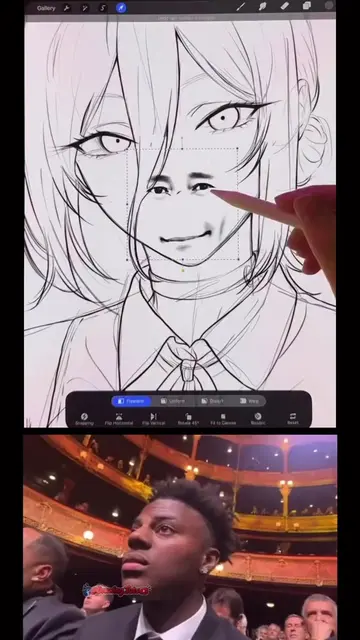
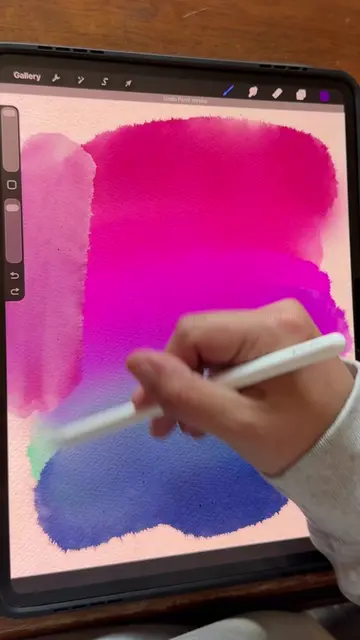
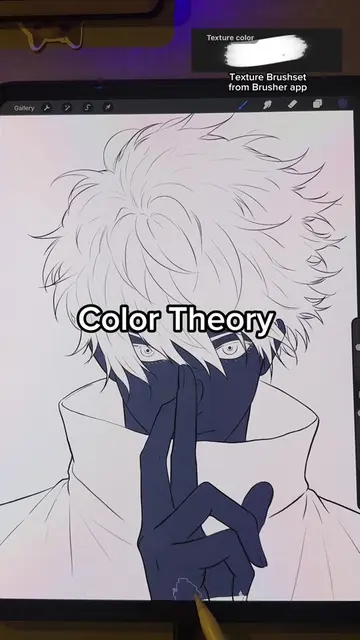
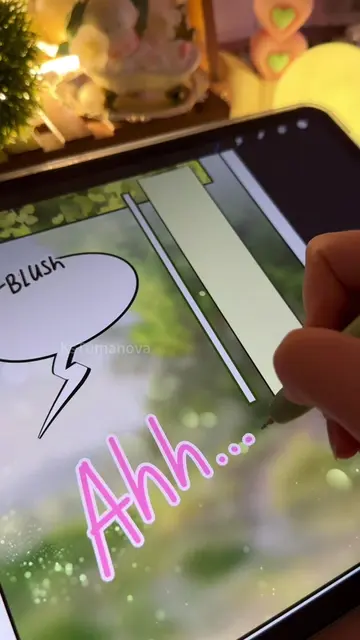
The video demonstrates how to use two specific Procreate brushes, a "Soft Brush" and a "Textured Brush," to create digital art. The creator applies these brushes to different parts of a digital portrait, highlighting their use and indicating that they can be found in the description.
You can find the link in my bio! #procreate #digitalart #howtodraw #usa #art
Delete your other procreate brushes. Keep these two!
Introduction to Procreate brushes
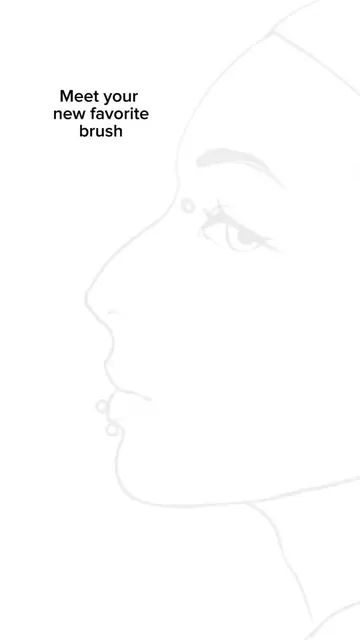
Demonstration of Soft Brush on face
Demonstration of Textured Brush on eye area
Demonstration of Soft Brush on nose and lips
Demonstration of Textured Brush on neck and clothing
Final artwork reveal
Procreate (ACTS - software used to create digital art, demonstrated by the creator using its brushes; removing it would change what happens in the video). Soft Brush (ACTS - a brush used within Procreate, demonstrated by the creator; removing it would change what happens in the video). Textured Brush (ACTS - a brush used within Procreate, demonstrated by the creator; removing it would change what happens in the video).
You can find the link in my bio!
Playing this video’s own audio, so you’ll hear the creator over the sound.
Promotes 2 products. Create free account to see more.
Outliers and viral hits: their videos on Overshot, all time.