Loading video…
All breakouts
8.4App DemoHow-To hookCreator Economy
Hook
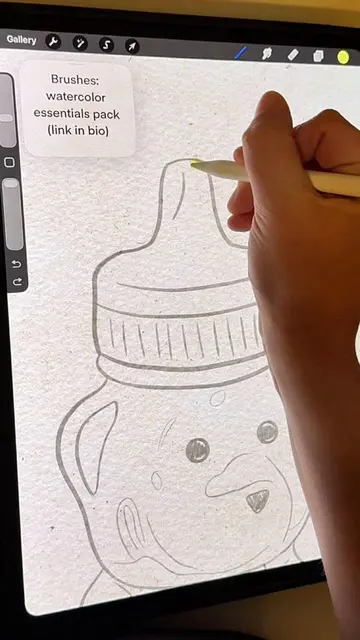
Here's how you can trace over any image in Procreate
@sam.does.art
48.3K followers · usually 2.2K views a post
Views
18.0K
Likes
636
Comments
13
Shares
14
Why it worked
The video provides a clear, step-by-step tutorial on a popular creative task within a widely used app. The visual demonstration combined with concise instructions makes it easy for viewers to follow along and replicate the process, appealing to artists and digital creators.
Summary
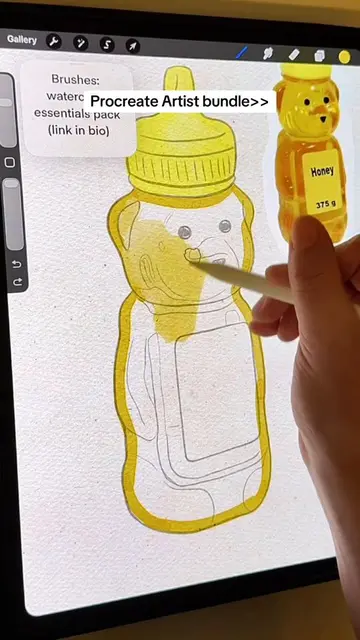
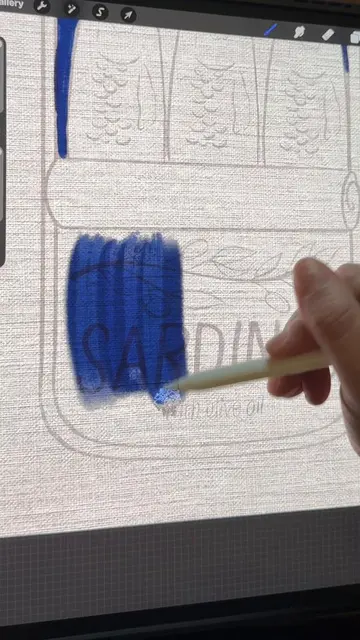
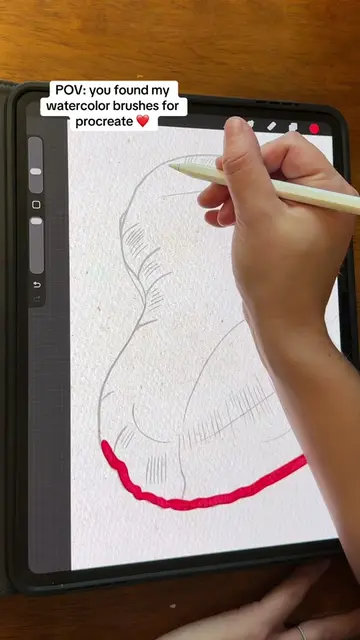
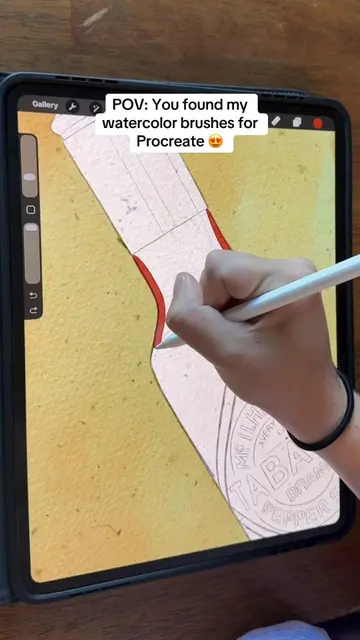
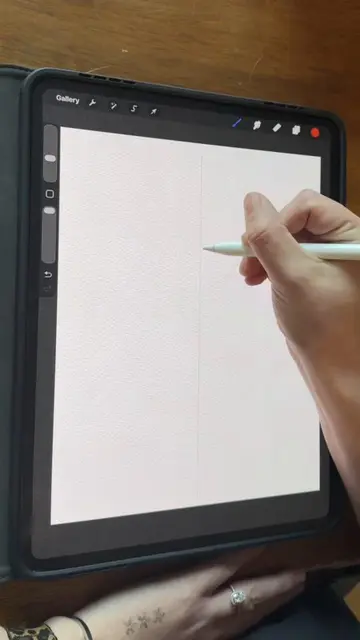
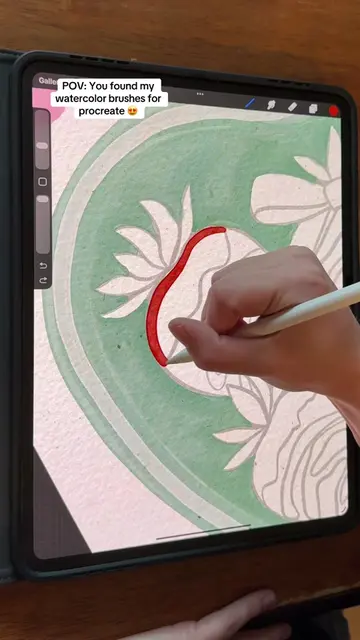
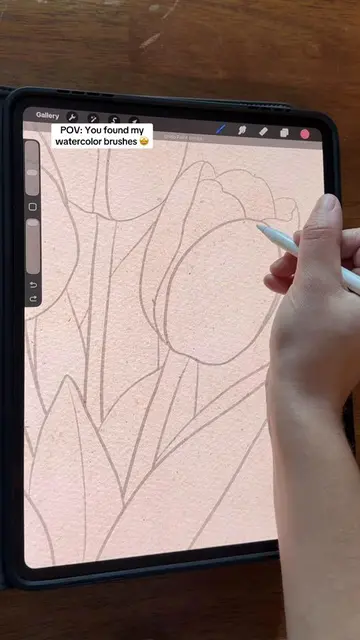
This video demonstrates how to trace an image in Procreate. The creator imports a photo, adjusts its opacity, and then uses a sketching brush to trace the main outlines and details of the image, focusing on important lines and value shifts.
Structure
- 1Import image into Procreate
- 2Adjust opacity and select brush
- 3Trace main outlines
- 4
Original caption
Here is a tutorial on how to trace over any image on Procreate! #procreatetutorials #artprocess #digitalpainting #procreatetips #procreateapp
More from @sam.does.art
More breakout videos from this creator.