Loading video…
All breakouts
3.4App DemoHow-To hookConsumer Apps
Hook
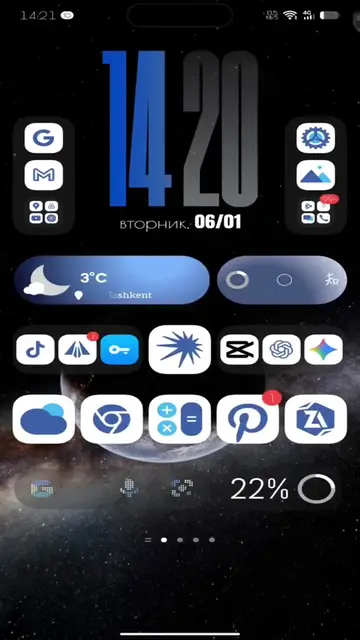
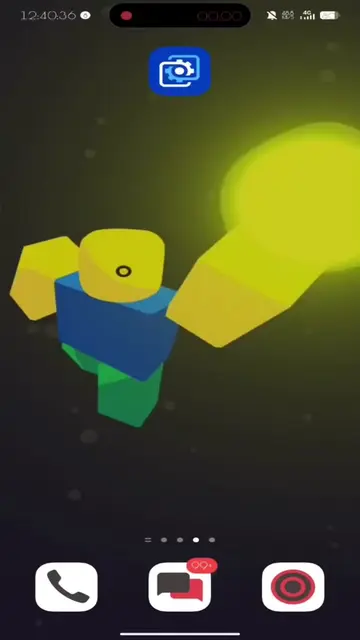
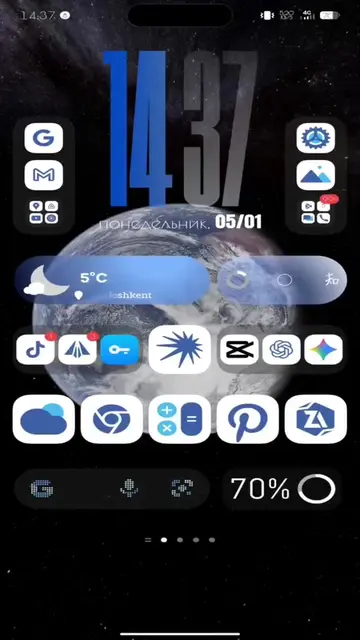
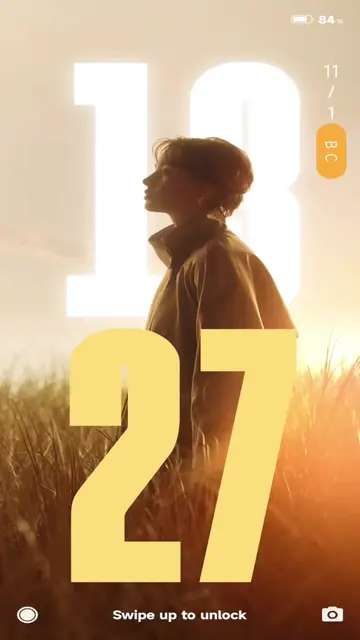
Установил мои KLWP
@kvadrat_tech
16.4K followers · usually 42.4K views a post
Views
114.4K
Likes
1.9K
Comments
112
Shares
78
Why it worked
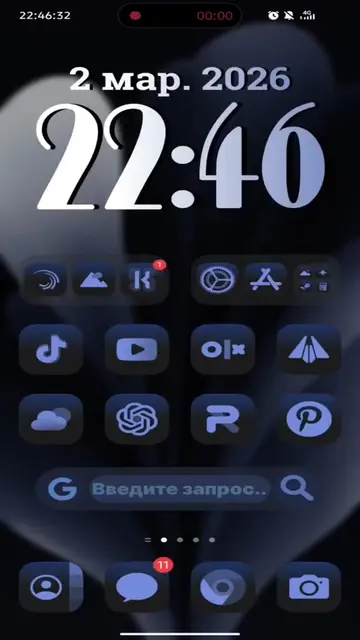
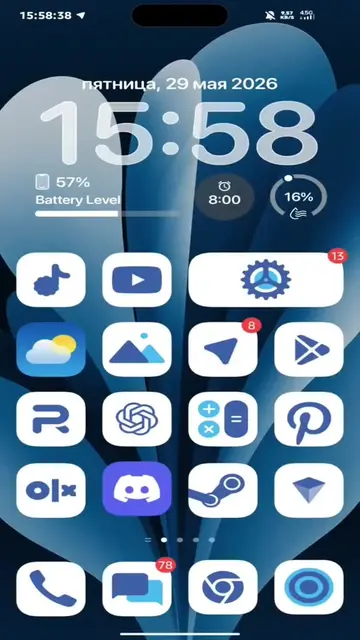
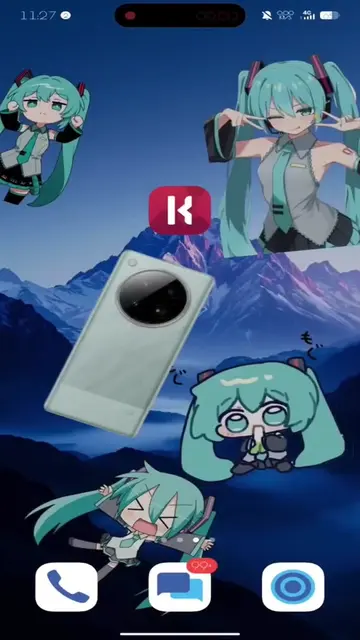
The video addresses a specific technical issue with a popular customization app (KLWP), providing a clear and concise solution. This problem-solving approach, combined with the visual demonstration, makes it highly valuable for users experiencing the same bug.
Summary
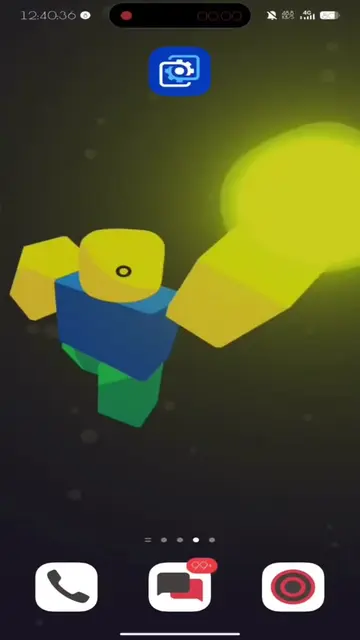
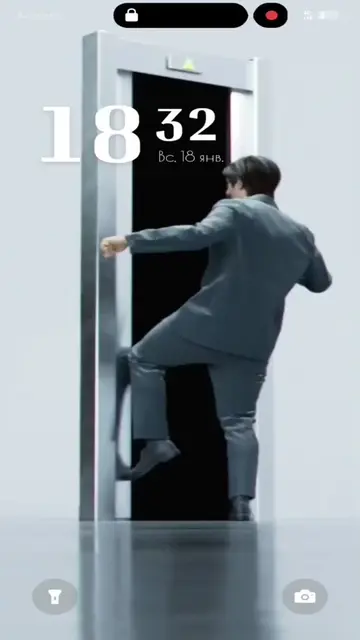
The video demonstrates how to fix a bug in KLWP wallpapers by disabling parallel rendering in the app's additional settings. It guides the viewer through the steps to access these settings and toggle the option.
Structure
- 1User encounters an issue with KLWP wallpapers.
- 2Instructions to open KLWP and access settings.
- 3Navigate to 'Application Settings' and then 'Additional Settings'.
- 4Enable the 'Disable Parallel Rendering' option.
Original caption
Фикс бага в KLWP обоях! Больше полезного для оформления в тгк infinix_techtok #wallpapers #techtok #течток #custom #телефоны #iphone #phone #обои #fyp #wallpaper
More from @kvadrat_tech
More breakout videos from this creator.