Loading video…
All breakouts
5.7Talking HeadOther hookEducation
Hook
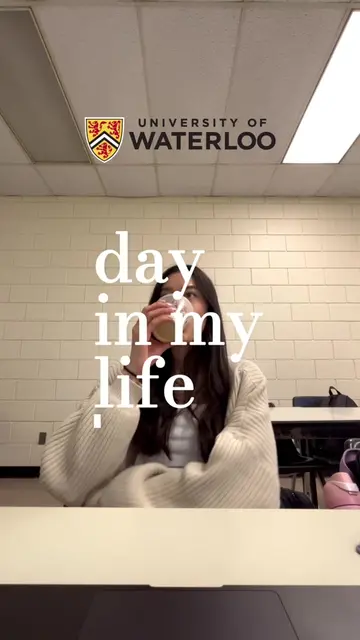
apple ios app PROJECT DEMO swift student challenge
@mayxly
20.1K followers · usually 20.6K views a post
Views
117.0K
Likes
11.4K
Comments
44
Shares
547
Promoted product
Auto
Why it worked
The video likely performed well because it showcases a personal project that is both innovative and addresses a real-world issue (hearing loss). The creator's personal connection to the subject matter and their achievement of winning an Apple Swift Student Challenge award add credibility and interest. The clear demonstration of the app's features, particularly the interactive elements like the hearing loss simulator and audiogram, makes it engaging and informative for viewers interested in tech, accessibility, and app development.
Summary
The creator showcases their iOS app, "Auto," designed to help users understand hearing loss. The app features a hearing loss simulator, a chat function with pre-programmed responses, and an interactive audiogram that visualizes hearing loss levels and allows users to simulate different sound environments.
Structure
- 1Introduction and award announcement
- 2App overview and features (Chat, Hearing Loss Simulator, Interactive Audiogram)
- 3Demonstration of the Hearing Loss Simulator
- 4
Original caption
check out wwdcscholars.com for more winning submissions from previous years! good luck 🌟 #apple #swiftstudentchallenge #intern #softwareengineer #computerscience
More from @mayxly
More breakout videos from this creator.