Loading video…
All breakouts
69.0Talking HeadHow-To hookCreator Economy
Hook
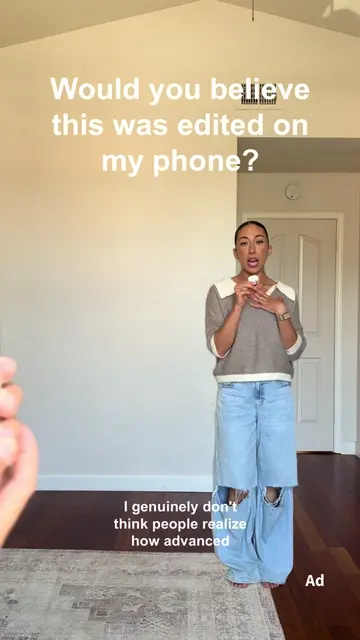
Edit a video in < 2 minutes with me
@itsmodernmillie
134.1K followers · usually 12.1K views a post
Views
882.0K
Likes
2.7K
Comments
39
Shares
109
Why it worked
The video uses a high-stakes 'speed challenge' format that provides immediate proof of the product's value, making the promotional content feel like a helpful tutorial.
Summary
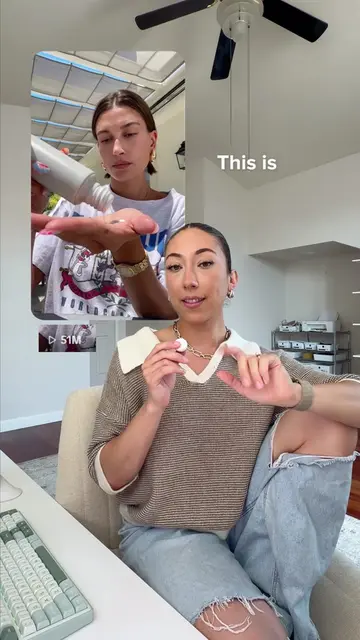
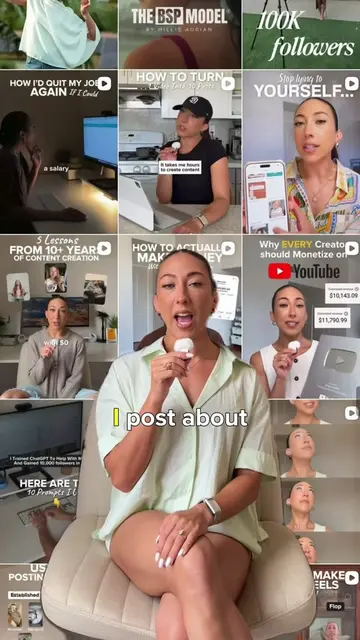
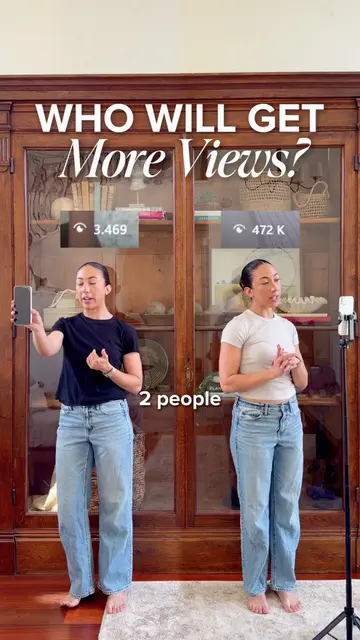
The creator demonstrates how to edit a video in under two minutes using pre-made templates within the Adobe Premiere app on an iPhone. She walks through the process of selecting a template, swapping in her own footage, and applying a color grade.
Structure
- 1Hook and challenge introduction
- 2Opening the Premiere app and selecting a template
- 3Swapping in personal media clips
- 4
Original caption
Editing a video in under 2 minutes? Let's test it ⏰
I partnered with @Adobe Video to show you how I use re-usable templates inside Premiere on iPhone to speed up my editing workflow.
This makes editing my videos so much faster! No overthinking. No starting from scratch. No getting stuck staring at a blank timeline when you have footage sitting in your camera roll you KNOW you can use.
If you're creating OOTDs, vlogs, coffee content, or literally anything short-form, templates make editing faster without sacrificing quality.
Try out the re-usable templates in Premiere on iPhone and tag @AdobeVideo and me when you do! I want to see what you create 💛
#adobepartner
More from @itsmodernmillie
More breakout videos from this creator.