Loading video…
All breakouts
11.4App DemoHow-To hookCreator Economy
Hook
How to verify your TikTok identity
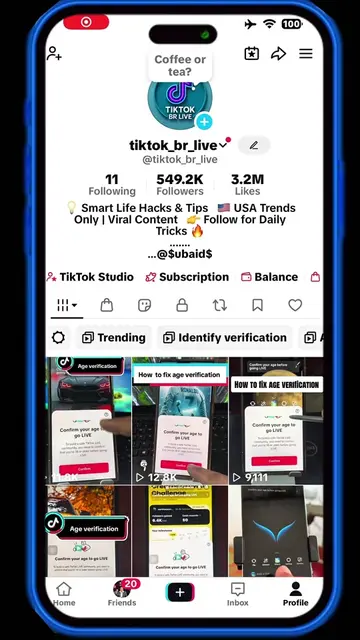
@tiktok_br_live
551.1K followers · usually 2.3K views a post
Views
740.0K
Likes
20.0K
Comments
577
Shares
2.4K
Why it worked
The video provides a clear, high-utility tutorial for a common pain point among creators, using a screen recording that is easy to follow.
Summary
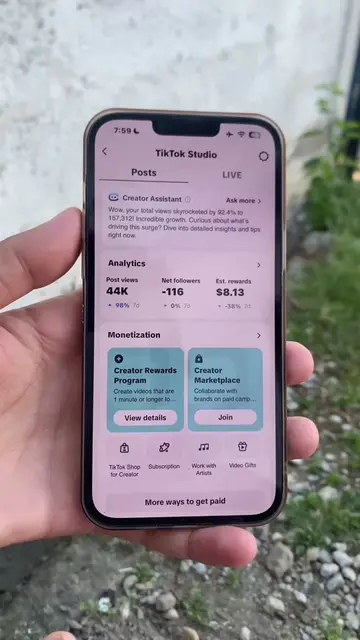
This video provides a step-by-step tutorial on how to verify your identity within the TikTok app to access monetization features. It guides the user through the Creator Rewards Program menu to submit their ID card for verification.
Structure
- 1Introduction to identity verification
- 2Navigating to the Creator Rewards Program
- 3Selecting ID type and country
- 4Uploading ID documentation
- 5Confirmation of verification status
On-screen text
How to verify your TikTok identity
Tools
Monetization
Creator Rewards Program
Creator Marketplace
More ways to get paid
Trending
Recommended
More info needed for payment
Verify identity
Set up payment method
Start your journey
Estimated rewards
Select ID
Issuing country/region
ID type
Get your ID card ready
Upload your ID card
Confirm if all information is clear and readable
Checking your ID
Identity information under review
Identity verified
Transcript
Original caption
How to verify your TikTok identity 💯 easy #tiktoktips #contenttips #identityverification #tiktokapply #tiktokstrategy
More from @tiktok_br_live
More breakout videos from this creator.