Loading video…
Sound

original sound - harryleemedia
李哈利Harry · Original audio
0:00–:––
Playing this video’s own audio, so you’ll hear the creator over the sound.
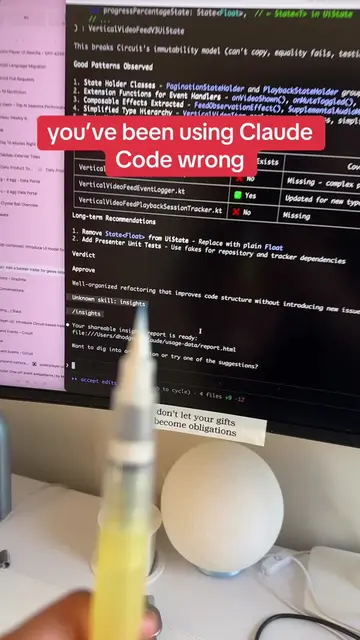
The video effectively highlights a practical and cost-saving feature ('Remote Control') of Claude Code, demonstrating its ability to streamline development workflows by enabling mobile access to the entire coding environment. The clear explanation and visual demonstration of the QR code scanning process make the value proposition easily understandable.
The video introduces Claude Code's new 'Remote Control' feature, which allows users to access their entire Claude Code development environment from their phone by scanning a QR code. This feature aims to replace traditional methods, offering cost savings and convenience.
現在只需在終端機輸入一行指令,掃描 QR Code,你就能從手機直接存取本地的全部開發環境,包括檔案、資料夾、技能模組、子代理與 [CLAUDE.md]。不需要雲端,也不用額外 API 費用,所有資料都保留在本地。 你可以透過手機: → 傳送指令與訊息 → 隨時監控長時間運行的任務 → 在手機、平板、桌面間切換,對話保持同步 → 管理你已經建立的所有功能 完整指南只需不到 5 分鐘就能完成連線與設置,輕鬆把手機變成你的 AI 開發控制中心。 #ClaudeCode #AI編程 #遠端操控 #AI工具 #程式開發 #科技工具 #生產力工具 #數位創作 #AI效率 #開發工具
这个东西呢
Introduction of Claude Code's new feature
Demonstration of the 'Remote Control' function
Explanation of benefits (cost, convenience, integration)
How to set up and use the feature
Concluding remarks on its value
The video demonstrates the 'Claude Code' software and its 'Remote Control' feature, showing how to use it via a terminal and QR code scanning on a phone.
Playing this video’s own audio, so you’ll hear the creator over the sound.
AI coding tool for developers planning, building, and debugging software
Views and creators: posted in the last 30 days (English videos). Videos: all time.
Promotes 7 products. Create free account to see more.
Outliers and viral hits: their videos on Overshot, all time.