Loading video…
All breakouts
 CapCutseen in 576 videos →
4.6App DemoOther hook
Hook
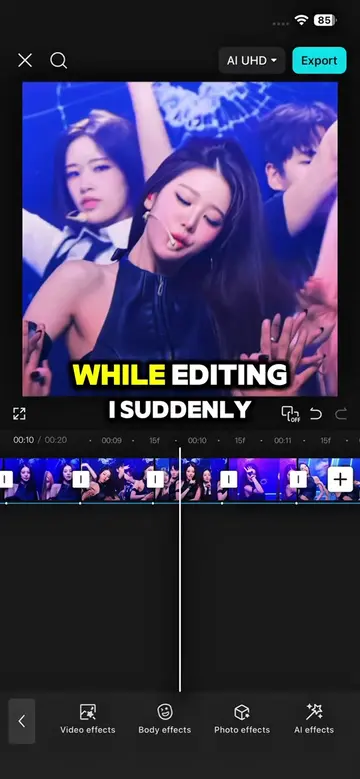
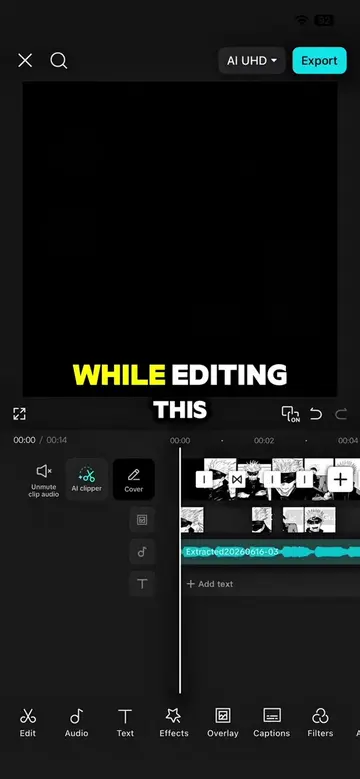
WHILE EDITING IN CAPCUT
@capcutshi
93.2K followers · usually 16.0K views a post
Views
76.1K
Likes
1.4K
Comments
36
Shares
36
Selling · SaaS › Other SaaS
Why it worked
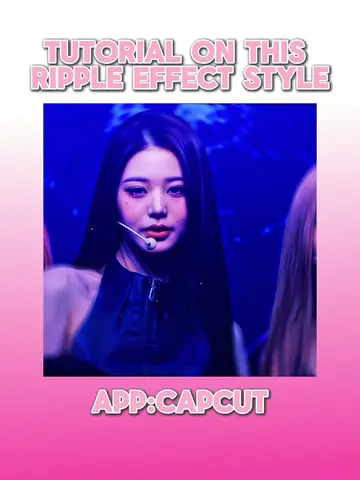
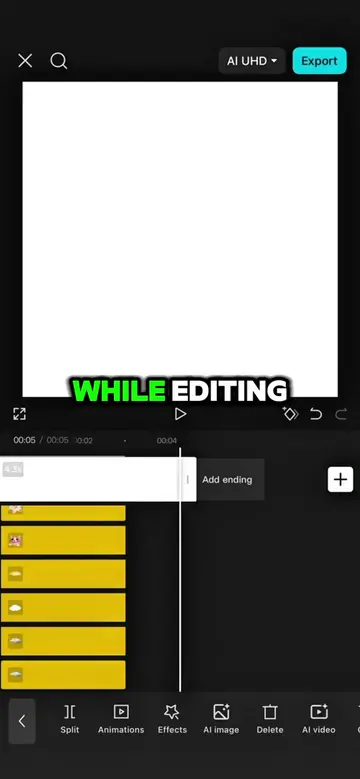
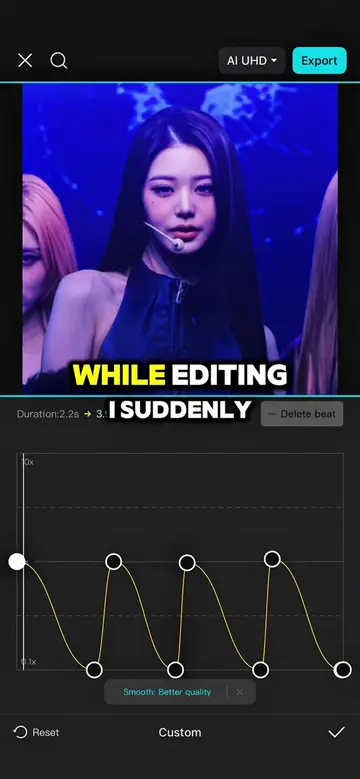
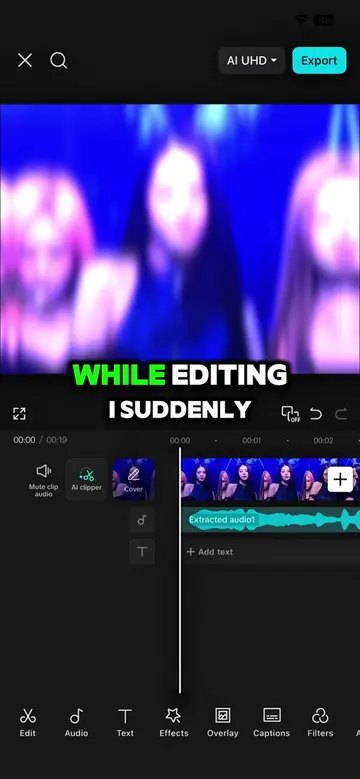
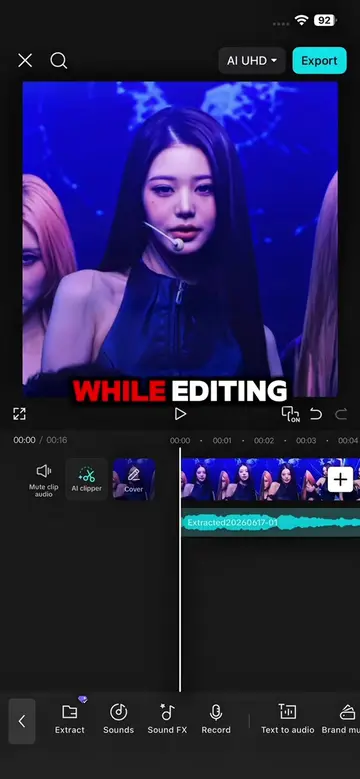
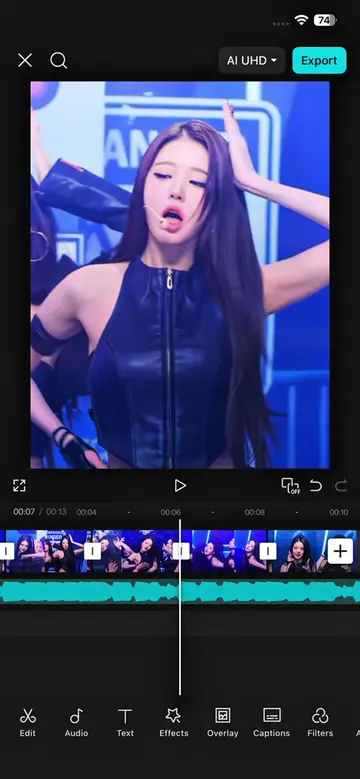
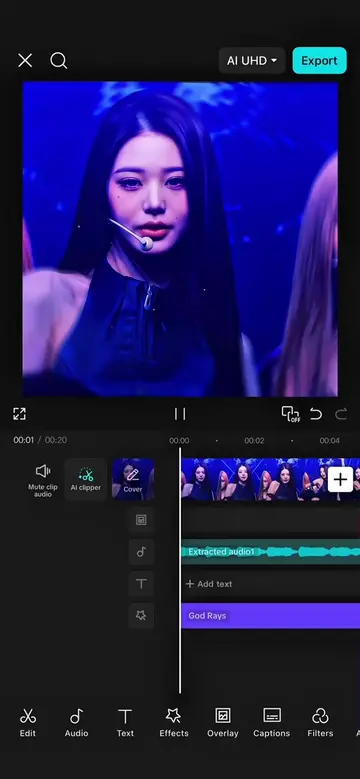
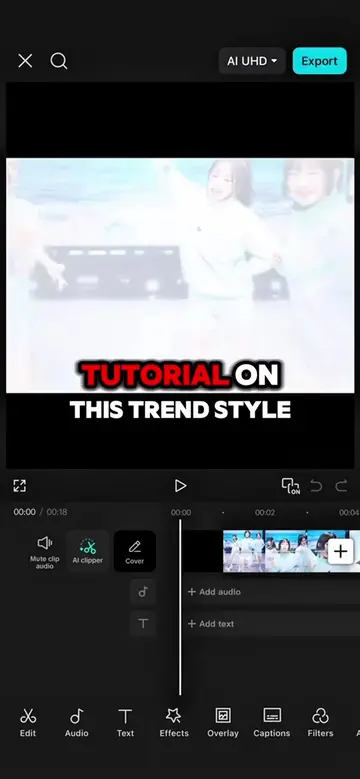
The video provides a clear, step-by-step tutorial for a popular editing software (CapCut) with a visually appealing outcome (dynamic anime edit). The use of on-screen text and clear demonstrations makes it easy to follow, appealing to users looking to improve their video editing skills.
Summary
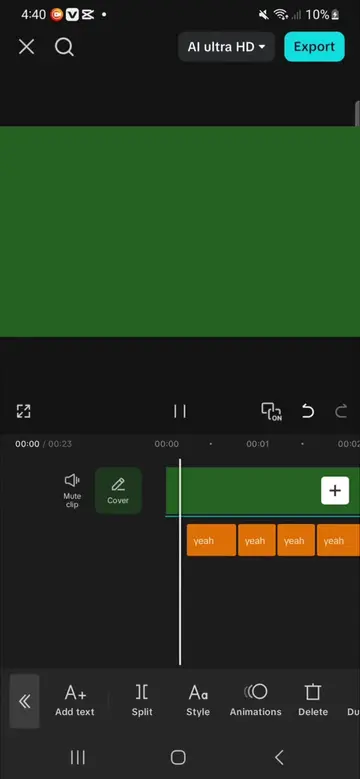
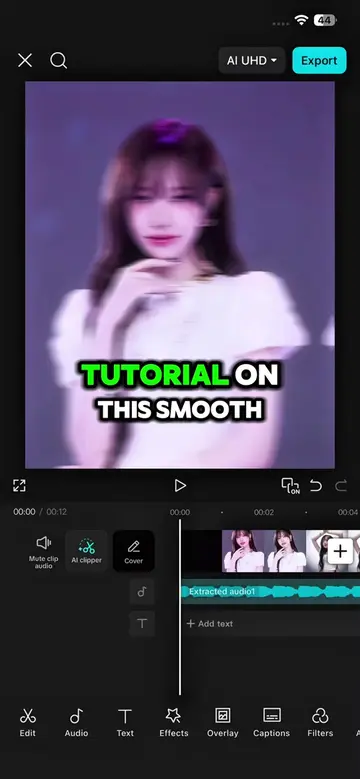
The video demonstrates how to create a dynamic anime edit using CapCut, involving duplicating layers, custom background removal, applying filters and effects like shake and oblique blur, and adjusting keyframes and graphs for transitions. The creator shows a step-by-step process to enhance a plain edit into a more visually engaging one.
Structure
- 1Start with a plain edit in CapCut
- 2Duplicate main clip and apply initial cuts/keyframe adjustments
- 3Use custom removal and brush tools for background effects
- 4Apply filters and effects like shake and blur with keyframe adjustments
- 5Add graphs for smooth transitions
- 6Duplicate and layer effects for final polish
Original caption
Follow and repost for more #capcut #capcutpioneer #fyp #makeitviral #narutoedit
More from @capcutshi
Their other posts in the index, biggest breakout first.