Loading video…
All breakouts
 CapCutseen in 576 videos →
7.2App DemoStory Open hook
Hook
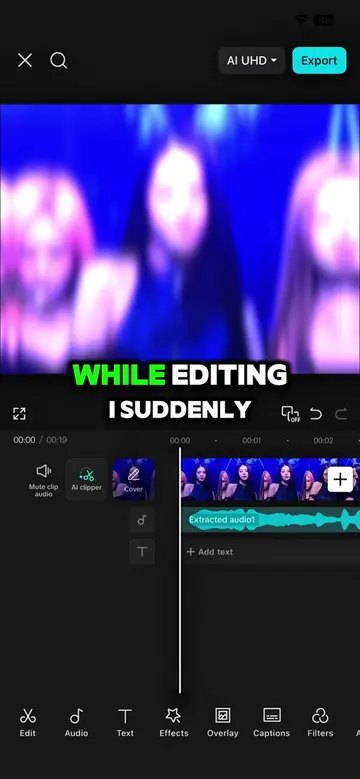
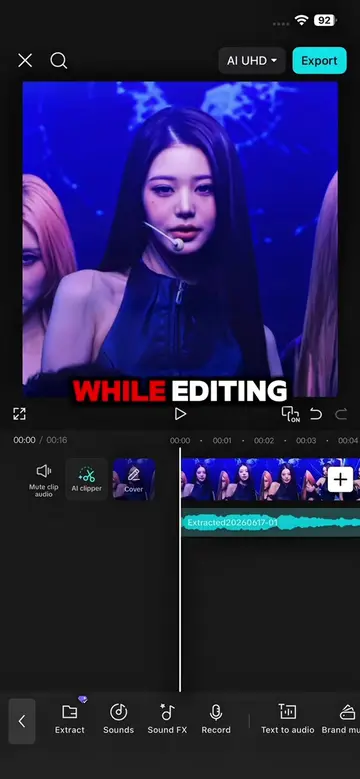
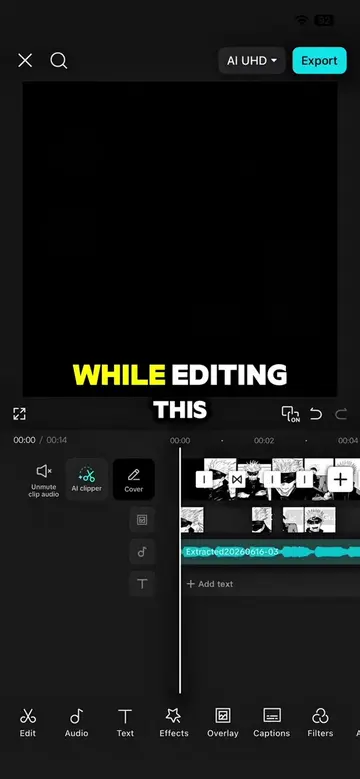
While editing I realized
@capcutshi
93.2K followers · usually 16.0K views a post
Views
116.4K
Likes
9.0K
Comments
131
Shares
555
Selling · SaaS › Other SaaS
Why it worked
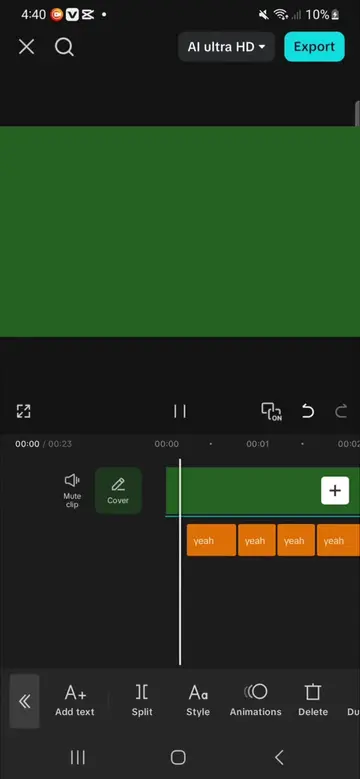
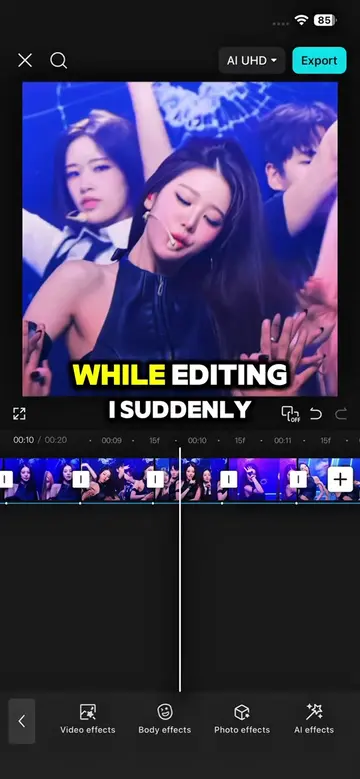
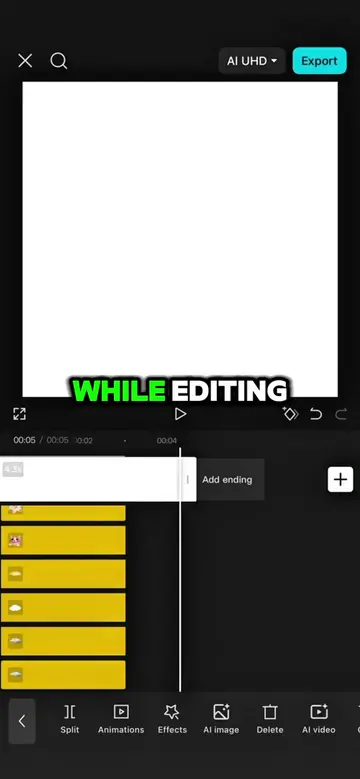
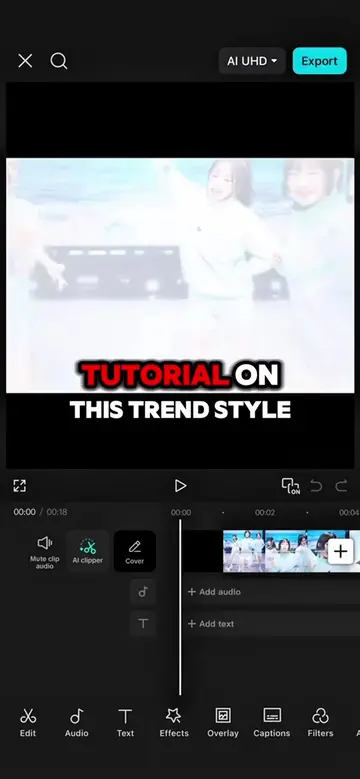
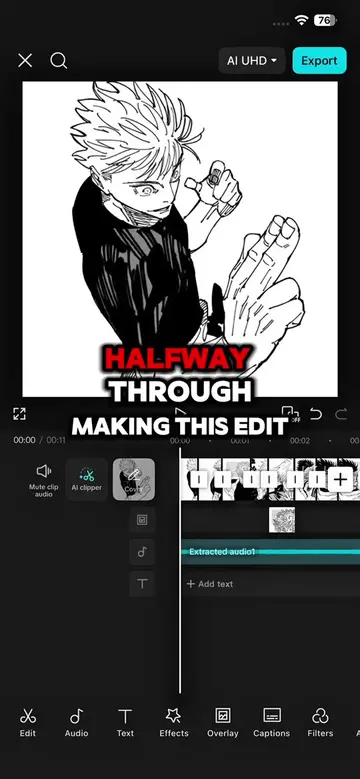
The video provides a clear, step-by-step tutorial on achieving a popular editing style, making it highly valuable and shareable for users looking to improve their video content. The use of on-screen text and visual demonstrations makes it easy to follow.
Summary
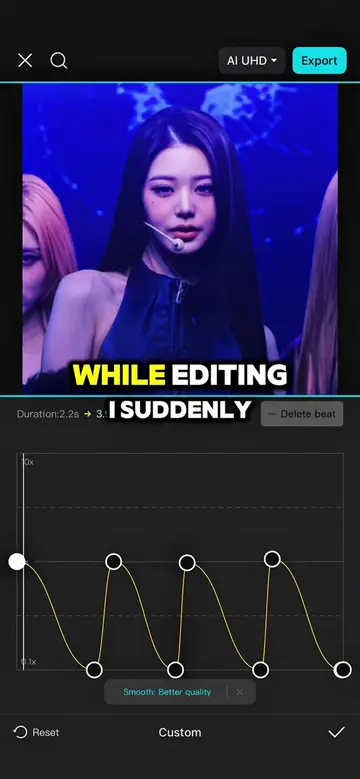
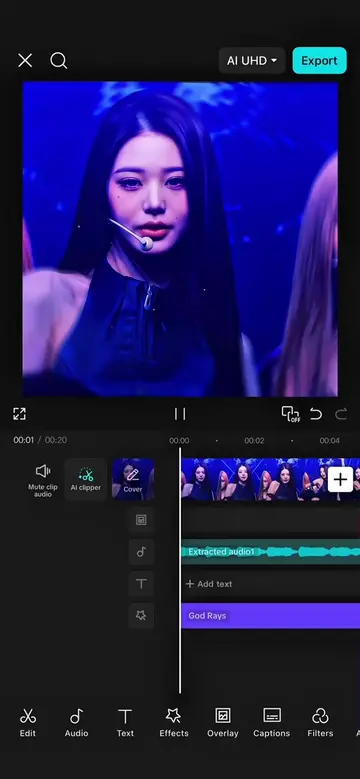
This video demonstrates how to enhance video edits using CapCut. It covers applying custom speed curves, smooth slow-motion effects, adding keyframes and graphs for dynamic movement, and incorporating transitions and filters like 'God Rays' and '4K' to achieve a polished final product.
Structure
- 1Realizing the edit is plain
- 2Recalling dad's editing tricks
- 3Applying custom speed curves
- 4Using smooth slow-motion
- 5Adding keyframes and graphs
- 6Applying transitions and effects
- 7
Original caption
SMOOTH VELOCITY EDIT | FOLLOW FOR MORE TIPS 😚🥰#capcut #capcutpioneer #makeitviral #capcut_edit #fyp
More from @capcutshi
Their other posts in the index, biggest breakout first.