Loading video…
All breakouts
 CapCutseen in 576 videos →
5.4App DemoStory Open hook
Hook
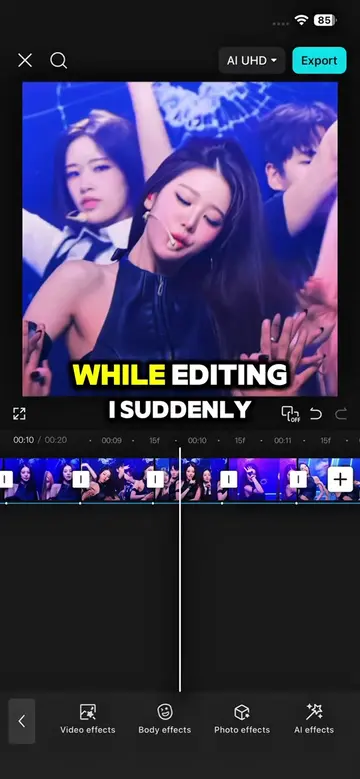
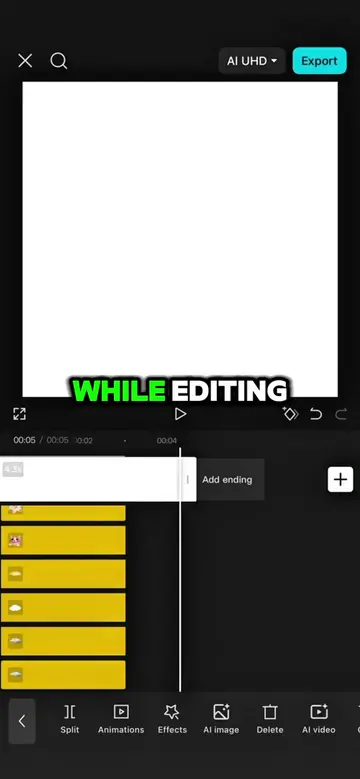
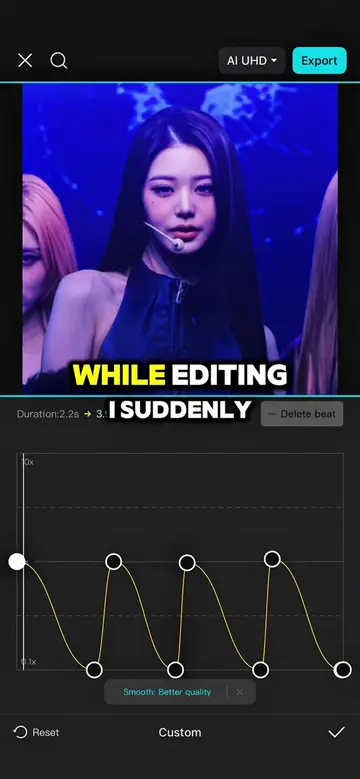
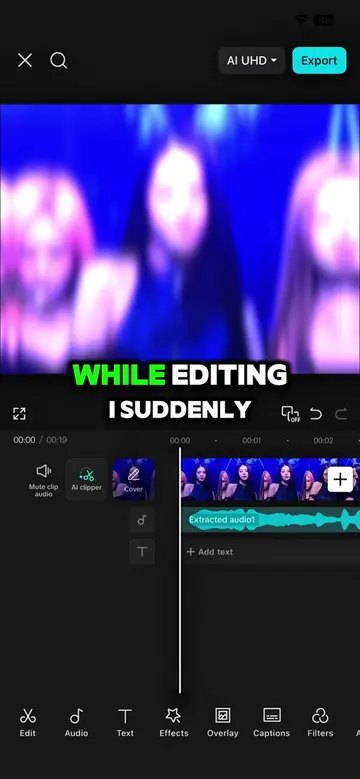
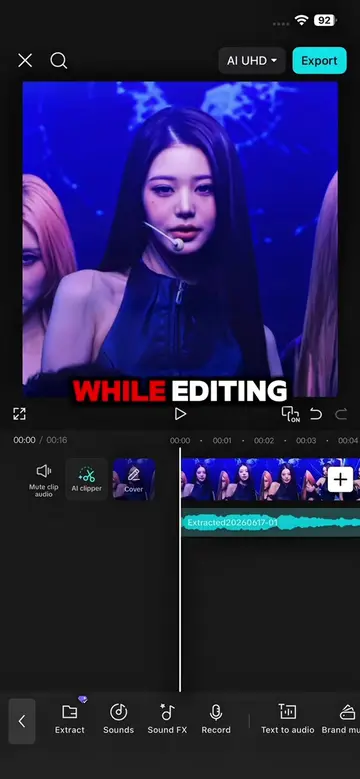
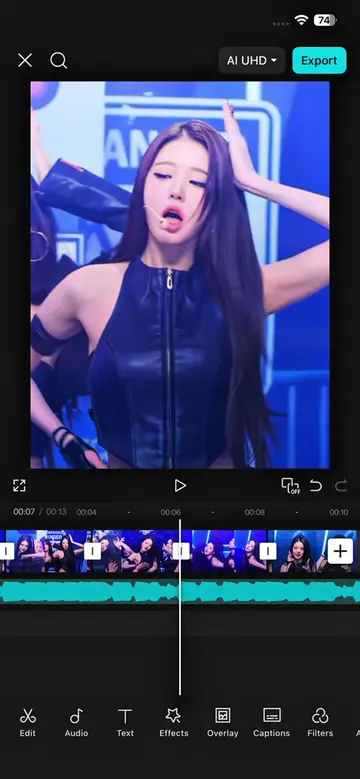
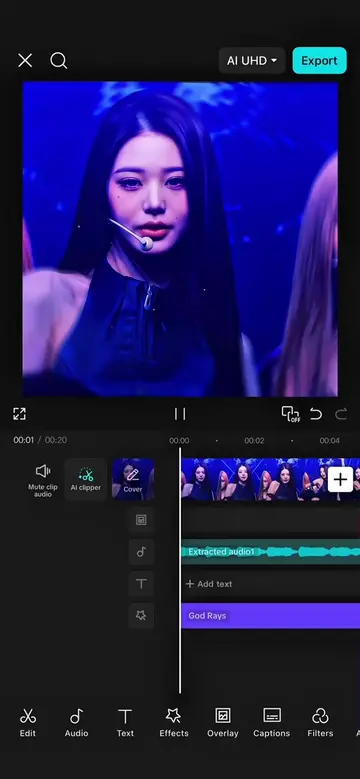
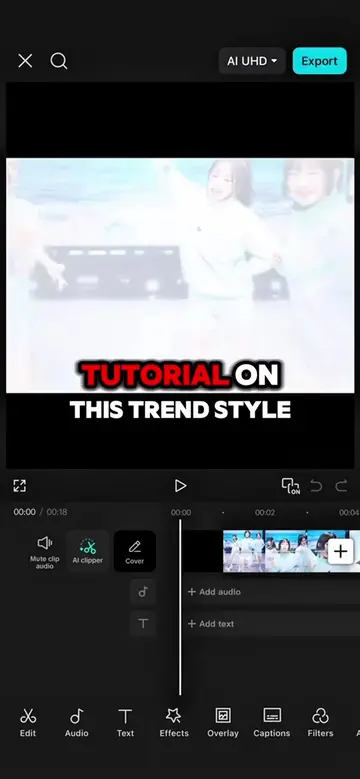
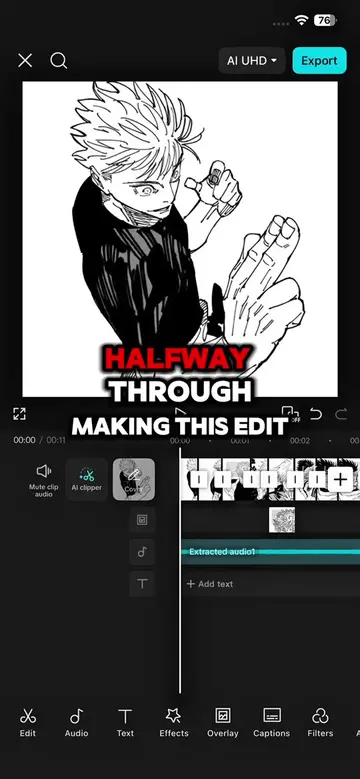
While editing this
@capcutshi
93.2K followers · usually 16.0K views a post
Views
82.0K
Likes
3.6K
Comments
122
Shares
266
Selling · SaaS › Other SaaS
Why it worked
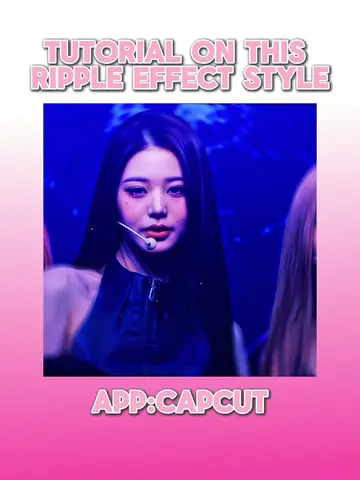
The video provides a clear, step-by-step tutorial for creating a popular anime editing style, which appeals to a niche audience interested in anime and video editing. The use of popular anime characters (Gojo Satoru from Jujutsu Kaisen) also likely contributed to its reach.
Summary
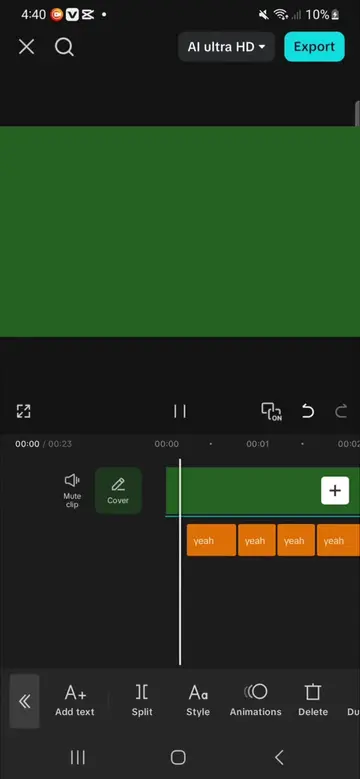
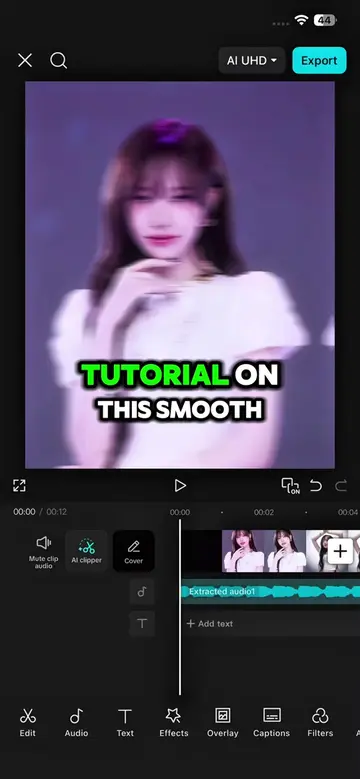
This video demonstrates how to enhance anime edits using CapCut. It showcases various effects like Ripple, Omniflexion, Glow 2, and Shaky Glitch, detailing the specific settings and keyframe adjustments needed to achieve a dynamic visual style.
Structure
- 1Introduction to editing challenges
- 2Applying and adjusting Ripple effect
- 3Applying and adjusting Omniflexion effect
- 4Applying and adjusting Glow 2 effect
- 5Applying and adjusting Shaky Glitch effect
- 6Reviewing the final results and call to action
Product placement
The video demonstrates editing techniques using the CapCut app, showcasing various effects and their application within the app's interface.
Original caption
BARE MINIMUM GOJO VER. FOLLOW FOR MORE #capcut #capcutpioneer #trend #capcut_edit #makeitviral
More from @capcutshi
Their other posts in the index, biggest breakout first.