Loading video…
All breakouts

16.0App DemoHow-To hook
Hook
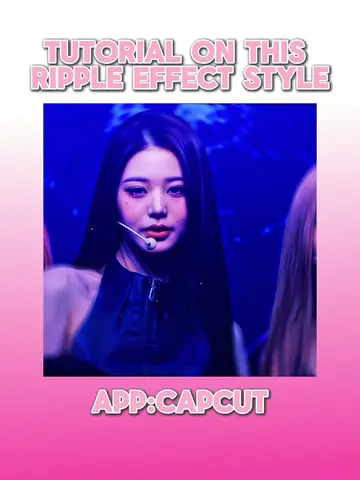
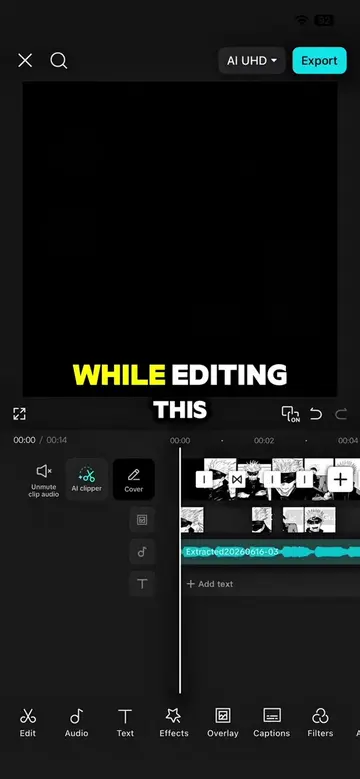
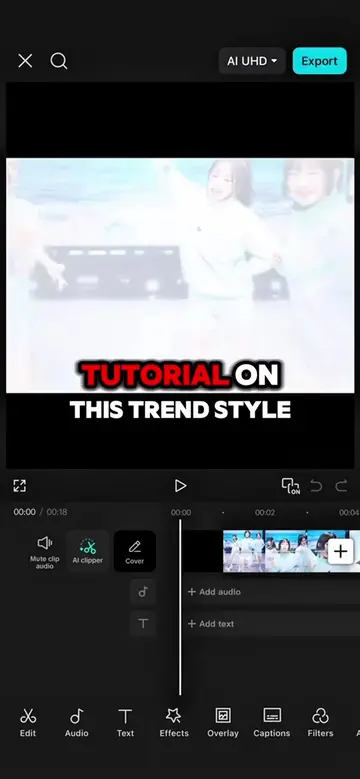
TUTORIAL ON THIS SMOOTH ZOOM STYLE
@capcutshi
93.2K followers · usually 16.0K views a post
Views
244.8K
Likes
17.9K
Comments
191
Shares
2.0K
Why it worked
The video provides high-value, actionable technical knowledge for a specific, popular aesthetic, making it highly shareable and saveable for creators looking to improve their editing skills.
Summary
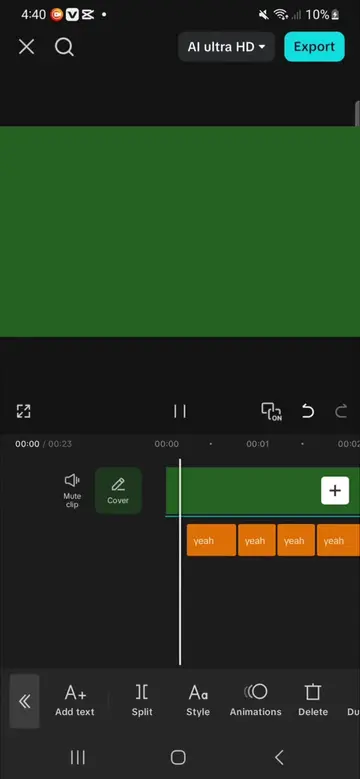
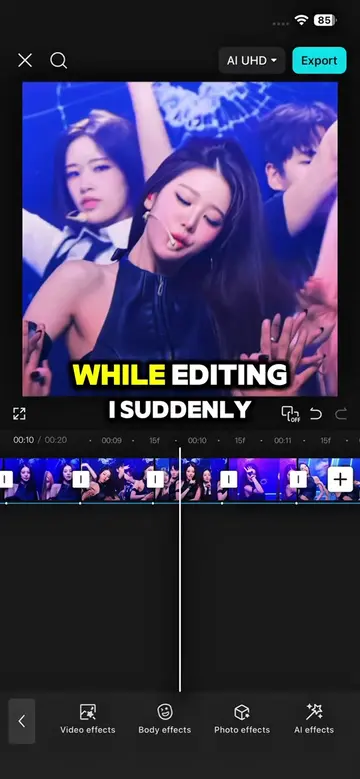
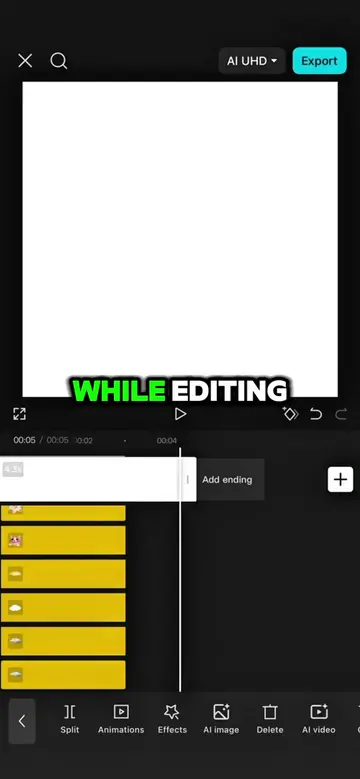
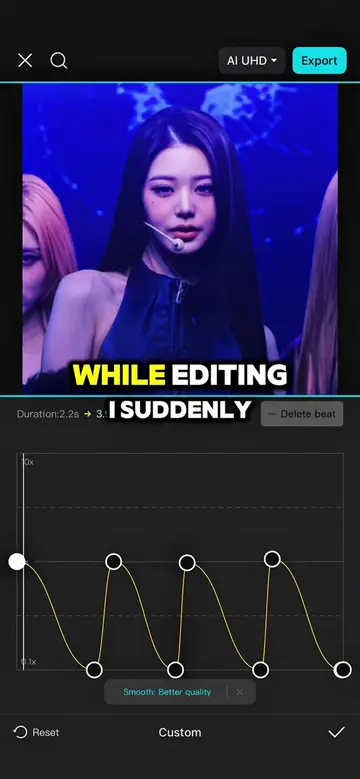
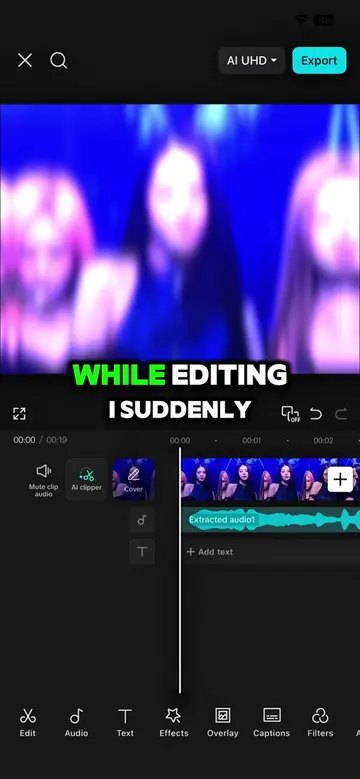
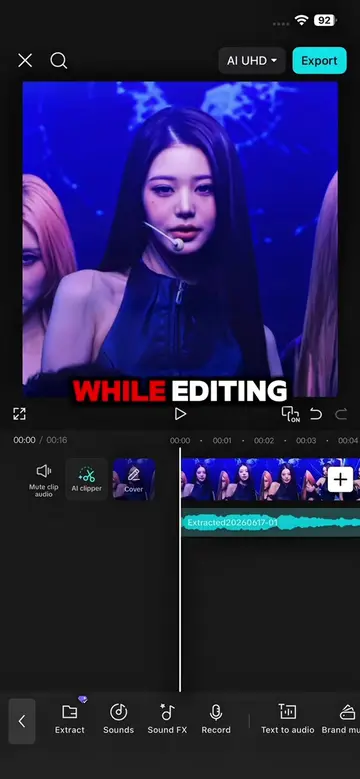
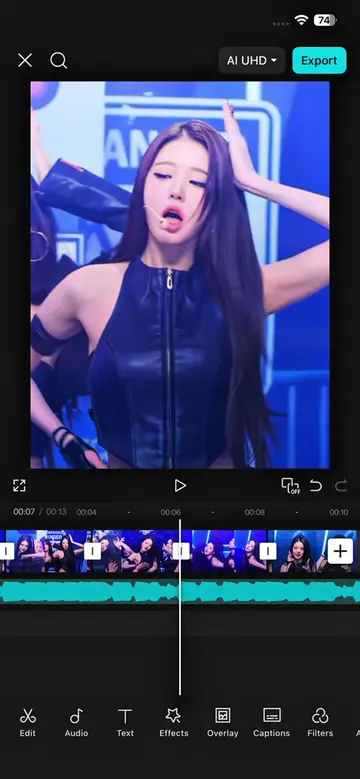
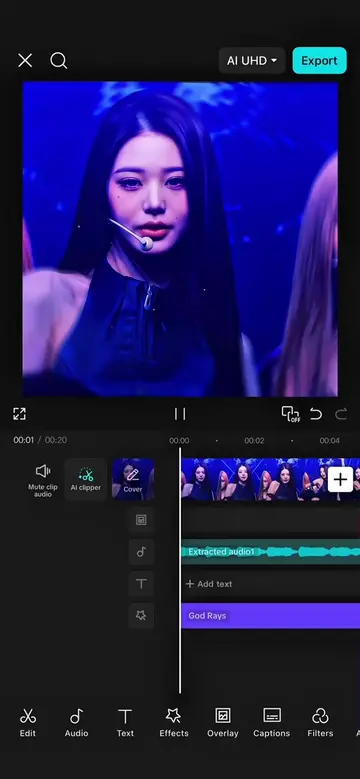
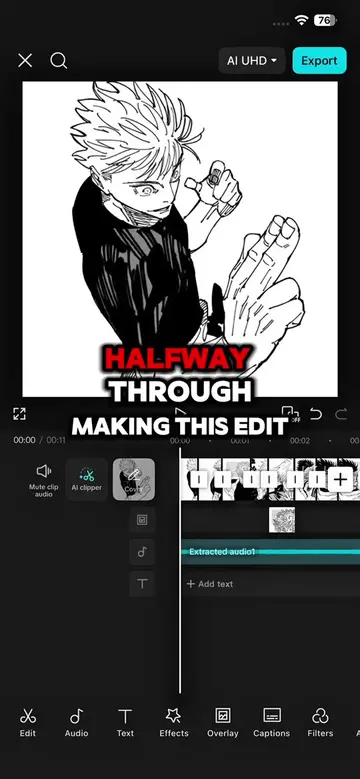
The creator provides a step-by-step tutorial on how to achieve a specific smooth zoom transition effect using the CapCut video editing app. The video demonstrates the exact settings and tools within the app to replicate the style.
Structure
- 1Introduction to the zoom style
- 2Applying transitions and auto-generating beats
- 3Adding and adjusting keyframes with graphs
- 4Applying effects and adjusting speed/size
- 5Adding animation and filters
- 6Final result showcase and CTA
Product placement
Original caption
TUTORIAL SMOOTH ZOOM STYLE |FOLLOW FOR MORE #capcut #capcutpioneer #capcut_edit #makeitviral #fyp
More from @capcutshi
Their other posts in the index, biggest breakout first.