Loading video…
All breakouts

12.2App DemoStory Open hook
Hook
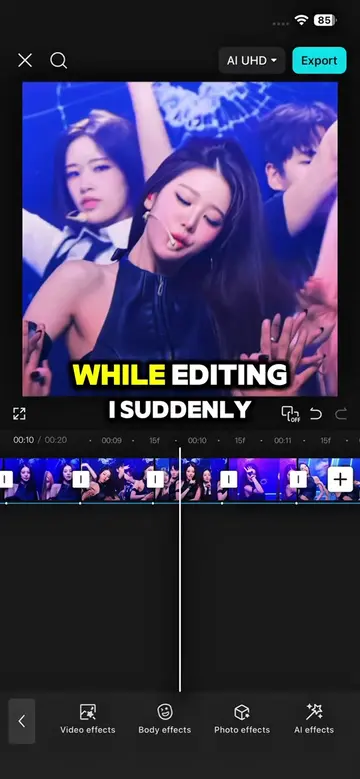
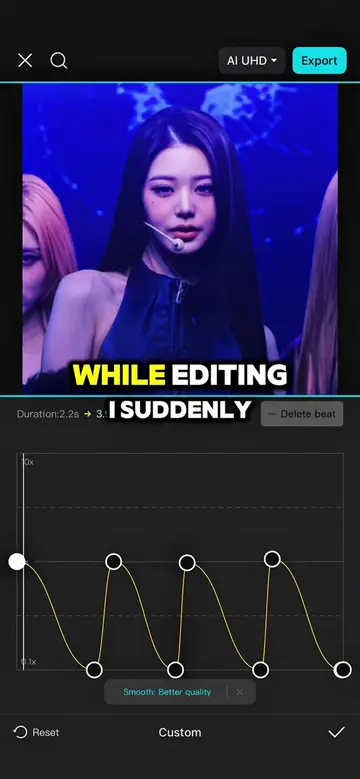
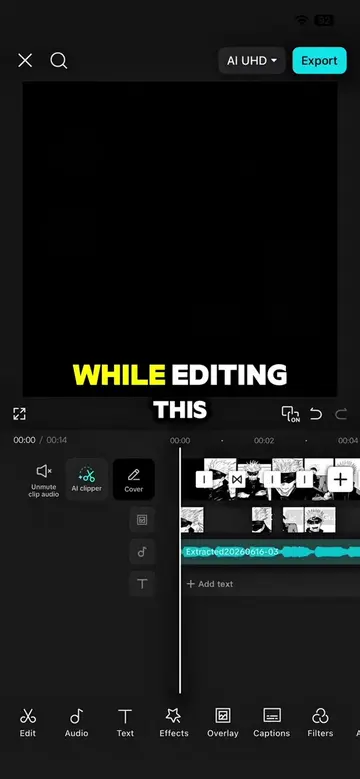
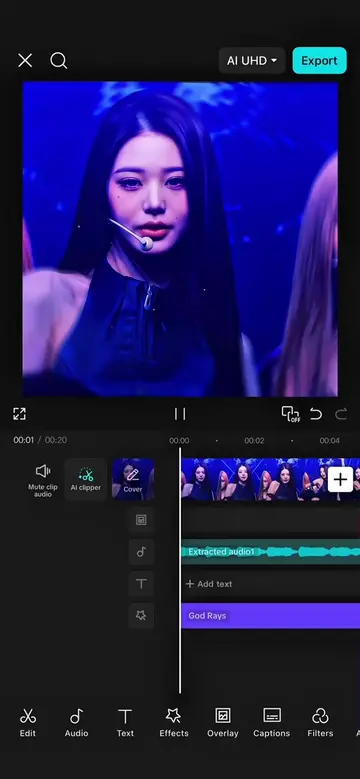
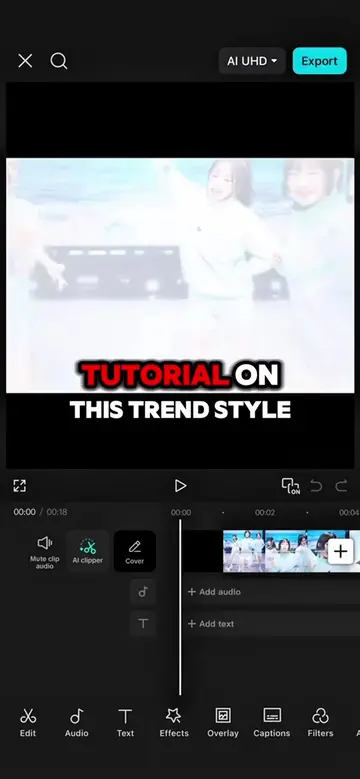
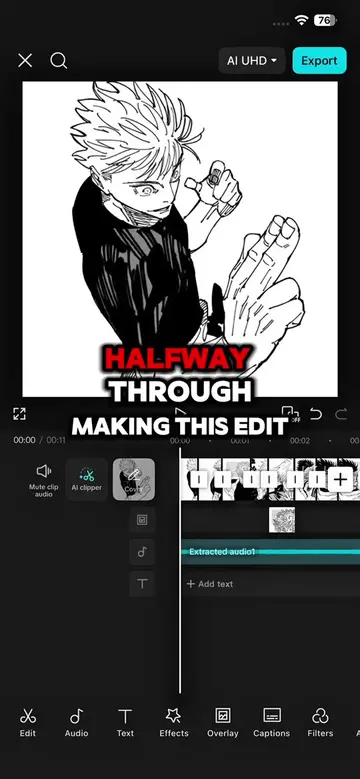
While editing, I wonder what would happen if I turned this plain edit into a monograph style.
@capcutshi
93.2K followers · usually 16.0K views a post
Views
197.9K
Likes
13.3K
Comments
211
Shares
874
Why it worked
The video provides high-value, actionable technical knowledge for a specific niche (CapCut editors) by breaking down a complex aesthetic into simple, repeatable steps.
Summary
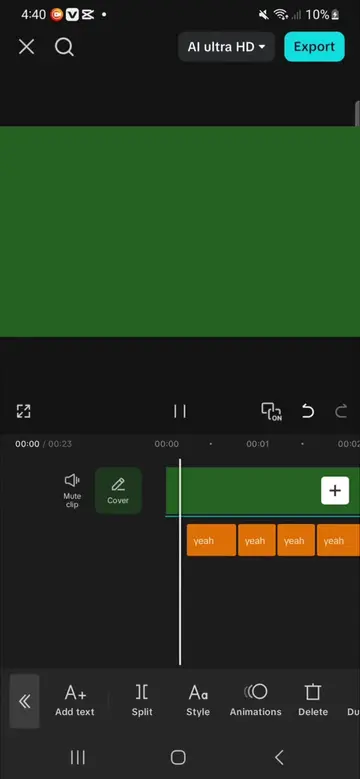
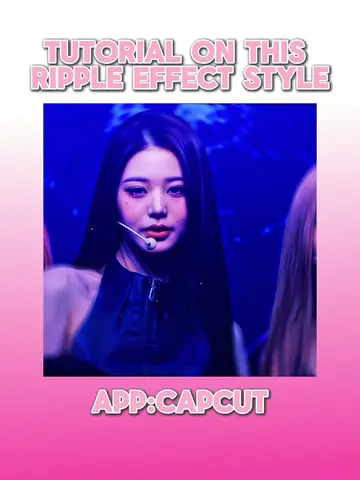
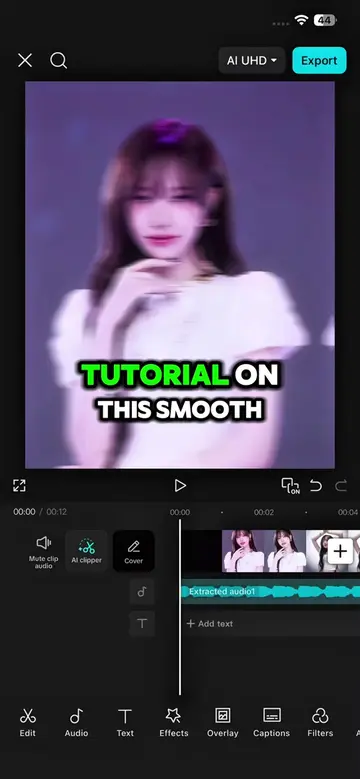
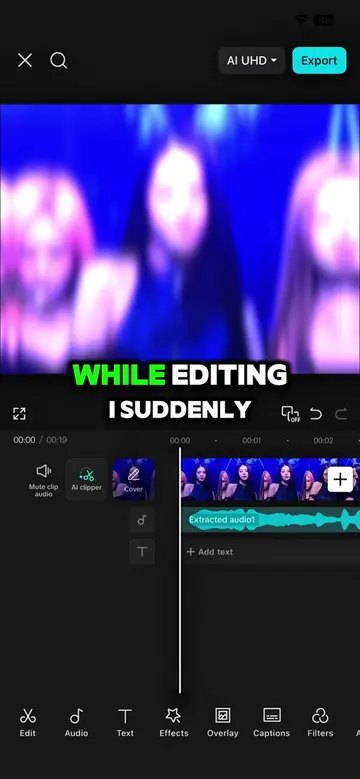
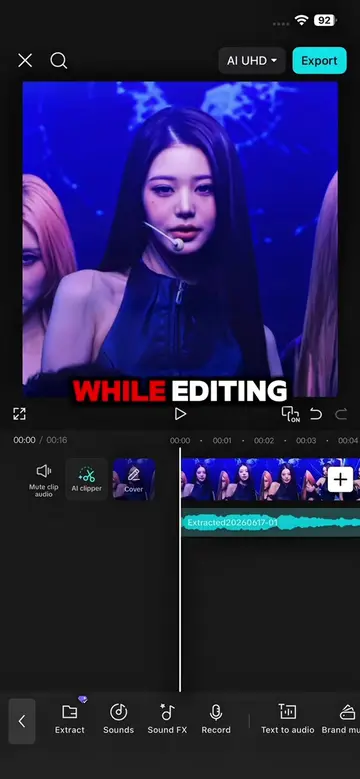
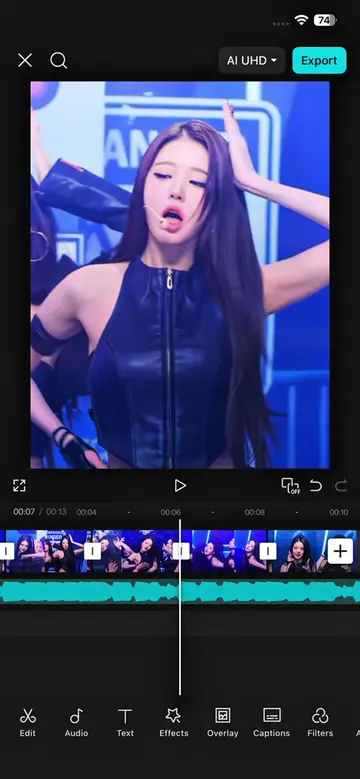
The creator demonstrates a step-by-step tutorial on how to create a specific 'monograph style' edit using the CapCut mobile app. The video showcases various features like background removal, keyframes, speed adjustments, and effects to achieve the final aesthetic.
Structure
- 1Introduction to the editing style
- 2Initial layout and image placement
- 3Applying strokes and stickers
- 4Exporting and re-importing for secondary effects
- 5Adding speed, filters, and animation
- 6Final result and call to action
Product placement
Original caption
NEW TUTORIAL ‼️Follow for more #capcut #capcutpioneer #fyp #capcut_edit #kpoptrend
More from @capcutshi
Their other posts in the index, biggest breakout first.