Loading video…
All breakouts

17.1App DemoProblem Callout hook
Hook
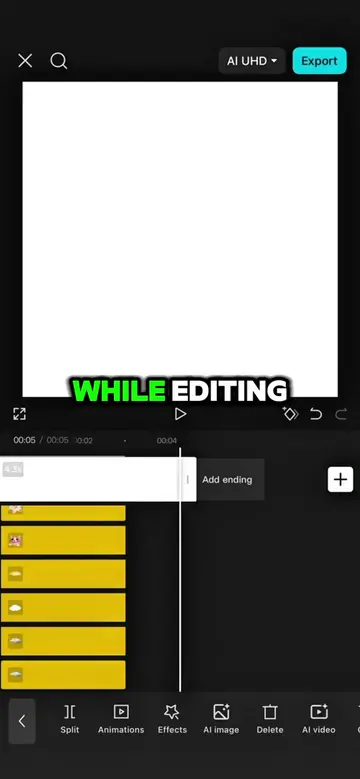
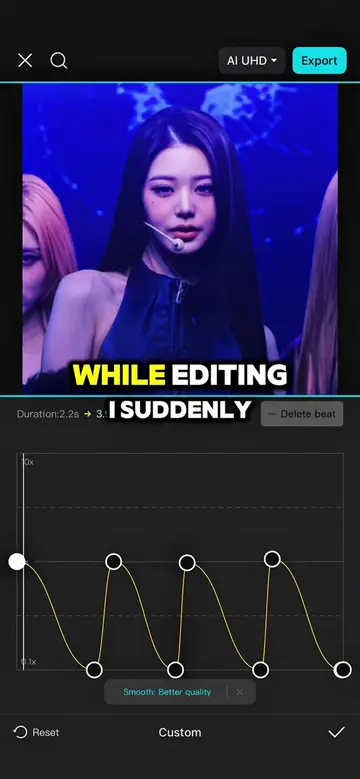
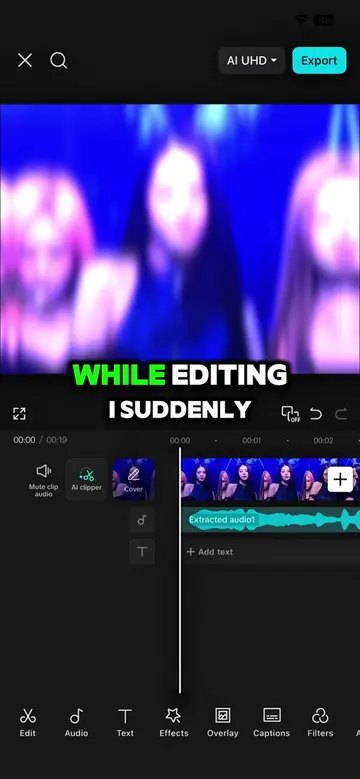
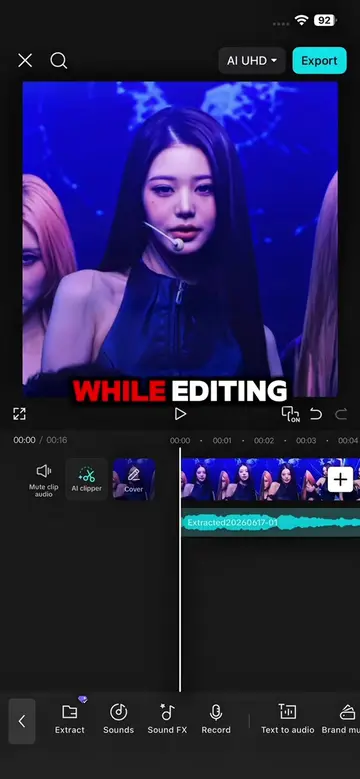
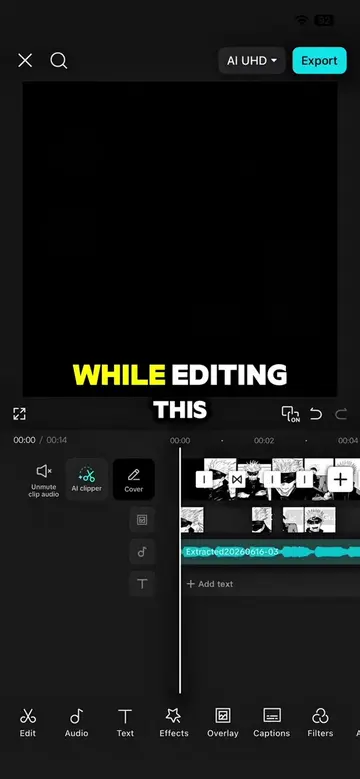
While editing I suddenly realized how boring and flat this edit looked.
@capcutshi
93.2K followers · usually 16.0K views a post
Views
276.7K
Likes
25.3K
Comments
239
Shares
1.3K
Why it worked
The video provides high-value, actionable editing tips that solve a common pain point for creators, while the use of popular K-pop footage increases its shareability.
Summary
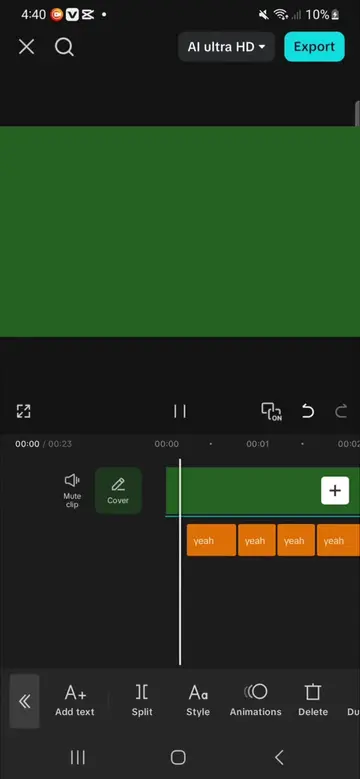
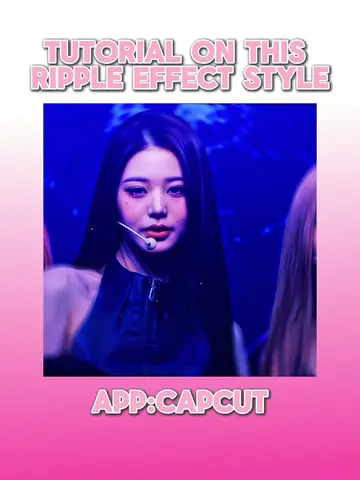
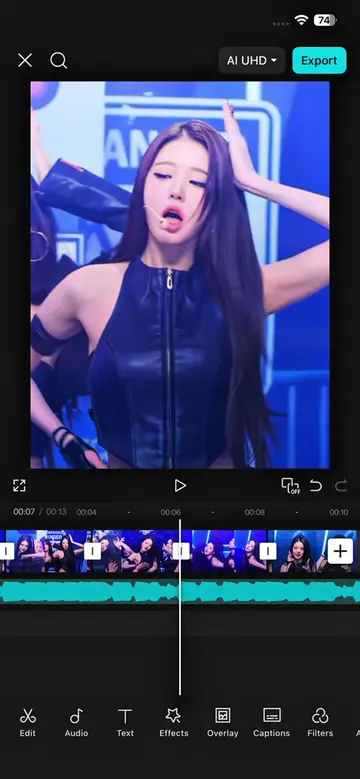
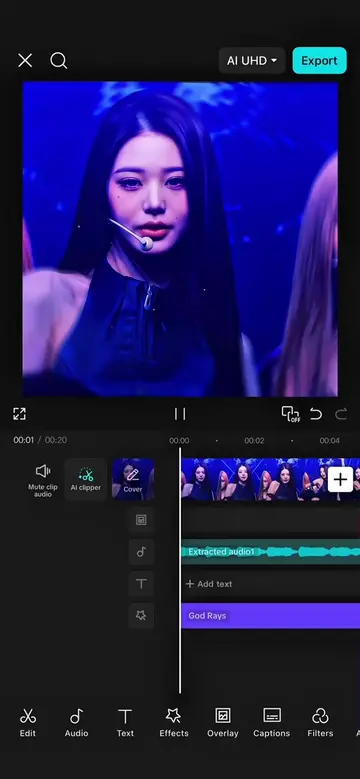
The creator demonstrates a step-by-step tutorial on how to enhance a video edit using specific effects and keyframe adjustments within the CapCut app. The video showcases the before-and-after results of applying these techniques to a clip of a K-pop idol.
Structure
- 1Identify the problem of a boring edit
- 2Apply Shaky Ripples effect with keyframes
- 3Add transitions and overlays
- 4Apply animation and God Rays effect
- 5Show final result and call to action
Product placement
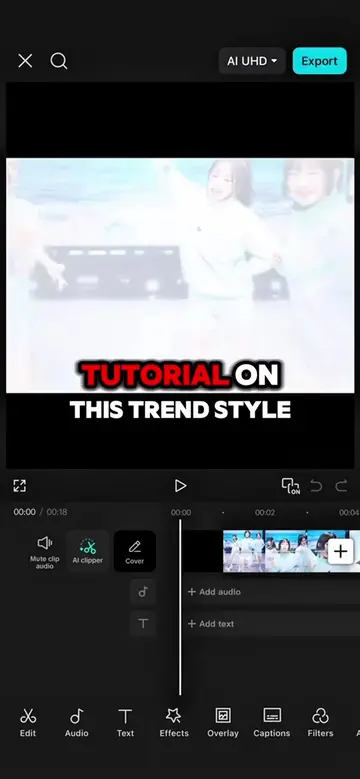
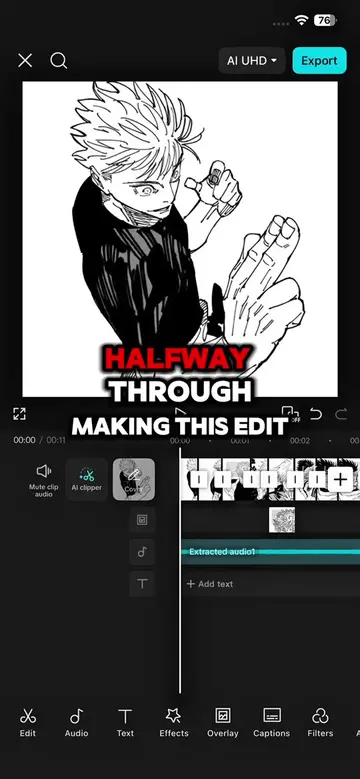
The entire video is a screen recording of the CapCut mobile application interface, demonstrating its features.
Call to action
Original caption
FOLLOW FOR MORE TUTORIALS #capcut #capcutpioneer #makeitviral #wonyoung #capcut_edit
More from @capcutshi
Their other posts in the index, biggest breakout first.