Loading video…
All breakouts

7.5App DemoOther hook
Hook
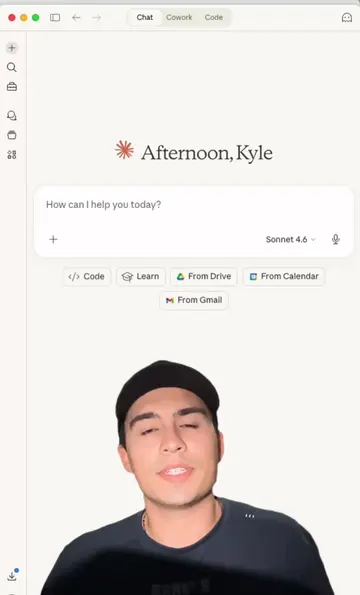
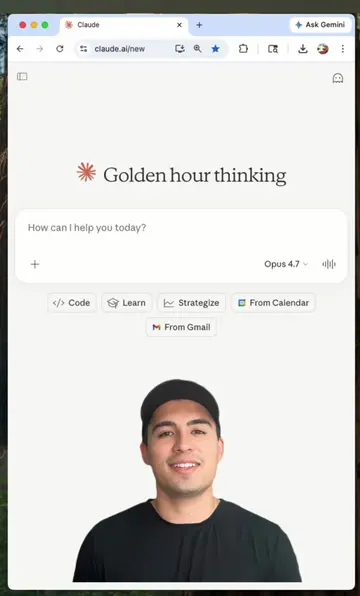
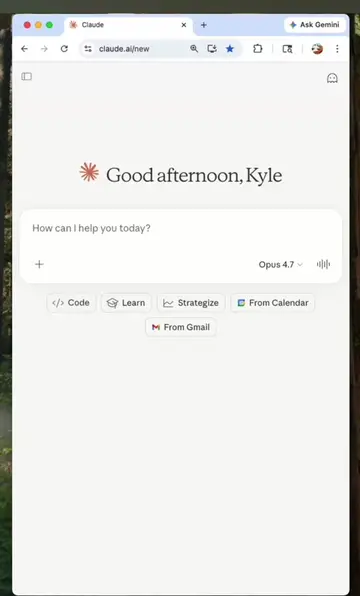
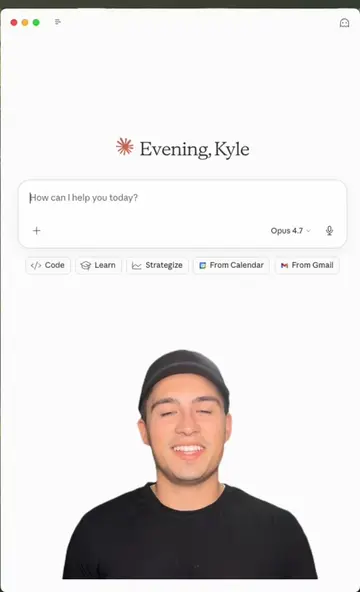
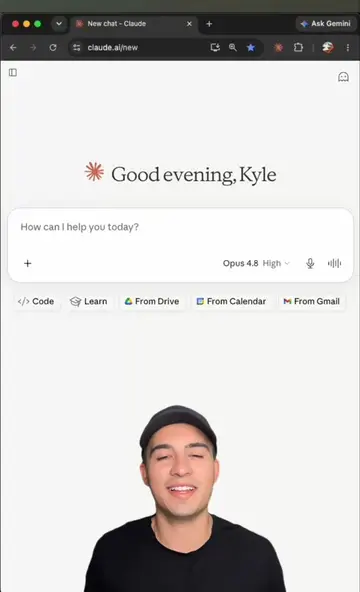
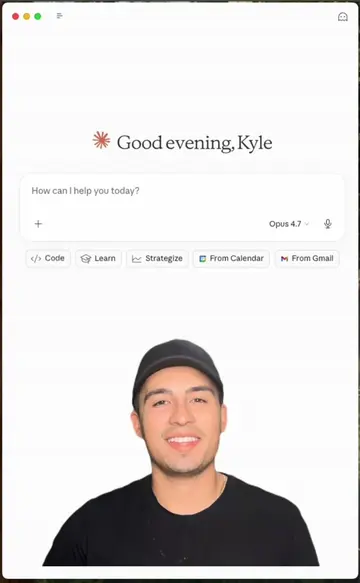
Good evening, Kyle
@kyle.meets.ai
15.9K followers · usually 2.6K views a post
Views
19.3K
Likes
471
Comments
12
Shares
106
Why it worked
The video effectively demonstrates a practical solution to a common problem (file organization) using an AI tool. The clear before-and-after visual, combined with a simple prompt and a call to action, makes the product's value proposition highly understandable and appealing.
Summary
The video demonstrates how to use Cowork, an AI-powered no-code agent, to organize files on a desktop. The agent sorts files into clearly named subfolders based on their type, transforming a messy desktop into an organized one with a single click.
Structure
- 1Introduction to building a folder organizing agent with Cowork
- 2Prompting Cowork to organize files by type
- 3Cowork scanning and organizing files
- 4Demonstration of the organized folders
- 5Call to action to create your own desktop agent
Product placement
The video showcases the Cowork AI agent organizing files on a desktop. The agent is presented as a tool that can be connected to any folder to sort files by type.
Original caption
Build your own agent that organizes any folder 📁 Comment "work" for the prompt👇 I connected Cowork to my desktop folder and it organized over 50 files in just the click of a button 🤯 Take this one step further by having it connected to a folder filled with photos to organize them by event #ai #aimadeeasy #learnai #claude #cowork #productivitytips
More from @kyle.meets.ai
Their other posts in the index, biggest breakout first.