Loading video…
All breakouts
363Talking HeadOther hookB2B
Hook
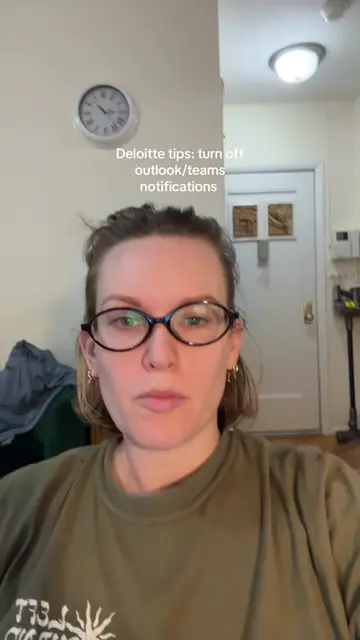
If you're going on P.T.O. And you want to let your team know,
@coworkcourt
8.5K followers · usually 1.5K views a post
Views
533.8K
Likes
20.6K
Comments
526
Shares
540
Why it worked
The video provides a highly specific, actionable 'hack' for a common workplace pain point, positioning the creator as a knowledgeable insider sharing practical advice.
Summary
The creator provides a professional tip for setting up an out-of-office calendar invite that avoids flooding your inbox with response notifications. She explains how to use the optional attendee field and toggle off request responses to keep colleagues informed without the clutter.
Structure
- 1Identify the problem of inbox clutter during PTO
- 2Explain the calendar invite workaround
- 3Detail the specific settings to adjust
- 4Encourage following for more career advice
Call to action
Follow for more like this.
On-screen text
Tips from Deloitte: PTO invites as optional
Transcript
If you're going on P.T.O. And you want to let your team know, but you don't want a million responses in your inbox, uh, create a calendar invite for the dates you're gone. Make sure your Mark is free and not out of office so everyone's schedule isn't blocked. Add your attendance to the optional line. No one on the main line. Just put them on optional and then turn off the toggle for requests responses so it's on their calendar, but you're not getting a million accept it, accept it, accept it, clogging up your inbox. Uh, thank me later. Follow for more like this.
Original caption
Do you do this? #pto #careeradvice #outlook #gmail #worklife
More from @coworkcourt
More breakout videos from this creator.