Loading video…
All breakouts
66.8Talking HeadHow-To hookSaaS
Hook
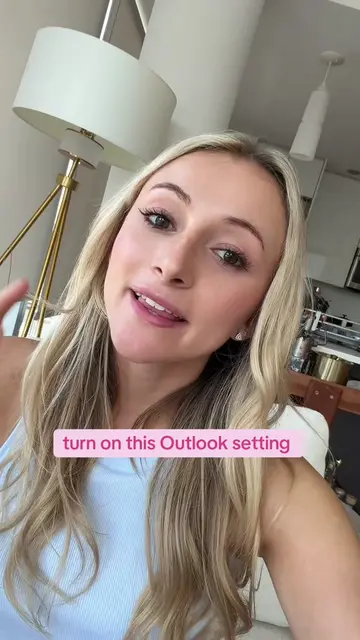
do this in Outlook to save time each day
@kellyn_mcmullan
181.4K followers · usually 3.2K views a post
Views
209.4K
Likes
13.2K
Comments
181
Shares
1.4K
Why it worked
The video provides immediate, actionable value for a common professional pain point, making it highly shareable and useful for a broad audience.
Summary
The creator demonstrates a productivity hack in Microsoft Outlook called 'Quick Parts' to save time when sending repetitive emails. She shows how to save a template and insert it into a new email with a few clicks.
Structure
- 1Identify the problem of repetitive emails
- 2Show the manual process being replaced
- 3Demonstrate how to save text as a Quick Part
- 4Show how to insert the saved template
- 5Explain the long-term time-saving benefit
Call to action
Follow for more Outlook and Microsoft tips and tricks.
On-screen text
do this in Outlook to save time each day
Very important outlook tip
Something like this
Invoicing Instructions
Hi {Creator Name},
I hope you're doing well!
To process payment for your campaign, could you please send over your invoice? Please include the following information:
• Invoice number
• Invoice date
• Your full name or business name
• Billing address
• Email address
• Campaign or project name
• Deliverables completed
• Total payment amount (USD)
• Payment terms (if applicable)
• Preferred payment method
• Bank details or PayPal email for payment
• Tax information (if required, e.g. W-9)
If possible, please send your invoice as a PDF.
Thank you! Let me know if you have any questions.
Kellyn McMullan
Test Email
Original caption
stop rewriting the same email over and over. save it once with Quick Parts and thank yourself later ✨ #OutlookTutorial #Microsoft365 #Productivity #OfficeHacks #CareerTok
More from @kellyn_mcmullan
More breakout videos from this creator.