Loading video…
All breakouts
98.3Talking HeadHow-To hookB2B
Hook
One of my biggest tips from Deloitte is to hide the message preview from Teams.
@coworkcourt
8.5K followers · usually 1.5K views a post
Views
145.5K
Likes
3.4K
Comments
76
Shares
70
Why it worked
The video provides a highly relatable, practical solution to a common workplace anxiety, making it valuable for a broad professional audience.
Summary
The creator shares a professional tip on how to hide message previews in Microsoft Teams to avoid awkward situations during client calls. She explains that this setting prevents sensitive or unprofessional message content from appearing on screen while screen sharing.
Structure
- 1Introduce the tip for Microsoft Teams
- 2Explain the risk of message previews during client calls
- 3Recommend turning off message previews
- 4Ask for engagement and follow
Call to action
Let me know if this has worked for you, and follow for more like this.
On-screen text
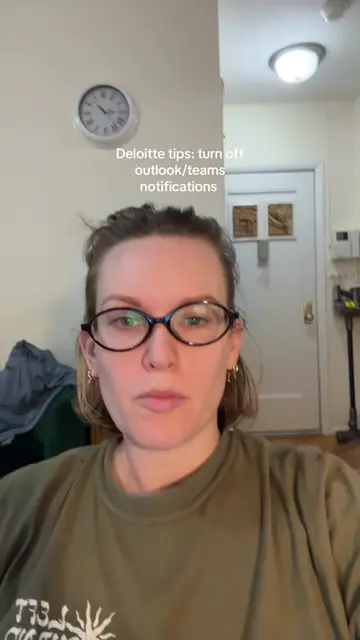
Deloitte tips: hide teams message preview text
Transcript
One of my biggest tips from Deloitte is to hide the message preview from Teams. Like, it should still pop up, but it shouldn't say, like, the text that the person is sending with the message. It should just tell you someone messaged you, because, like, if you're on a client call and then someone's like, oh, this client is so annoying or something like that, it can just lead to a lot of issues potentially, and I think it's just easiest to turn that off so you just nothing ever happens that is a problem in that space. Let me know if this has worked for you, and follow for more like this.
Original caption
Has this happened to you? #deloitte #worktips #careeradvice #microsoftteams #consulting @Microsoft Teams
More from @coworkcourt
More breakout videos from this creator.