Loading video…
Sound

original sound - pixtywrld
PixTyWRLD · Original audio
0:00–:––
- Videos using it
- 28
- Creators
- 27
- Views on those videos
- 4.6M
The video provides high-value, actionable technical advice that solves a specific pain point (prompt fatigue) while positioning the product as essential infrastructure rather than just a chatbot.
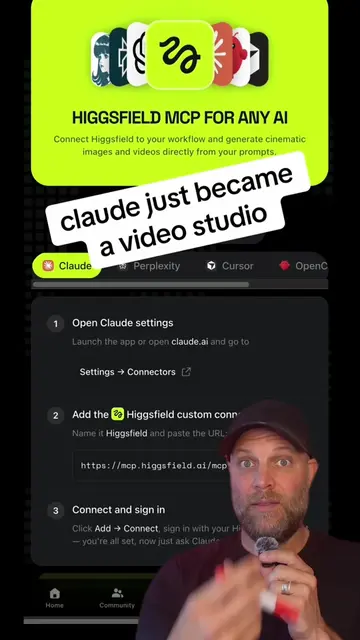
The creator provides a nine-step guide on how to optimize the use of the Claude AI desktop application for automation and productivity. He explains specific features like Cowork mode, plugins, and project management to transform the tool into a professional infrastructure.
Stop rewriting the same prompts. Use Claude's desktop app to automate your recurring work — schedule tasks, connect your tools, and build a system that runs without you. Nine steps that turn Claude from a chatbot into actual infrastructure. #claude #ai #automation #productivity #aitools Keywords: Claude AI, desktop app, automation, productivity tools, AI workflow, business automation, prompt engineering, task scheduling, AI systems, Cowork mode, AI productivity, team collaboration
Here's how to master Claude in one weekend.
Introduction to mastering Claude
Setting up the desktop app and choosing modes
Building prompt templates and scheduling tasks
Adding skills and installing plugins
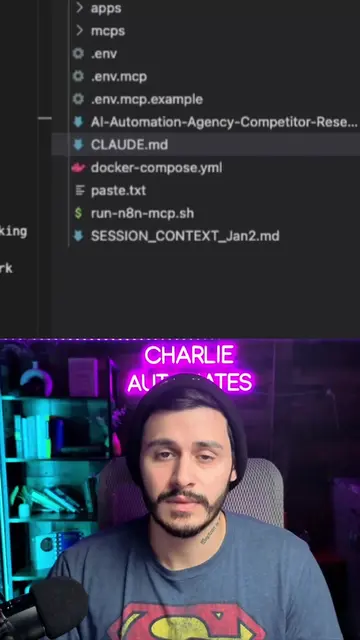
Connecting external tools and creating core files
Scaling with team projects and final CTA
The video is a direct tutorial on how to use the Claude desktop application, specifically highlighting its 'Cowork' mode and integration features.
If you want the full guide to learn Claude in a weekend, just comment Claude and I'll fire it over.
AI assistant for people solving work and creative tasks
Views and creators: posted in the last 30 days (English videos). Videos: all time.
Promotes 5 products. Create free account to see more.
Outliers and viral hits: their videos on Overshot, all time.