Loading video…
Sound

Mysterious Trap Beat
Panda Lee
0:00–:––
- Videos using it
- 17
- Creators
- 8
- Views on those videos
- 2.2M
Hook
Posted May 14, 2026Video · 0:48by @sashandytips
The video provides a quick and actionable tutorial on creating a popular content format (Reels) using a widely accessible tool (Canva), addressing a common creator pain point.
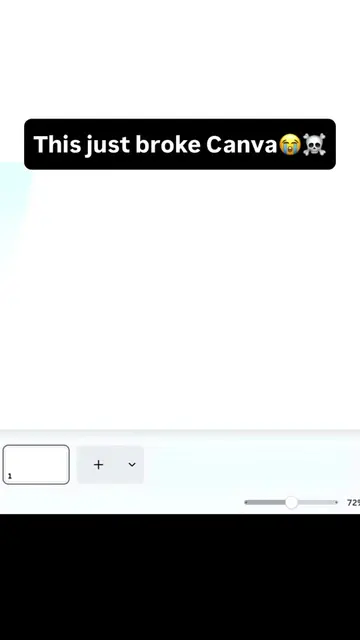
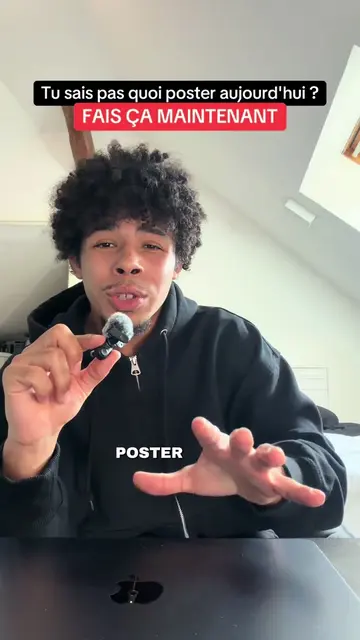
This video demonstrates how to create an Instagram Reel using Canva. It guides viewers through searching for video elements, applying filters, and adding text overlays to create engaging content quickly.
Clique sur le lien dans ma bio si tu veux apprendre à créer du contenu 🤎 J’espère que ce tuto t’a aidé ✨ Ce format s’appelle un Reel B-roll et il marche vraiment bien en ce moment. Tu peux le faire avec une vidéo Canva, mais aussi avec une simple vidéo que tu as déjà dans ta galerie. Pas besoin de quelque chose de compliqué. Le plus important, c’est surtout le texte que tu vas rajouter dessus 👀 Choisis un hook adapté à ta niche, puis pense aussi à mettre une légende en bas pour développer un peu le sujet et donner plus de contexte. Voici 5 accroches que tu peux utiliser : — Arrête de [action] si tu veux vraiment [résultat]. — Tu n’as pas [problème]. Tu as juste besoin de [solution]. — Si tu essayes de [résultat rêvé], voici LA chose que tu dois faire. — Tout le monde te dit de [action]… mais personne ne t’explique vraiment comment faire. — Voilà exactement comment tu vas réussir à [résultat rêvé]. 🤎 Partage à une amie et surtout ABONNE TOI @sashandytips pour plus de tips 🌸 Tuto Canva - Broll
Si tu ne sais pas quoi poster aujourd'hui, crée ce Reel en moins d'1 minute
Introduce the problem: not knowing what to post.
Instruct to use Canva to search for Reel templates.
Show how to find and select video elements using filters.
Explain how to resize and add text to the video.
Advise on using captions and adapting content.
Instruct to download the final Reel.
Canva: ACTS - used to create a Reel. Removing it would change the video. Instagram: APPEARS - the platform on which the Reel is created and posted. Removing it would not change the video.
Clique sur le lien dans ma bio si tu veux apprendre à créer du contenu 🤎
Design app for people creating presentations, worksheets, and other visual content
All time.
Promotes 7 products. Create free account to see more.
Outliers and viral hits: their videos on Overshot, all time.