Loading video…
All breakouts
 Claude Codeseen in 193 videos →https://www.anthropic.com/index/download-claude ↗
8.8Talking HeadHow-To hookAI Tools
Hook
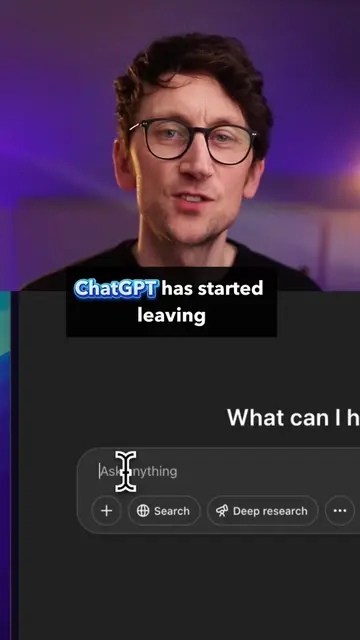
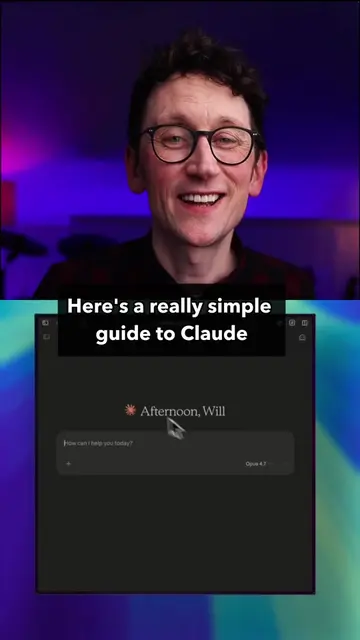
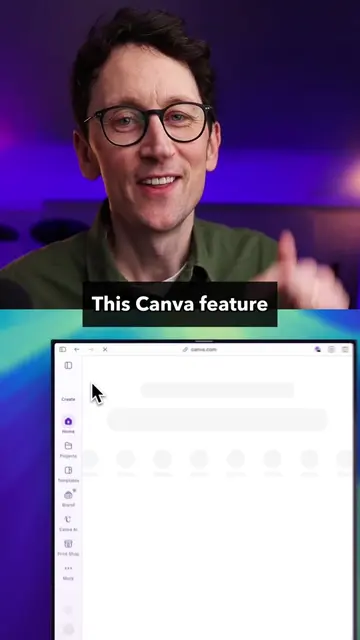
Here's the simplest guide to building an AI agent in Claude
@willfrancis24
231.5K followers · usually 50.5K views a post
Views
416.0K
Likes
23.3K
Comments
144
Shares
4.2K
Selling · SaaS › AI Tool
Why it worked
The video provides a practical, step-by-step guide to enhancing an AI tool (Claude) by using custom files and folder structures, making it more useful and personalized. This 'how-to' format, combined with a clear demonstration and a relatable analogy of working with a colleague, likely resonated with viewers seeking to maximize their AI tool's potential.
Summary
This video provides a guide on how to build a personalized AI agent using Claude. It explains how to set up folders, create 'Claude.md' and 'Memory.md' files to define global rules and store project-specific information, and connect other apps to enhance the AI's functionality. The creator emphasizes that this method turns Claude into a more effective, learning colleague rather than a standard chatbot.
Structure
- 1Introduction to building an AI agent in Claude
- 2Setting up a 'Cowork OS' folder
- 3Creating 'Claude.md' for global rules
- 4Using 'Sonnet' model over 'Opus' for efficiency
- 5
Original caption
Claude Agents - a simple guide to building out your setup that (hopefully) anyone can follow. This turns Claude from a simple AI chatbot to an always-on colleague that can get real work done for you. #claude #AI #aitools #artificialintelligence #technology #LearnOnTikTok #anthropic #aiagents
More from @willfrancis24
Their other posts in the index, biggest breakout first.